Ditch Your Fax Line: Auto-Print Faxes and Save $600/Year
Richard was paying $60/month just to keep a phone line alive.
Not for calls. For faxes.
His home office setup was simple: a POTS (Plain Old Telephone Service) line connected to a fax machine. When a fax came in, it printed. When he needed to send one, he fed the paper and dialed.
The problem? That $60/month adds up to $720/year — for a service he used maybe twice a week.
He found a better way. And now he saves roughly $600/year with zero manual effort.
Here's how.
Table of Contents
- The Hidden Cost of Fax Lines
- The Modern Fax Stack
- Why This Works
- Step-by-Step Setup
- The ROI Breakdown
- Who This Is For
- Common Questions
- TL;DR
The Hidden Cost of Fax Lines
If you still have a landline just for faxing, you're not alone. Millions of small offices, home businesses, and healthcare providers keep POTS lines alive because:
- They need to receive faxes (insurance, legal, medical documents)
- They've "always done it this way"
- They assume online fax services are complicated
But here's the math:
| Setup | Monthly Cost | Annual Cost |
|---|---|---|
| Traditional POTS line | $40-80 | $480-960 |
| Online fax service | $5-15 | $60-180 |
| Savings | $35-65 | $420-780 |
That's not pocket change. That's a weekend trip or a nice piece of equipment.
The Modern Fax Stack
Richard's new setup:
- Fax.plus (online fax service) — receives faxes and delivers them as PDFs to his email inbox
- AutoPrintEmail — monitors that inbox and auto-prints incoming faxes
Total cost: About $10/month for Fax.Plus + a one-time AutoPrintEmail license ($499).
First-year savings: ~$100. Every year after: ~$600.
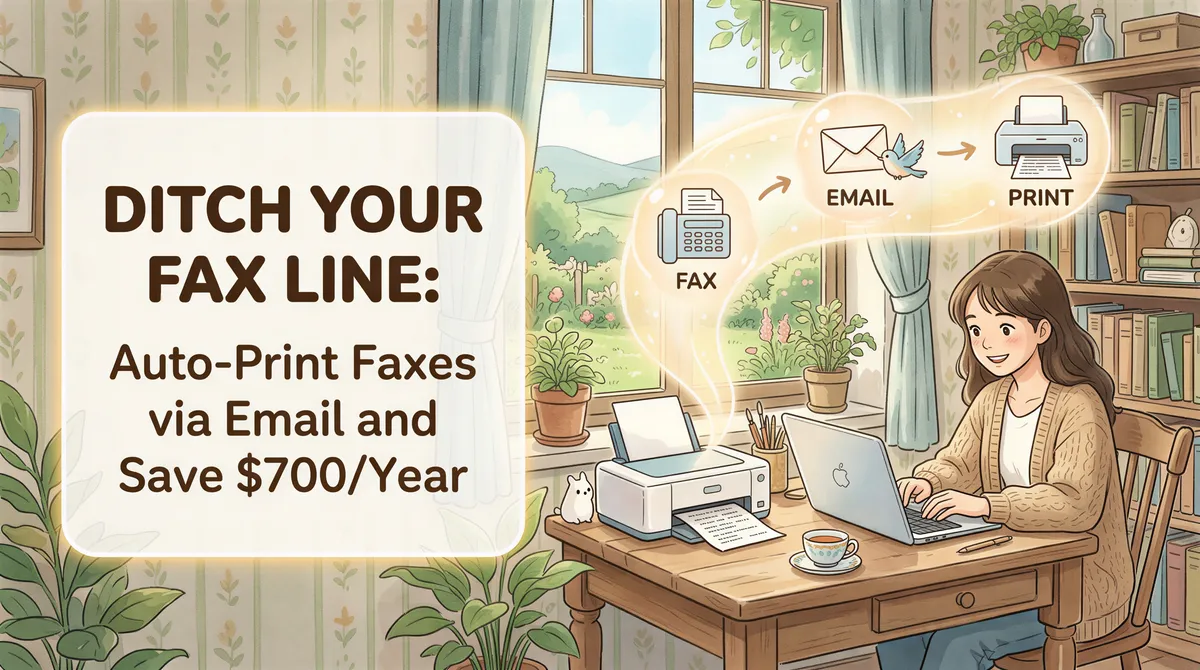
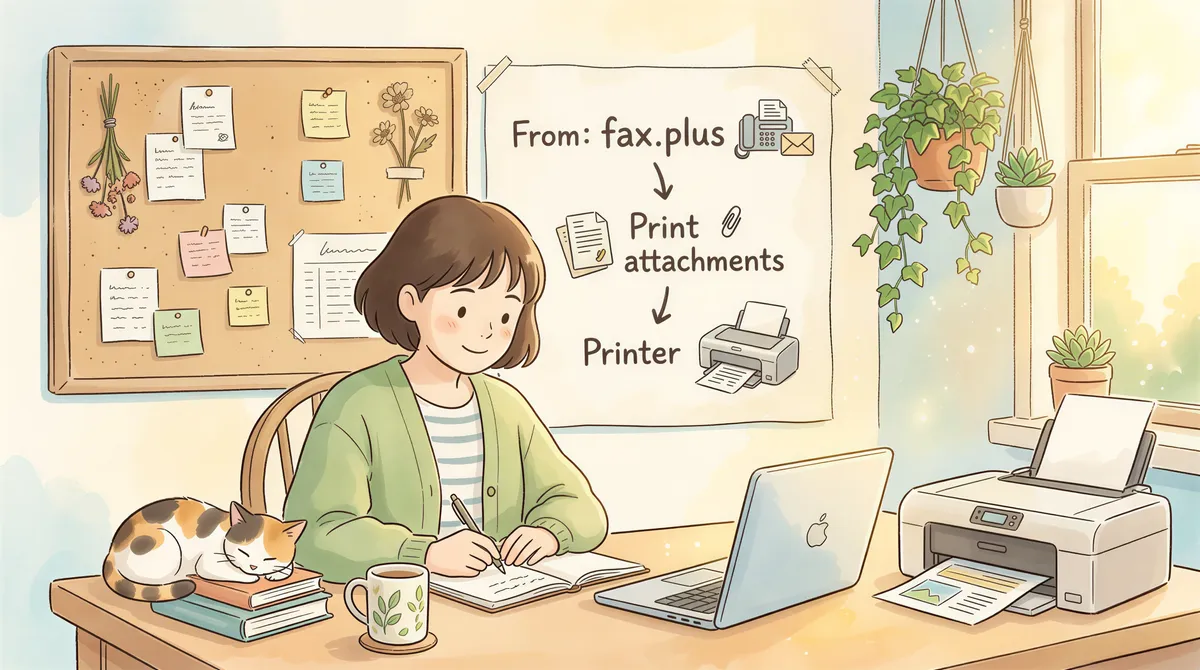
And here's the kicker — the faxes print automatically. He doesn't touch anything. The workflow is:
Same result as the old fax machine. Fraction of the cost. Zero babysitting.

Why This Works
Online fax services like Fax.Plus, eFax, iFax, SRFax and RingCentral all work the same way:
- You get a dedicated fax number
- Incoming faxes arrive as PDF attachments in your email
- Outgoing faxes can be sent from their app or by emailing the document
The missing piece was always: "But I need my faxes printed."
That's where AutoPrintEmail comes in.
You create a simple filter rule:
- From: fax.plus (or whatever service you use)
- Action: Print attachments
Done. Every fax that arrives in your email gets printed automatically — just like the old fax machine, minus the $60/month phone bill.

Step-by-Step Setup
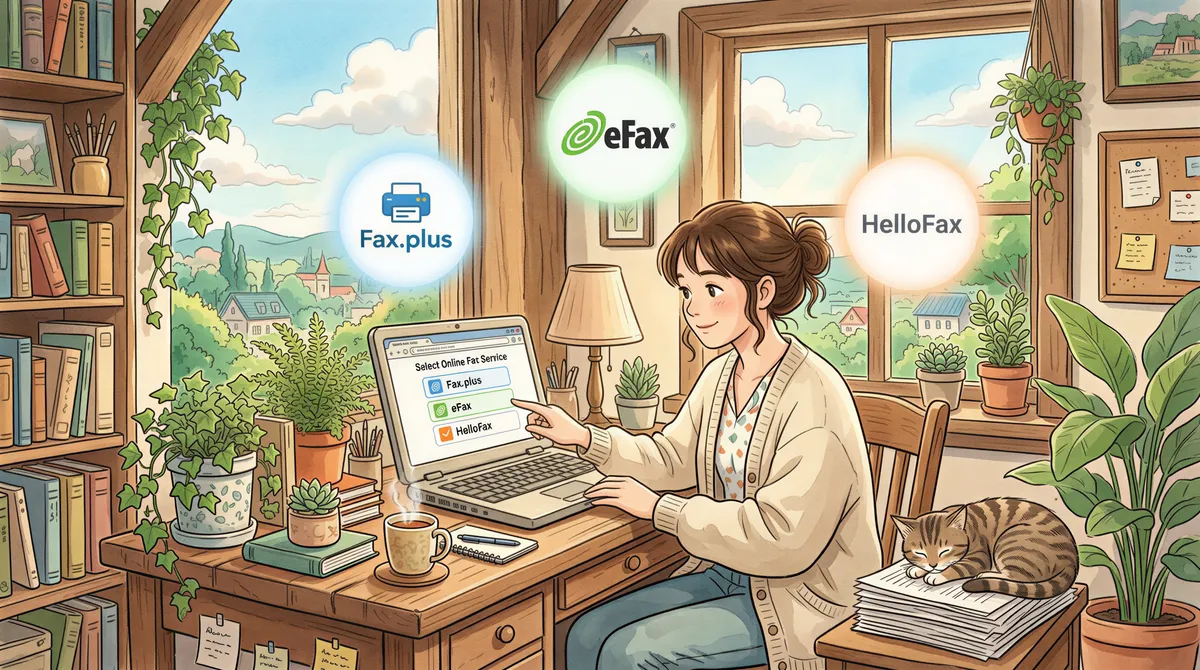
1. Sign Up for an Online Fax Service
Pick one:
| Service | Cheapest plan that receives faxes (Sept 2026) | Notes |
|---|---|---|
| Fax.Plus | Basic, $6.99/mo | The free plan can't receive faxes |
| SRFax | Healthcare Lite, $12.60/mo | Healthcare plans come with a BAA option |
| iFax | Plus, $24.99/mo | Turn on email delivery after signing up |
| eFax | See eFax's pricing page | Pick PDF as the format, not EFX |
You'll get a fax number. Give this number to anyone who currently faxes your old line.
2. Set Up Email Delivery
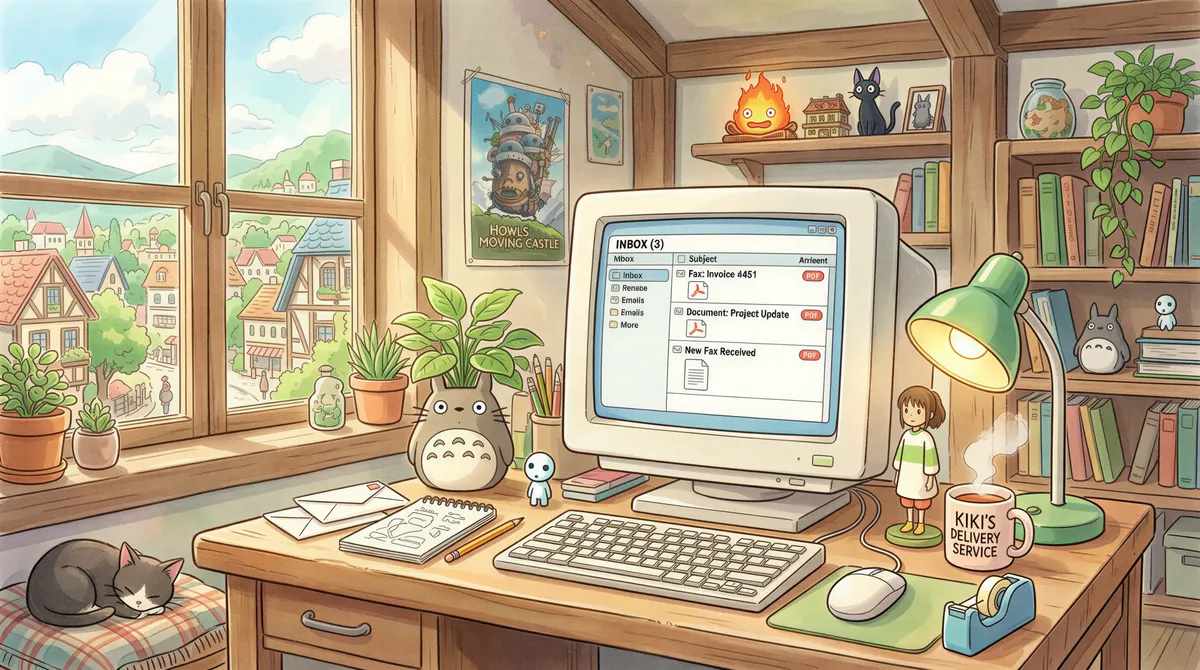
Configure your fax service to deliver incoming faxes to a specific email address, with the fax attached as a PDF. Some services only send a notification unless you switch the attachment on. Here's where that setting lives for each one.
3. Install AutoPrintEmail
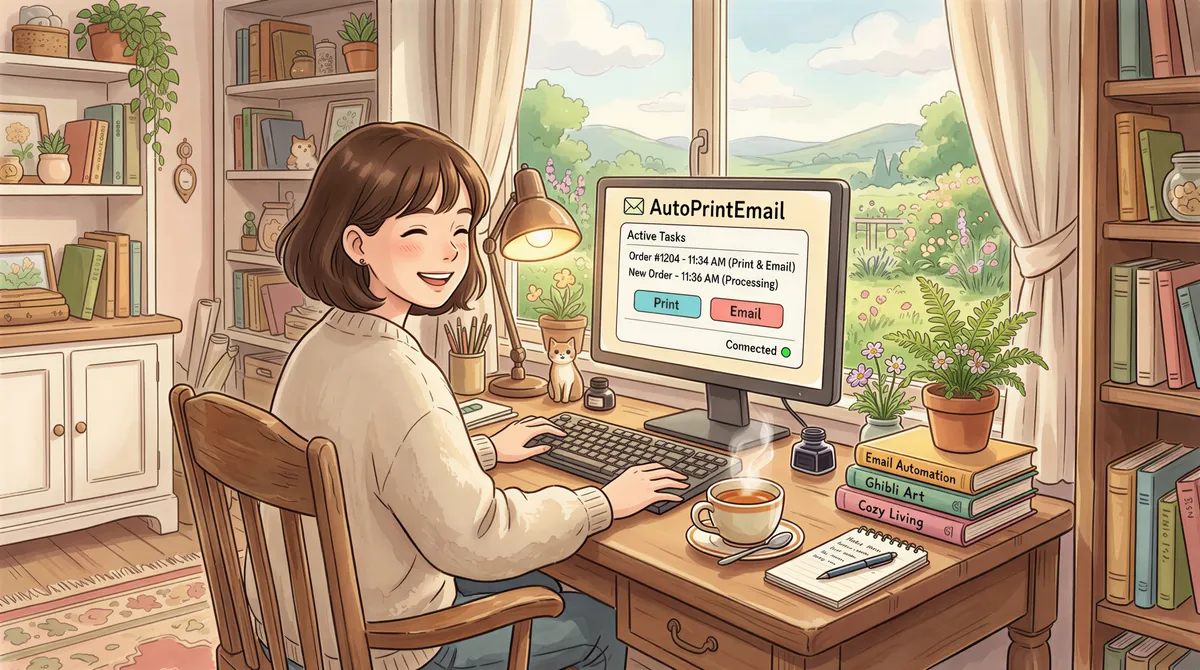
Download from autoprint.email. Install on any PC on your network (doesn't need to be the main workstation — a mini PC tucked next to the printer works great).
4. Connect Your Email
Add the email account that receives your faxes. Works with Gmail, Outlook/Microsoft 365, or any IMAP provider.

5. Create a Print Rule
Set up a rule to catch incoming faxes:
- Sender contains:
fax.plus(or your service's domain) - Print tab: turn off Print message body, keep Print attachments on
- Printer: Your default printer
That's it. The full walkthrough is in our fax printing guide. Test it by sending a fax to your new number from a free online fax service. Watch it print automatically.
The ROI Breakdown
Let's do the real math for Richard's setup:
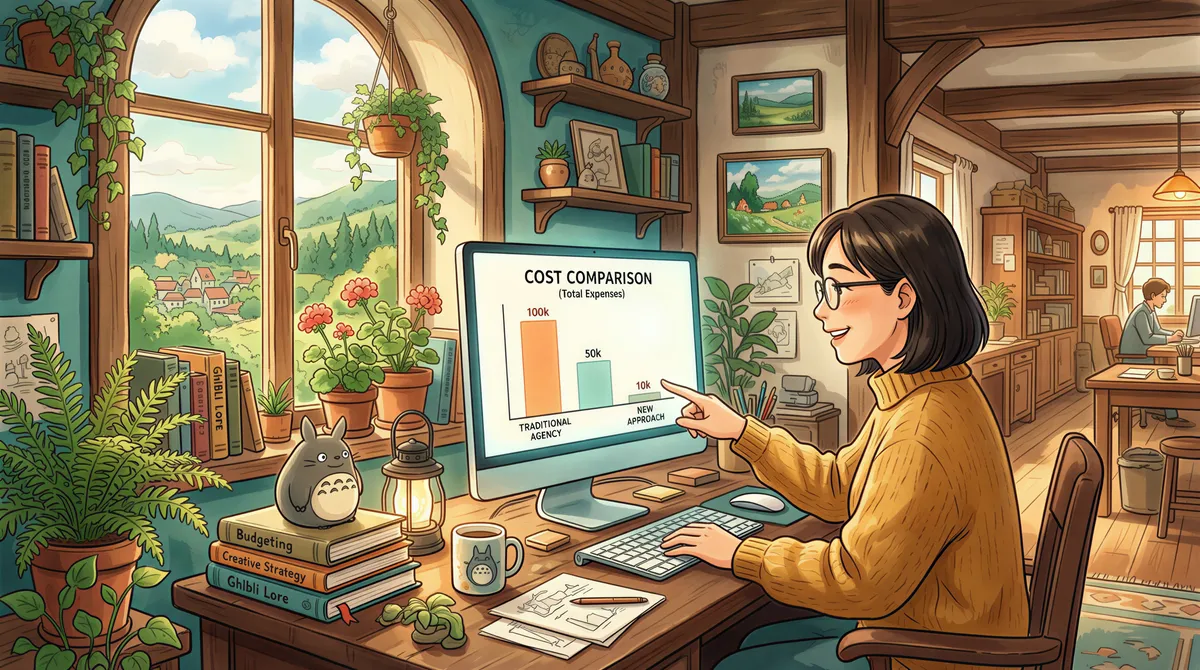
Old Setup (POTS + Fax Machine):
- Phone line: $60/month × 12 = $720/year
- Paper + toner: ~$50/year
- Total: $770/year
New Setup (Fax.plus + AutoPrintEmail):
- Fax.Plus: $10/month × 12 = $120/year
- AutoPrintEmail: $499 one-time (lifetime license)
- Paper + toner: ~$50/year
- Year 1: $669
- Year 2+: $170/year
First Year Savings: ~$100 Ongoing Annual Savings: ~$600
The phone line alone was $720 a year. That's where Richard's ~$700 figure comes from.
And you get bonus features the old fax machine never had:
- Cloud backup — every fax is saved in your email
- Mobile access — check faxes from your phone
- Multiple printers — route different faxes to different printers
- No busy signals — online services queue multiple incoming faxes
Who This Is For
This setup makes sense if you:
- Still maintain a phone line primarily for faxing
- Receive faxes regularly but don't want to manually print them
- Work in healthcare, legal, insurance, or real estate (fax-heavy industries)
- Want to modernize without changing your workflow
It's also great for:
- Home offices eliminating unnecessary monthly bills
- Small medical practices that need printed records for compliance
- Law offices handling document-heavy cases
- Insurance agencies processing claims and applications

Common Questions
"Can I still send faxes?"
Yes. Most online fax services let you send faxes by uploading a document or emailing it to a special address (like 15551234567@fax.plus).
"What if my internet goes down?"
Faxes are queued by the online service. They'll deliver to your email when you're back online. If you had a POTS line and your power went out, your fax machine wouldn't work either.
"Is this HIPAA compliant?"
If you need HIPAA compliance, choose a fax plan that comes with a BAA (SRFax, RingCentral, eFax and Fax.Plus each offer one on some plans). AutoPrintEmail runs locally on your machine — the data never leaves your network. One caveat: Office attachments are converted to PDF on our servers unless you turn the converter off, so in a regulated setting, turn it off.
"What about fax confirmations?"
Online fax services send delivery confirmations via email. You can set up AutoPrintEmail to print those too if you need paper records.
TL;DR
- Replace your $60/month POTS line with a $10/month online fax service
- Use AutoPrintEmail ($499 one-time) to auto-print incoming faxes
- Save ~$100 in year one and ~$600 every year after, with zero manual effort
- Get bonus features: cloud backup, mobile access, no busy signals
Same faxes. Same prints. Way less money.
Try AutoPrintEmail free for 3 days. No credit card required.
Ready to get started?
Start printing your emails today.
Nearly 90,000 emails have printed themselves so far — no one opening an inbox, no one clicking print.