Auto-Print for One User vs 50: What Actually Changes
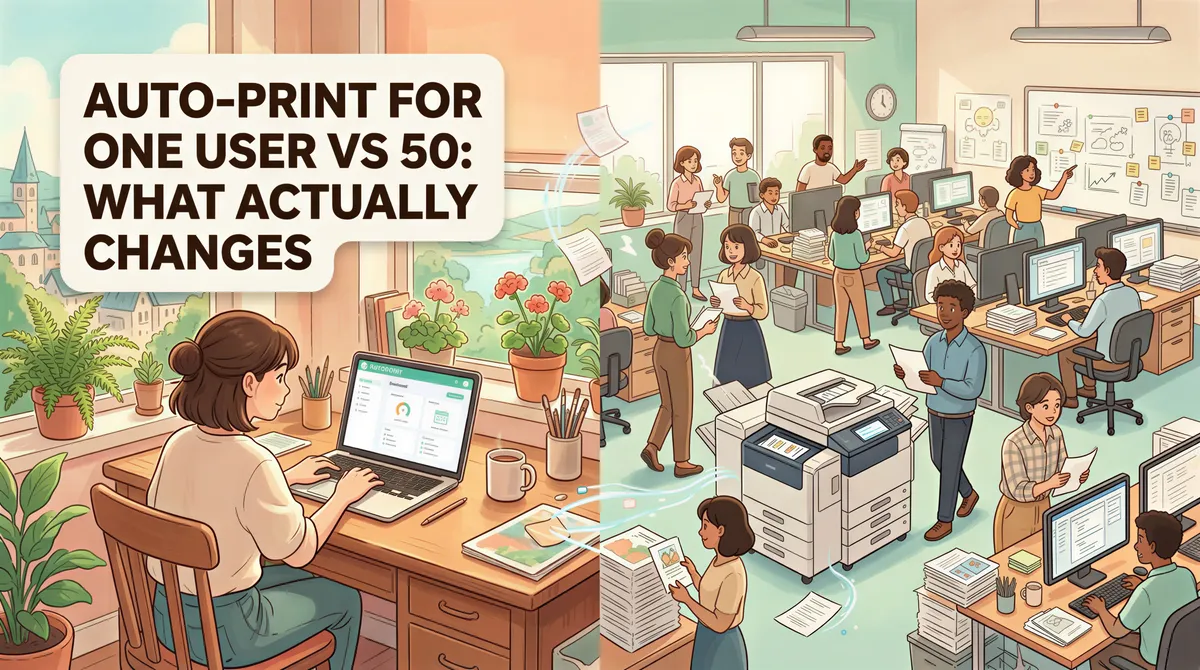
"Can we just buy 50 individual seats and skip the team plan?"
Asked weekly by IT directors at mid-sized firms. The answer is "yes, technically — and you'll spend the same on software but lose hours every month on logistics."
Here's everything that's the same and everything that's different between running auto-print as one solo user vs. running it across a 50-person team.
Table of Contents
- What's the Same
- What's Different
- The Threshold
- What the Team Plan Actually Costs
- What "Centralized" Doesn't Mean
- Refresh the Comparison Table
- When to Stay Solo
- When to Switch
- TL;DR
What's the Same
The actual print mechanics are identical:
- Same desktop app. Solo and team users install the same AutoPrintEmail binary. No "team edition" with different features in the printing path.
- Same email connectors. Gmail/Outlook OAuth2, IMAP for everyone else. Same setup, same reliability.
- Same filter rules and printer support. Per-user filters; works with whatever printers each machine sees.
- Same compliance posture. Email content stays on the user's machine; only structural metadata leaves it.
- Same free trial. 3 days for individuals, 7 days for teams (with 3-seat trial cap).
If you spin up one user on the team plan and one solo user side by side, the printing experience is indistinguishable.
What's Different
Five things change once you cross from one user to many. Each maps to a real ops cost.
1. Billing
Solo (50 individual licenses): 50 separate Stripe receipts, possibly across 50 different employee credit cards if reimbursing. Or one corporate card with 50 individual charges. Reconciliation is a chore.
Team plan: one invoice for the whole org. Lifetime or monthly, your choice. Same total dollars, one accounting line item.
The dollar cost is identical (per-seat pricing matches). The ops cost is meaningfully different. Anyone who's done expense reports for 50 software seats gets this immediately.

2. Visibility
Solo: zero centralized visibility. The CFO has no idea who's actually using the licenses or who hasn't logged in for two weeks. Each user is a black box.
Team plan: admin dashboard. See active users, last seen, license usage, print volume per user, success/failure rates. Spot the rep who's still ctrl-P-ing 80 emails a day and still hasn't installed the app you bought them.
For a 5-person team, the dashboard is useful but optional. For a 50-person team, it's the difference between "we bought 50 licenses" and "we know the licenses are working."

3. License Reassignment
Solo: when an employee leaves, their license is technically theirs. Recovering it means a support ticket: "Hi, this employee left, can we transfer license #X to Y?" Multiplied across normal turnover, this is hours per quarter.
Team plan: workspace admin clicks "revoke" on the leaver, then "invite" on the new hire. License is back in the pool in 5 seconds. Old user's app silently logs out within minutes. New user signs in and is going.
In a 50-person org with normal 15% annual turnover, that's 7-8 license rotations per year. Five seconds vs. half an hour each.

4. Settings Control
Solo: every user has their own preferences. Your bookkeeper's compliance posture and your office manager's are independently configured.
Team plan: admin can set workspace-wide policy that overrides individual settings. Useful when:
- Your CPA firm requires email-metadata-stripping for audit-trail purposes — admin turns sync off, applies to all 50 users.
- Your HIPAA-adjacent practice requires the Office → PDF conversion opt-out — admin disables it; Office attachments are skipped at print time across the team.
- A new compliance requirement lands; admin updates one toggle instead of asking 50 people to update their own settings.
For solo users in regulated industries, this is the bigger reason to upgrade than the billing convenience.

5. Onboarding Friction
Solo: each new hire goes to your website, signs up, expenses the license, sets up their own account. Friction is per-user.
Team plan: admin sends a magic-link invite. New hire clicks, installs the app, signs in. Seat is automatically attached to the workspace. No expense report.
Multiplied across new hires, contractors, seasonal staff — adds up.

The Threshold
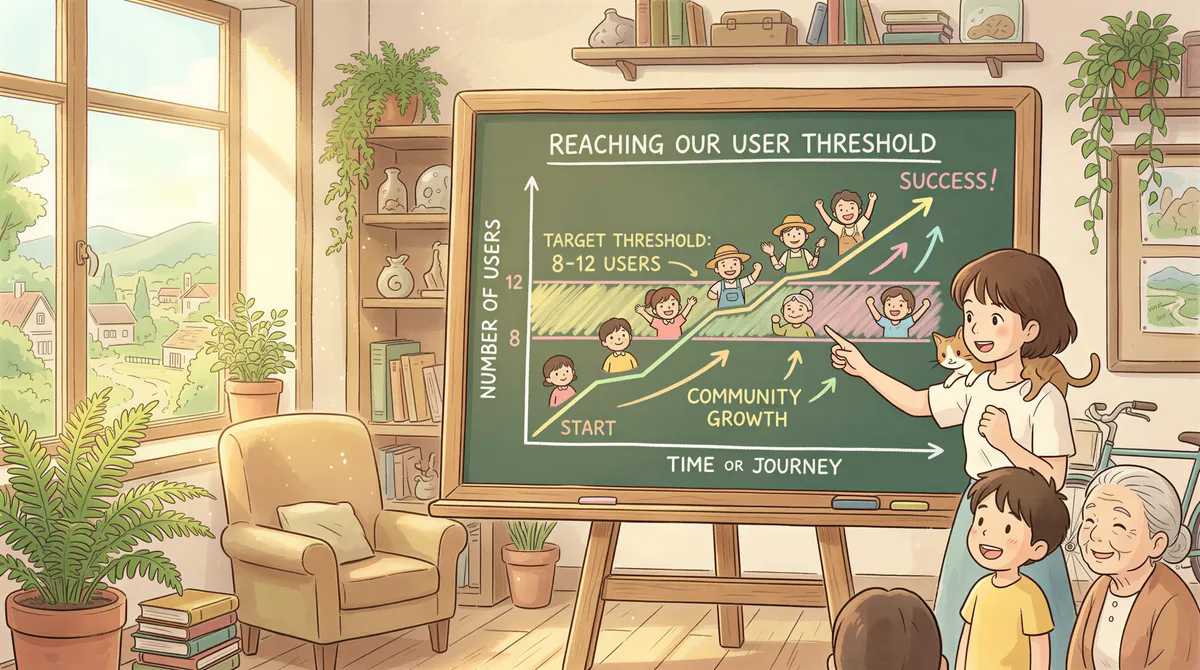
Math gets tricky around 8-12 users. Below that, individual licenses are fine for most teams. Above that, the team plan starts paying back in pure ops time.
By 30 users, the team plan is unambiguously cheaper when you count human hours, not just license fees. By 50, it's not close.
A rough rule of thumb:
- 1-3 users: individual licenses. Don't bother with team.
- 5-10 users: team plan if you have any of the regulated-industry needs (centralized policy control). Individual otherwise.
- 10+ users: team plan, end of discussion.
What the Team Plan Actually Costs
Same per-seat pricing as individual licenses (no team-specific markup). Volume discounts kick in for orgs above 30 seats.
For a 50-seat lifetime deployment: the discounted rate often lands at roughly 50-60% of the public per-seat lifetime price. Email support@autoprint.email with a seat count and you'll get a quote within a day.

What "Centralized" Doesn't Mean
Setting expectations for IT directors evaluating:
- Not SSO yet. Magic-link invites are the auth path; SAML/OIDC is on the roadmap. For most teams under 200 people, this is genuinely fine.
- Not centralized printer config. Each user's app prints to printers their own machine knows about. There's no "set the office printer for the whole workspace" button — that'd require a print server, which is a different category of tool.
- Not centralized inbox. Each user connects their own email account. The team plan doesn't give you a "one shared inbox" view.
What it does give you is centralized billing, policy, license management, and visibility. Not centralized printing or auth (yet).

Refresh the Comparison Table
| Feature | Solo (5 individual seats) | Team plan (5 seats) |
|---|---|---|
| Per-seat license cost | Same | Same |
| Billing | 5 receipts | 1 invoice |
| Admin dashboard | None | Yes |
| Print analytics per user | None | Yes |
| License reassignment (when staff change) | Support ticket | Self-serve, 5 seconds |
| Centralized policy (sync, Office conversion) | Per user | Workspace-wide |
| Volume discount | No | Yes (30+ seats) |
| Setup time per new hire | 10 min self-serve | 90 sec admin invite |
When to Stay Solo
- Single user.
- Small team where everyone is technical, manages their own setup, and shares a credit card.
- Very small accounting/bookkeeping practices with 1-3 people total.
The team plan is overkill at that size. Save the money.
When to Switch
- 10+ users.
- Any regulated industry (healthcare, legal, accounting) where centralized policy matters.
- Any company that's done at least one license-recovery support ticket and decided that's not how they want to spend their time.
- Any IT director who's been asked "are people actually using this?" and didn't have an answer.
Start a 7-day free team trial. Up to 10 seats during the trial. No credit card.
TL;DR
Solo and team are the same product underneath. The team plan adds:
- One invoice instead of N
- Admin dashboard with print analytics
- Self-serve license reassignment
- Centralized policy control
- Volume discounts (30+ seats)
Same per-seat cost. Pays back in ops time at ~10 users, unambiguously cheaper at ~30+.
If you're in that band, start the trial. If you're at 1-3 users, the individual lifetime plan is what you want.
Ready to get started?
Start printing your emails today.
Nearly 90,000 emails have printed themselves so far — no one opening an inbox, no one clicking print.