Auto-Print Zoho Mail Emails: Setup with Zoho's IMAP
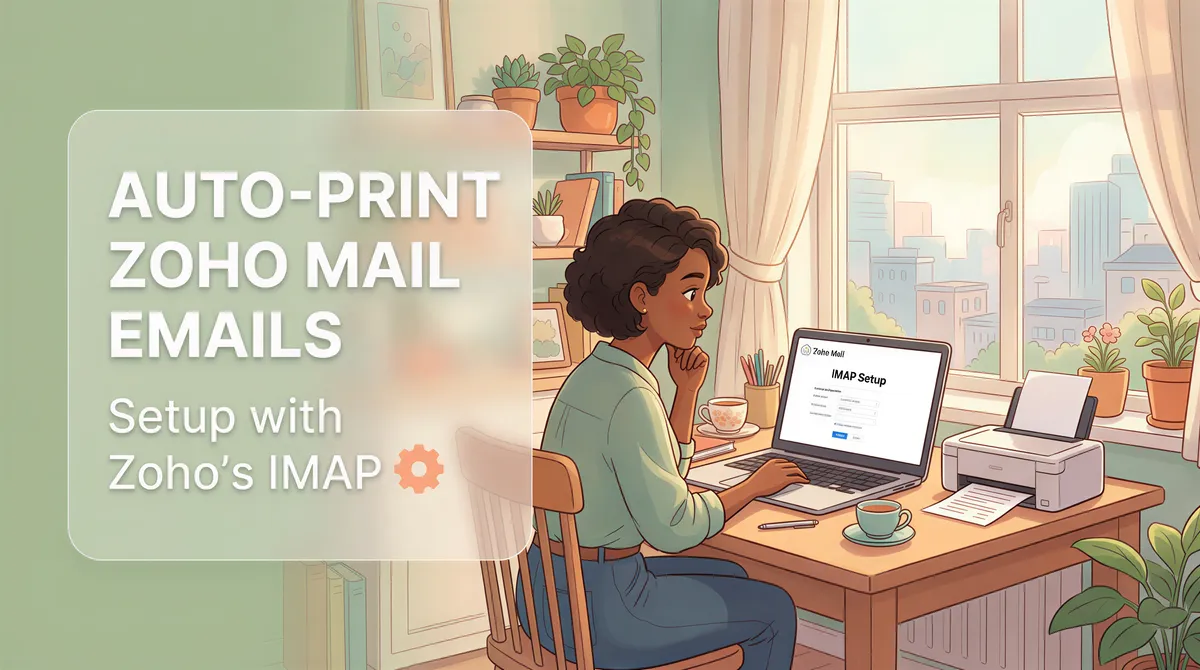
Zoho Mail is one of the cheapest serious business email providers — Workplace plans start at $1/user/month and bundle a full productivity suite. Lots of small businesses end up there. None of them have built-in auto-print.
Here's the IMAP-based setup that wires Zoho Mail to a desktop auto-print app in five minutes.
Table of Contents
- Generate a Zoho App Password
- Install AutoPrintEmail
- Connect Zoho Mail via IMAP
- Filter Rule + Printer
- Test
- Why Zoho Works Cleanly for Auto-Print
- Common Workflows on Zoho
- Multiple Zoho Accounts
- App Password Rotation
- Pricing
- Migrating Between Zoho and Other Providers
- TL;DR
Generate a Zoho App Password
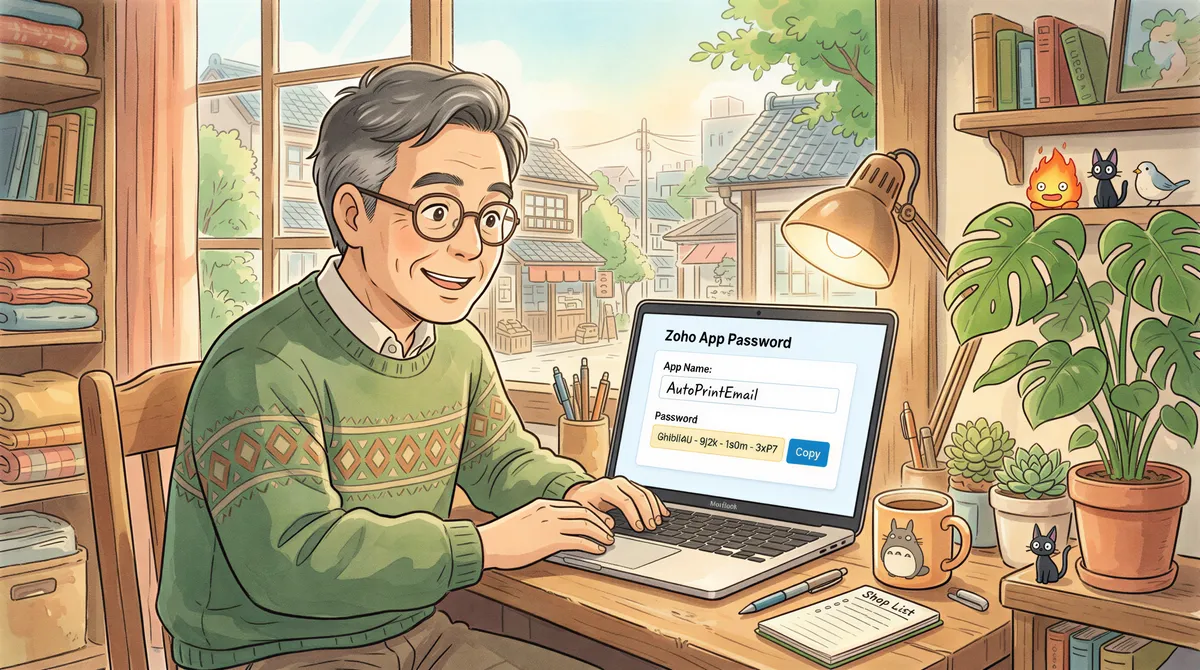
Like Gmail, Yahoo, and iCloud, Zoho requires app-specific passwords for IMAP clients.
- Sign into zoho.com.
- Go to your Account → Security → App Passwords.
- Click Generate New Password.
- Label it
AutoPrintEmail. - Copy the password Zoho shows.
If you don't see App Passwords, two-factor auth isn't enabled on your Zoho account. Turn it on under Account → Security → Multi-Factor Authentication, then come back.
Install AutoPrintEmail
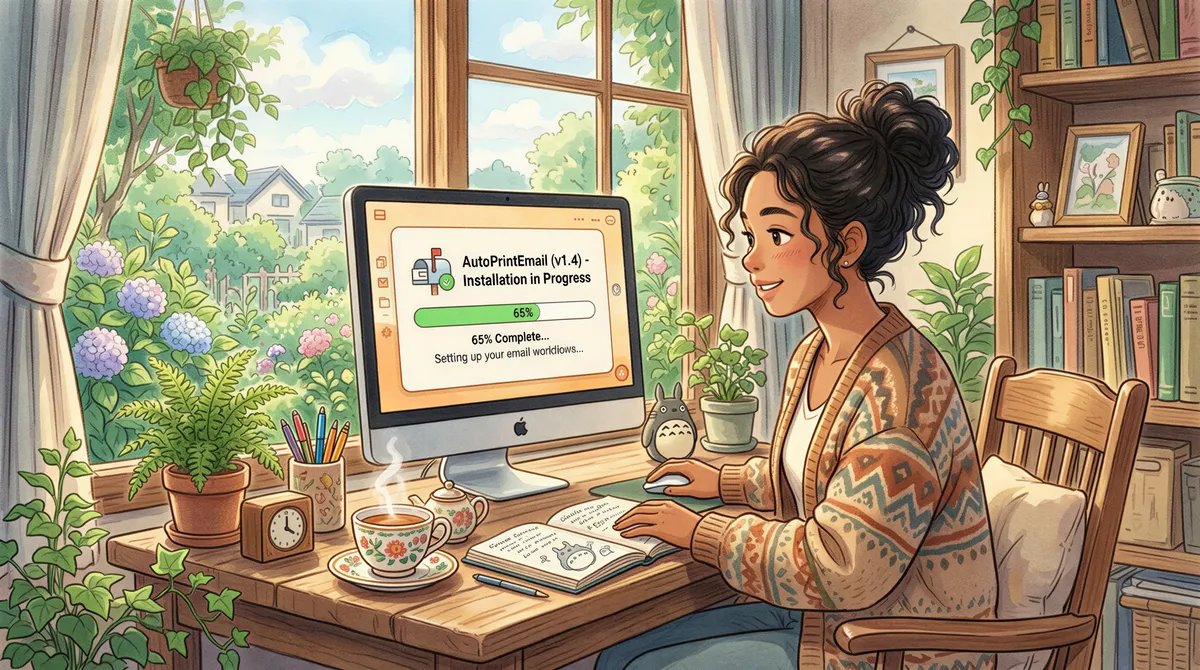
Download for your OS. Sign in. Free 3-day trial.
Connect Zoho Mail via IMAP
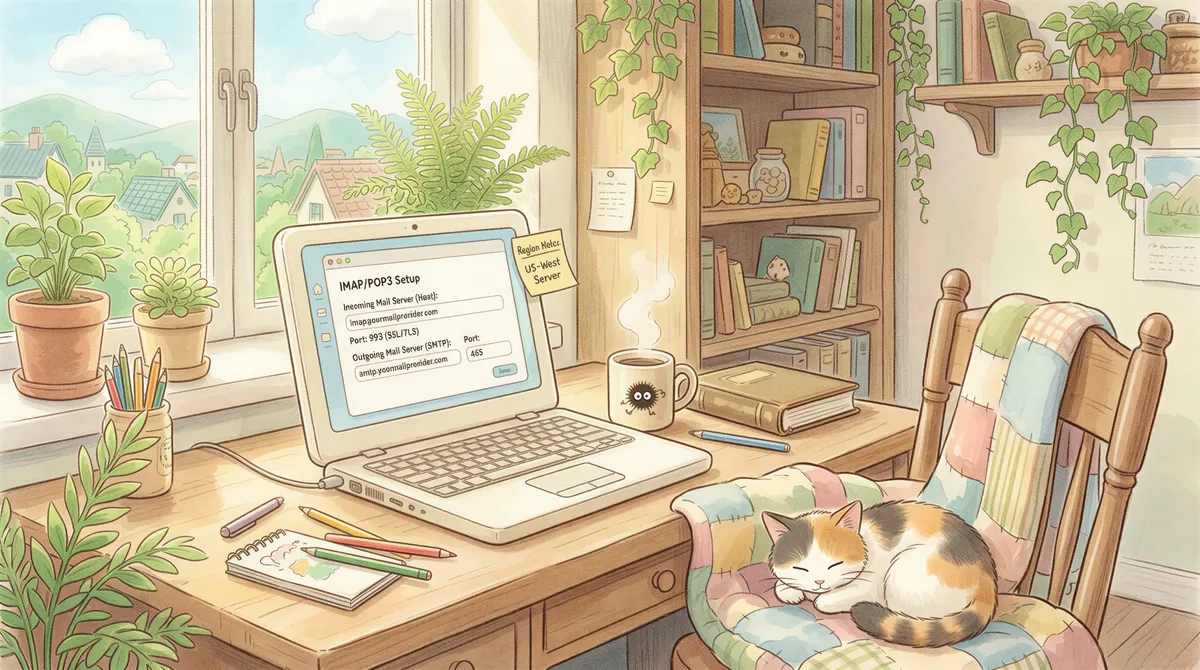
In AutoPrintEmail: Add Account → IMAP / POP3.
Zoho's IMAP settings depend on your data center. Most US users:
- Host:
imap.zoho.com - Port:
993 - Encryption: SSL/TLS
- Username: your full Zoho email (
you@yourdomain.comfor Workplace,you@zohomail.comfor personal). - Password: the app password from above.
For EU data center accounts, the host is imap.zoho.eu. India is imap.zoho.in. Australia is imap.zoho.com.au. Check Zoho → Settings → Mail Settings to confirm your region.
Click Connect. Folders show up. Pick Inbox to monitor everything, or a specific Zoho folder if you've set up server-side rules.
Filter Rule + Printer
Standard patterns:
For accounting tool invoices:
- From contains:
quickbooks,xero,freshbooks,zohoinvoice(Zoho's own invoicing tool integrates well, naturally), etc. - Has attachment: yes
- Action: Print attachment
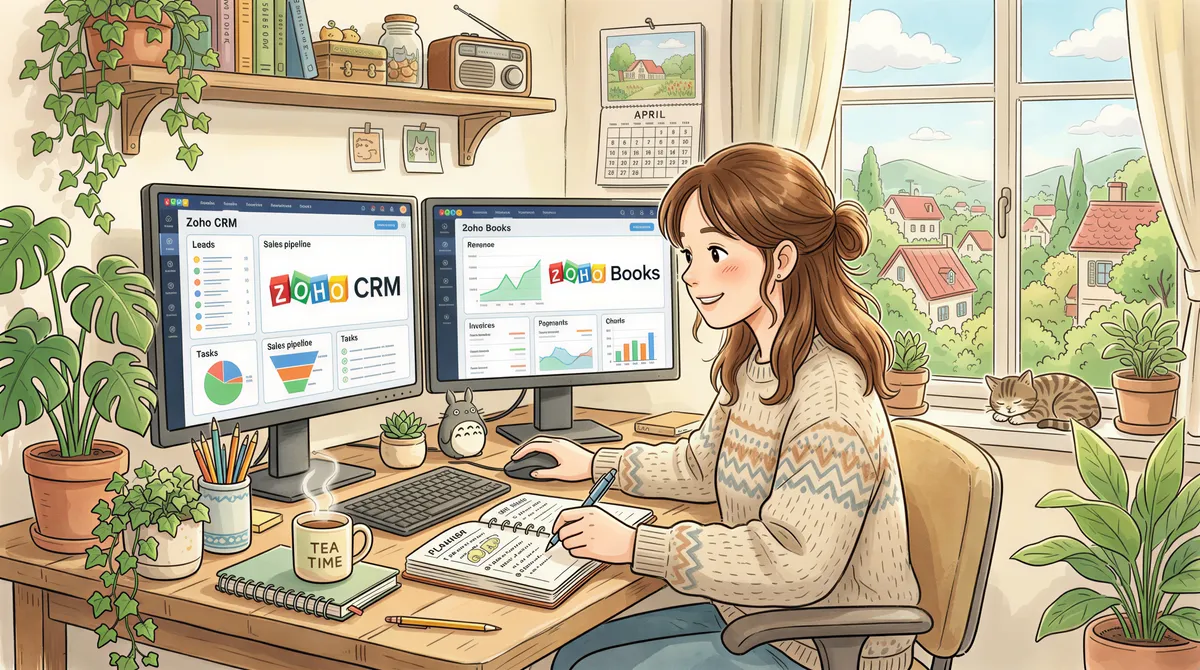
For Zoho Books invoices specifically (very common given Zoho's customers often use the whole suite):
- From contains:
zohobooksornotifications.zoho.com - Subject contains:
Invoice - Has attachment: yes
- Action: Print attachment
For Zoho CRM-driven workflows where signed contracts arrive via DocuSign / SignEasy / etc:
- From contains:
docusign.netorsigneasy.com - Action: Print attachment
Pick the printer your machine should send output to. AutoPrintEmail respects whatever printers your OS has installed.

Test
Send yourself a test invoice from Zoho Books (or any tool that emails to your Zoho address). Within a minute, the printer should run.
Logs are in the AutoPrintEmail dashboard — every email seen, what filter matched, what printed, what failed.

Why Zoho Works Cleanly for Auto-Print
A few things to like:
- Reliable IMAP. No throttling shenanigans, no random app password revocations.
- Server-side rules and folders. Zoho's rule engine is solid; pre-sort mail server-side and have AutoPrintEmail watch a narrow folder.
- Custom domain support. Zoho Workplace works with any custom domain; the IMAP setup is the same regardless of the address.
- Zoho Mail aliases. Generate
printables@yourdomain.com, give it to your billing tool, watch only that alias's inbox. Cuts noise.

Common Workflows on Zoho
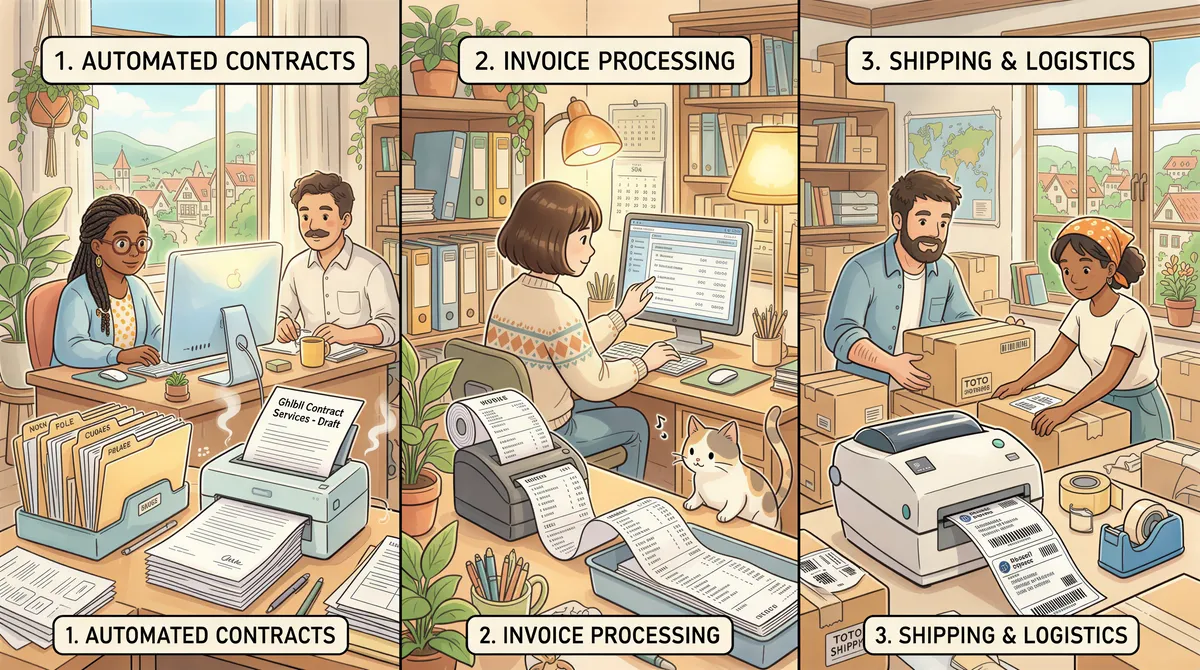
- Indie consultants on Zoho Workplace auto-printing client contracts and invoices.
- Small accounting firms on Zoho Books + Zoho Mail auto-printing AP invoices to the bookkeeper's printer.
- E-commerce shops on Zoho-hosted custom domains auto-printing shipping labels and packing slips at the warehouse.
Multiple Zoho Accounts
Add each as a separate AutoPrintEmail account. Per-account filter rules, per-account printer routing.
For accounting firms running multiple clients' Zoho Books accounts, point AutoPrintEmail at the master billing inbox where all the per-client notifications route. Filter by sender domain to catch them all; filter by subject content to route different clients to different printers.
App Password Rotation
Same drill as Yahoo/iCloud:
- Zoho → Security → App Passwords → revoke the old one.
- Generate new.
- Update AutoPrintEmail account settings.
Takes 30 seconds.

Pricing
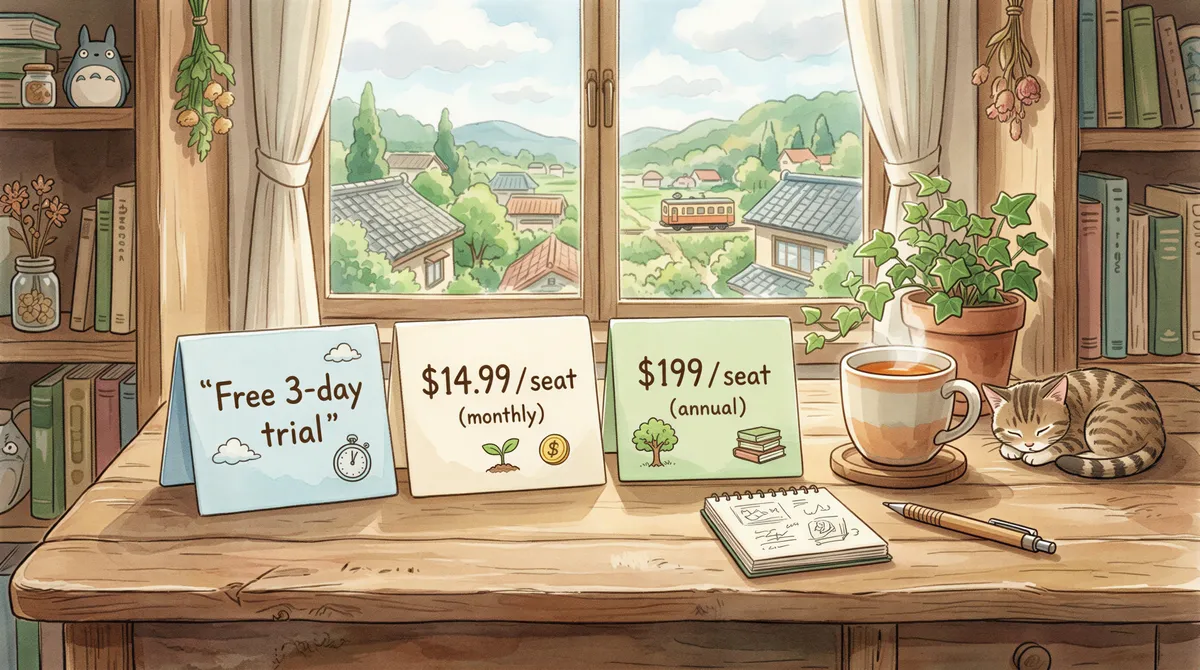
- Free 3-day trial. Full features. No credit card.
- Monthly: $29/month.
- Lifetime: $499 one-time.
- Team plan: for orgs with multiple Zoho users — centralized billing, admin dashboard with print analytics. 7-day team trial.
For solo Zoho Mail users on a single account, lifetime pays for itself in ~4 months of typical print volumes.
Migrating Between Zoho and Other Providers
A lot of teams flow into and out of Zoho — the price is good, the features are decent, but some end up wanting Gmail's better search or Outlook's calendar integration. AutoPrintEmail keeps your filter rules and printer setup; switching email providers is just disconnecting the old account and connecting the new one.
If you're going to Gmail: Gmail auto-print uses OAuth2 (no app passwords).
If you're going to Outlook: Outlook auto-print, also OAuth2.
If you're going to FastMail: FastMail auto-print, still IMAP.
TL;DR
- Zoho → Account → Security → App Passwords → New (label it AutoPrintEmail).
- Install AutoPrintEmail.
- Add Account → IMAP, host
imap.zoho.com(or your region's host), port 993, your Zoho email + app password. - Filter + printer.
- Test.
Zoho's actually one of the smoothest providers to set up — fewer footguns than Gmail (which has its own OAuth quirks) and faster than iCloud (which can lag 2-3 minutes behind delivery).
Ready to get started?
Start printing your emails today.
Nearly 90,000 emails have printed themselves so far — no one opening an inbox, no one clicking print.