Auto-Print Hotmail Emails (Now Outlook.com): The 2026 Setup
A lot of small businesses still run on Hotmail addresses (@hotmail.com, @live.com, @msn.com) — Microsoft never forced anyone off, and the addresses still work. But Hotmail merged into Outlook.com infrastructure years ago, which means modern setup looks more like Outlook than the old "Hotmail IMAP" guides Google still surfaces.
Here's the 2026 setup for auto-printing emails from any Hotmail-era Microsoft account.
Table of Contents
- Hotmail Is Outlook.com Now
- Step 1: Install AutoPrintEmail
- Step 2: Connect Your Hotmail Account via OAuth
- Step 3: Pick Folders to Monitor
- Step 4: Filter Rule + Printer
- Step 5: Test
- Why OAuth2 Is Better Than IMAP for Hotmail
- Hotmail-Specific Quirks
- Common Workflows on Hotmail
- What If You Want to Migrate Off Hotmail Later?
- Pricing
- TL;DR
Hotmail Is Outlook.com Now
If your address ends in @hotmail.com, @live.com, @msn.com, or @outlook.com, you're on Microsoft's consumer mail (Outlook.com). It uses the same OAuth2 sign-in as Microsoft 365 work accounts. No more app passwords; no more IMAP credentials; you sign in with Microsoft instead.
Old Hotmail IMAP setups still work, but OAuth2 is more reliable and more future-proof. Microsoft has been retiring legacy IMAP-with-password access in stages.

Step 1: Install AutoPrintEmail
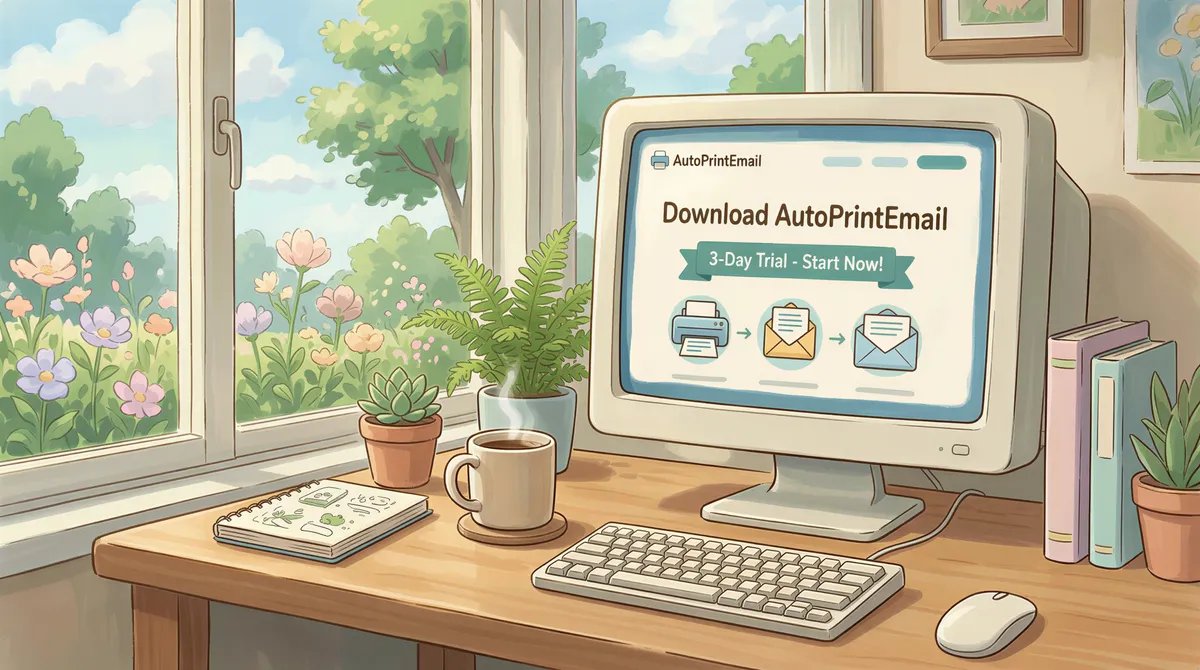
Download for your OS. Free 3-day trial.
Sign in with any work email — doesn't have to be your Hotmail address.
Step 2: Connect Your Hotmail Account via OAuth
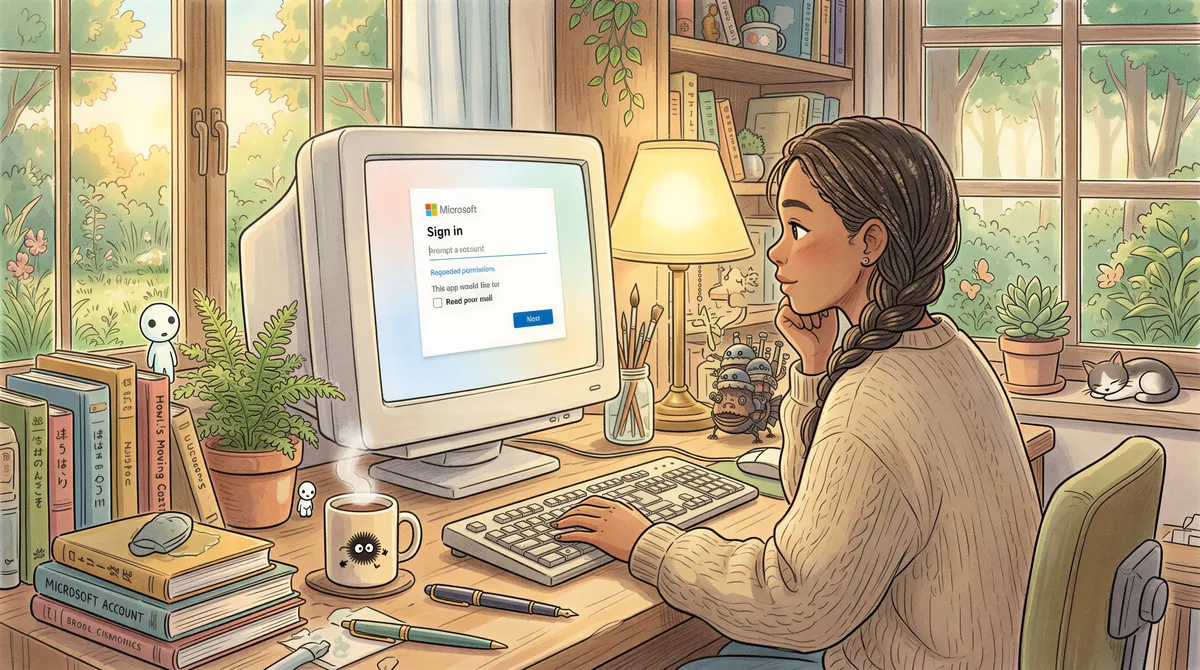
In AutoPrintEmail: Add Account → Outlook / Microsoft 365.
A Microsoft sign-in window opens. Sign in with your Hotmail address (you@hotmail.com or @live.com or @msn.com or @outlook.com). Approve the OAuth permissions Microsoft asks for (read mail, list folders).
That's it. AutoPrintEmail receives a token from Microsoft, lists your Hotmail folders, and you're connected.
Step 3: Pick Folders to Monitor
For most setups, Inbox is fine. If your Hotmail has folder rules (the old "Hotmail Sweep" rules or modern Outlook.com rules) routing important mail elsewhere, monitor those folders specifically — fewer false positives.

Step 4: Filter Rule + Printer
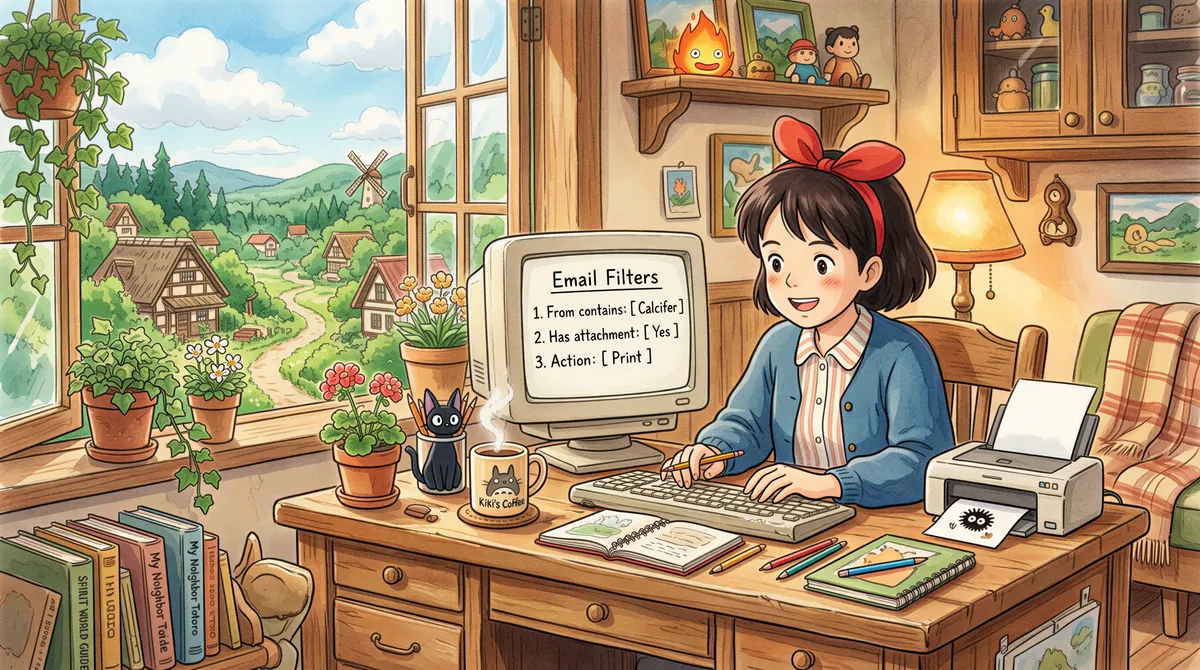
Common patterns for Hotmail-era addresses:
For invoices to a personal-but-business Hotmail:
- From contains:
quickbooks/paypal/stripe/ etc. - Has attachment: yes
- Action: Print attachment
For order confirmations from a small Etsy or eBay shop run on a Hotmail address:
- From contains:
etsy.com/ebay.com - Has attachment: yes
- Action: Print attachment
For everything from a specific contact (e.g., your accountant always emails important stuff):
- From equals:
accountant@cpafirm.com - Action: Print attachment + print body
Pick the printer your machine should send output to. AutoPrintEmail respects whatever printers your OS already has installed.
Step 5: Test
Send yourself a test email matching your filter, with an attachment. Within a minute, the printer should run.
If it doesn't, the dashboard log shows every email the app saw and what it did. Look there first.

Why OAuth2 Is Better Than IMAP for Hotmail
If you're upgrading from an old setup that used IMAP-with-password, OAuth2 is meaningfully better:
- No password stored on your machine. OAuth2 uses revocable tokens. If your machine gets stolen, you can revoke the token from Microsoft Account → Security → Apps with access.
- Survives password changes. Change your Hotmail password and OAuth2 keeps working. With IMAP-with-password, you'd have to re-enter the password.
- Reliable. No throttling games, no random connection drops. Microsoft's OAuth2 endpoints are more reliable than their legacy IMAP.
- Microsoft's preference. Microsoft has been deprecating IMAP-with-password access in stages. OAuth2 is forward-compatible.
Hotmail-Specific Quirks
Address aliases
Lots of Hotmail accounts have aliases (e.g., a @hotmail.com account that also has a @outlook.com alias). All addresses on the same Microsoft account share the same inbox; one OAuth2 connection covers all of them.
Two-step verification
If you have 2FA on (you should), OAuth2 handles it gracefully — Microsoft prompts for the second factor during sign-in, then returns a long-lived token. No friction during normal operation.
Microsoft account vs work account
Hotmail-era addresses are "Microsoft accounts" (consumer). Work email on @yourcompany.com hosted by Microsoft 365 is a "work or school account." Both flow through the same OAuth2 sign-in flow; AutoPrintEmail handles either. If you have both, add them as separate AutoPrintEmail accounts.
Migration to Outlook.com
If you've been using Hotmail forever and are wondering whether you should "migrate" — you don't need to. The address works fine; the underlying infrastructure already uses Outlook.com. The auto-print setup will keep working through any rebranding Microsoft might do later.
Common Workflows on Hotmail
- Solo professionals using Hotmail addresses for years auto-printing client documents, invoices, and contracts.
- Small e-commerce sellers on
@hotmail.comauto-printing order confirmations from their selling platforms. - Older businesses migrating from on-prem Exchange to Outlook.com keeping the same auto-print workflow with the new account.
What If You Want to Migrate Off Hotmail Later?
Many do — to Gmail, Microsoft 365 work, or a custom domain on Google Workspace. AutoPrintEmail keeps the same filter rules and printer setup; you just connect the new account.
If you're moving to a custom-domain Microsoft 365: Outlook auto-print — same OAuth2 flow.
If you're moving to Gmail: Gmail auto-print — also OAuth2.
Pricing
- Free 3-day trial. Full features. No credit card.
- Monthly: $29/month.
- Lifetime: $499 one-time.
- Team plan: for orgs with multiple Microsoft accounts — centralized billing, admin dashboard with print analytics.
TL;DR
- Install AutoPrintEmail.
- Add Account → Outlook / Microsoft 365 → sign in with your Hotmail/Live/MSN/Outlook.com address.
- Approve OAuth permissions.
- Filter + printer.
- Test.
Two minutes faster than the IMAP setup most old Hotmail guides describe. Same outcome.
Ready to get started?
Start printing your emails today.
Nearly 90,000 emails have printed themselves so far — no one opening an inbox, no one clicking print.