Pharmacy Email Printing Software: Auto-Print Prescriptions
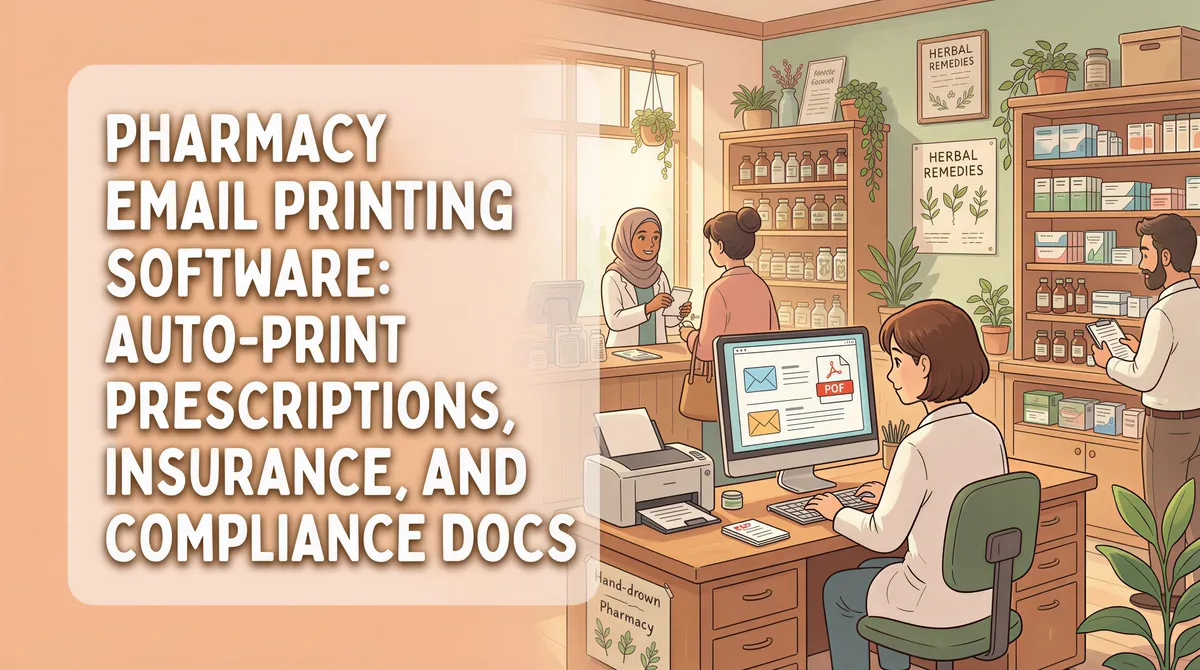
Independent pharmacies (and the buying co-ops they belong to) get email from a stunning number of directions: wholesale ordering platforms (AmerisourceBergen, Cardinal, McKesson), insurance and PBM systems (Express Scripts, OptumRx), regulators (state boards, DEA), prescribers, and the occasional patient.
Most of it has to live on paper somewhere. Here's the email-to-print setup that handles the volume without violating compliance.
Table of Contents
- Why Pharmacies Print So Much Email
- The Compliance Constraint
- The Setup
- What to Auto-Print
- The ROI Math
- The Workflow Reality at the Counter
- Multi-Location Pharmacies
- Setup
- Pricing
- TL;DR
Why Pharmacies Print So Much Email
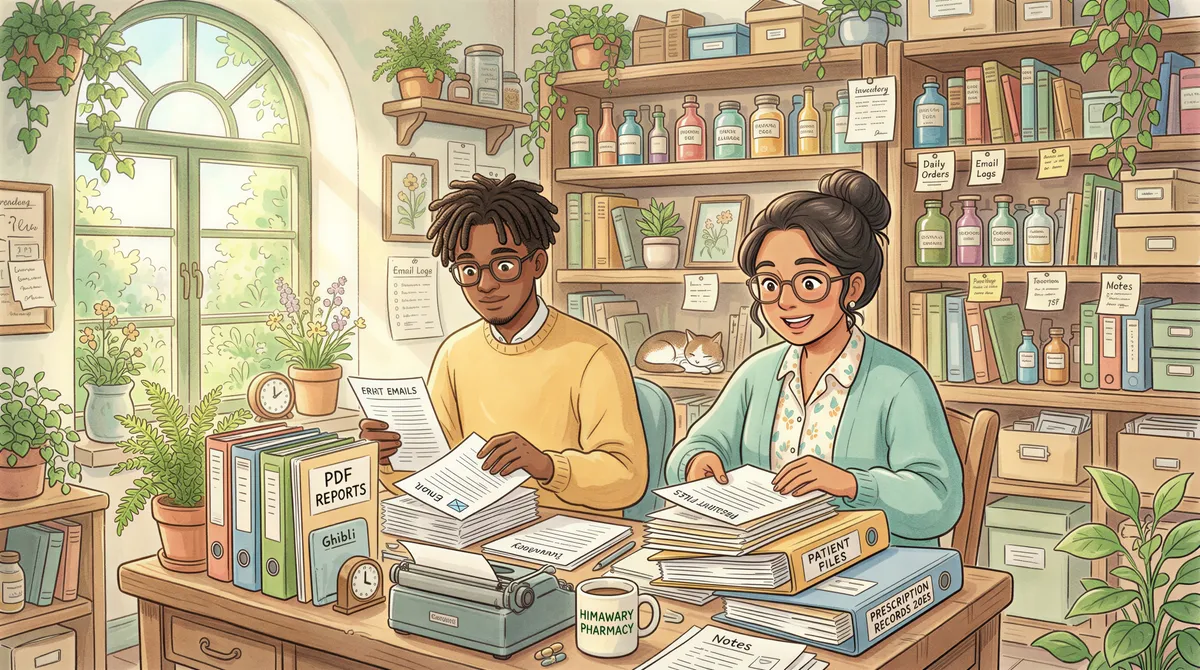
Forget paperless pharmacy. State boards still require physical record-keeping for prescription orders, controlled substance receipts, and certain compounding logs. Wholesalers send PDF invoices that need to print for AP. Insurance reauthorizations land via email and need to print for the patient file. The DEA still occasionally drops by and asks "where's the paper trail."
Plus — and this is the volume problem — every PSAO, every co-op rebate notice, every patient assistance program enrollment form, every contract renewal arrives as an email PDF that needs to print.
A 6-FTE independent pharmacy generates 80-200 print-this-email tasks per day during normal operations. Tax season and Medicare open-enrollment season can push that to 300+.
The Compliance Constraint
Pharmacy email contains PHI by definition. Anything from a prescriber, anything from an insurer, anything from a patient — all PHI. Anything you send to a server that isn't already business-associate-agreement-covered is a HIPAA problem.
That rules out a lot of "cloud print" services that route email content through their infrastructure. The print pipeline has to either stay entirely on the pharmacy's own machine or run only through HIPAA-compliant intermediaries.
The Setup
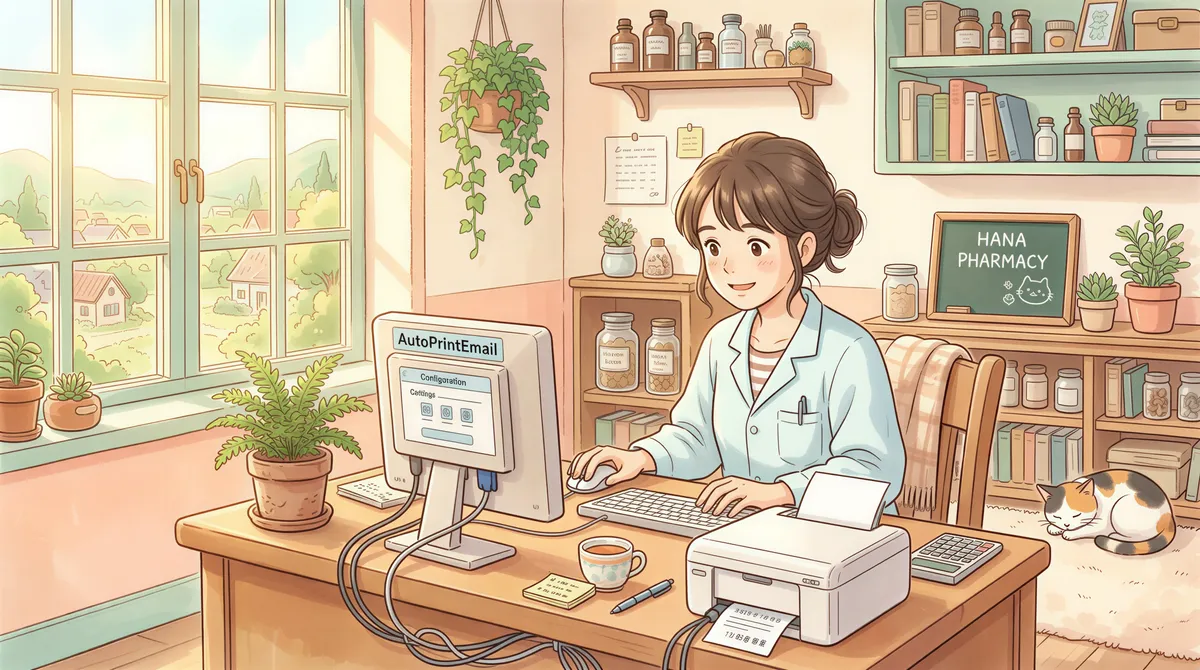
AutoPrintEmail processes emails locally — bodies and attachments go from the pharmacy's machine directly to the local printer. The only data that leaves the machine is structural metadata (timestamps, status, page counts). No email content. No attachment content. No subject lines. No senders.
That maps cleanly to HIPAA: no PHI ever leaves the pharmacy, so there's no covered transmission to worry about.
The one exception worth flagging: by default, Office attachments (.docx, .xlsx, .pptx) get uploaded to a converter, turned into PDFs, downloaded back, printed, and deleted from the server. For a pharmacy's compliance posture, that's usually unacceptable. Turn off Office conversion in workspace settings — Office attachments will then be skipped at print time. PDFs (which is what almost all pharmacy email actually is) are unaffected.
The team plan gives you the workspace-level setting needed to enforce this across all pharmacy staff at once, instead of relying on each tech to flip their own toggle.
What to Auto-Print
The high-volume categories at a typical independent pharmacy:
1. Faxed prescriptions, e-scripts, and refill requests
This is the one that actually drives the workflow, and it's the reason most pharmacies come looking for auto-print in the first place.
Prescriptions still arrive by fax. Almost nobody runs a fax machine anymore — the fax service (Fax.plus, eFax, SRFax, RingCentral) drops the page into a shared inbox as a PDF, and a tech opens each one and hits Ctrl+P before it can be filled. Same for refill requests coming out of the prescriber's portal, and for e-script notifications that need a paper copy for the fill queue.
It's the highest-volume, most time-critical category in the store, and it's the one where a 90-second manual round trip actually holds up a patient standing at the counter.
Filter rule:
- From contains: your fax service's delivery domain (
fax.plus,efax.com,srfax.com), plus prescriber domains - Subject contains:
fax,prescription,refill request,Rx - Has attachment: yes
- Action: Print attachment to [fill-station printer]
If you're still paying for a POTS line to keep the fax machine alive, this pairs with dropping the fax line entirely — e-fax in, auto-print out, same paper on the same counter, roughly $600/year cheaper.
2. Wholesaler invoices
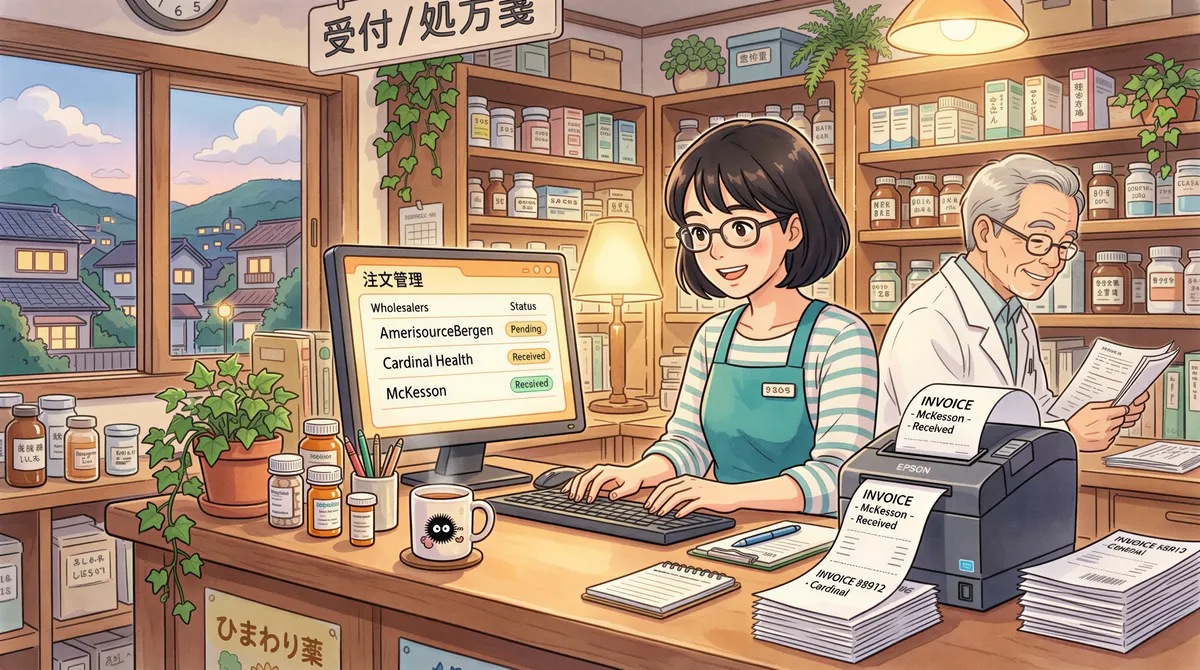
AmerisourceBergen, Cardinal, McKesson — they all email PDF invoices. These need to print for AP matching against the GL.
Filter rule:
- From contains:
amerisourcebergen.com,cardinalhealth.com,mckesson.com - Has attachment: yes
- Action: Print attachment
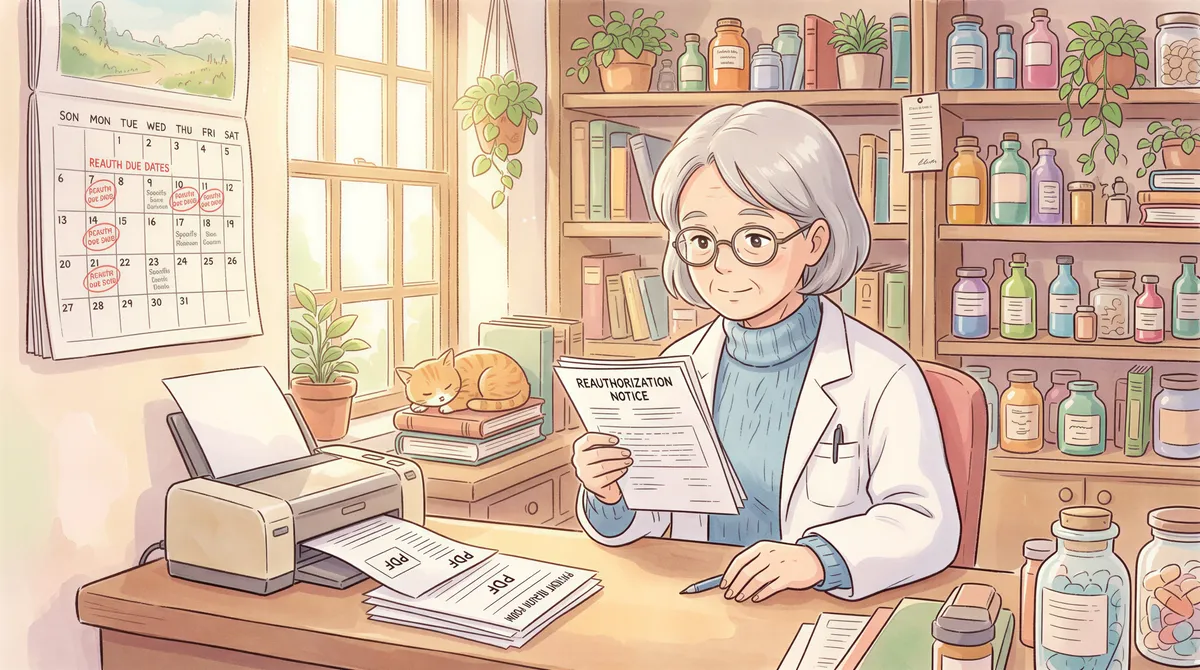
3. PBM/insurance reauthorization notices
Express Scripts, OptumRx, Caremark — they email notices when a patient's prescription needs reauthorization. These need to print for the patient file and for the pharmacist to address during the day.
Filter rule:
- From contains:
express-scripts.com,optumrx.com,caremark.com - Subject contains:
reauthorization,prior authorization,coverage - Action: Print body + attachment
4. State board / DEA notices
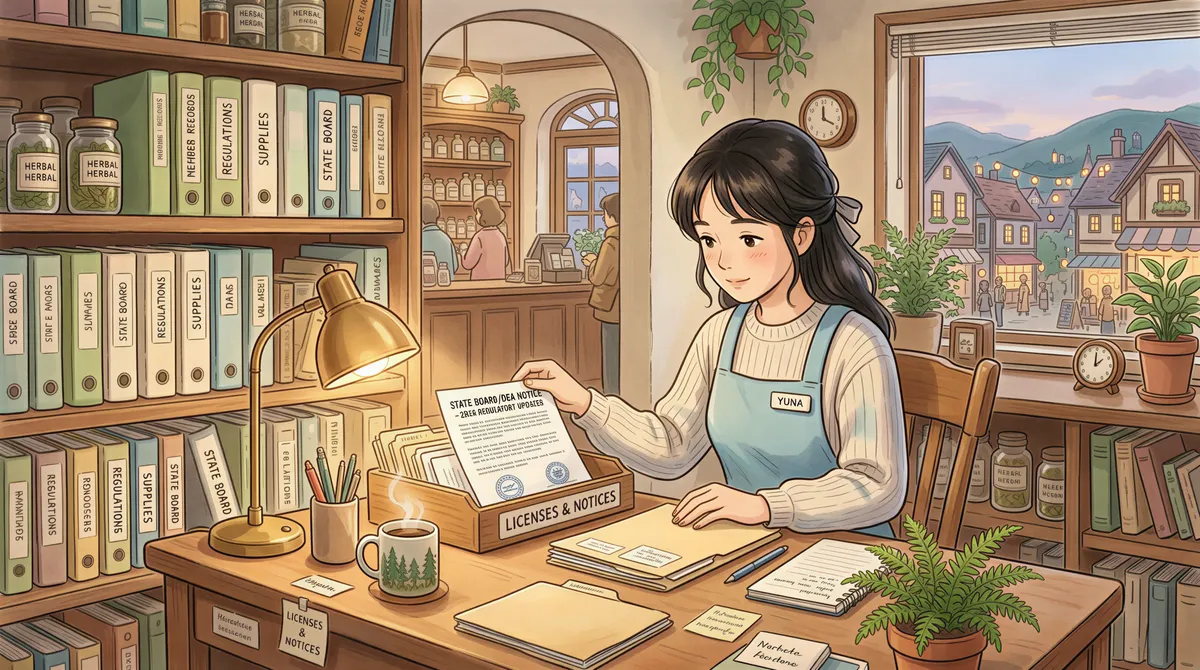
When the state board or DEA emails you something, you want a printed copy in the file the moment it arrives. These are infrequent (maybe a few a year) but high-stakes.
Filter rule:
- From contains:
[your state].gov,dea.gov - Action: Print body + attachment, route to a dedicated "Compliance" tray
5. Contract and rebate notices from co-ops / PSAOs
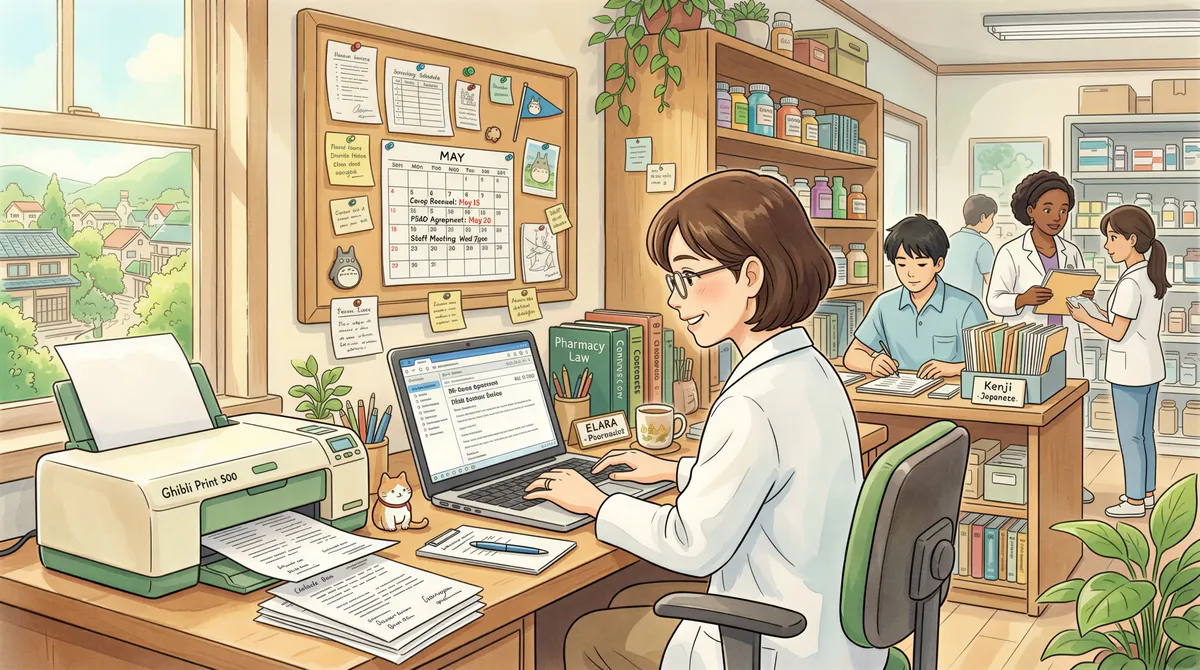
If you're an AAP member, a Health Mart, an APCI member — they all email contract amendments, rebate program enrollment, and similar paperwork. Most need to print for review and signature.
Filter rule:
- From contains: [your co-op's domain]
- Action: Print attachment
6. Patient assistance program forms
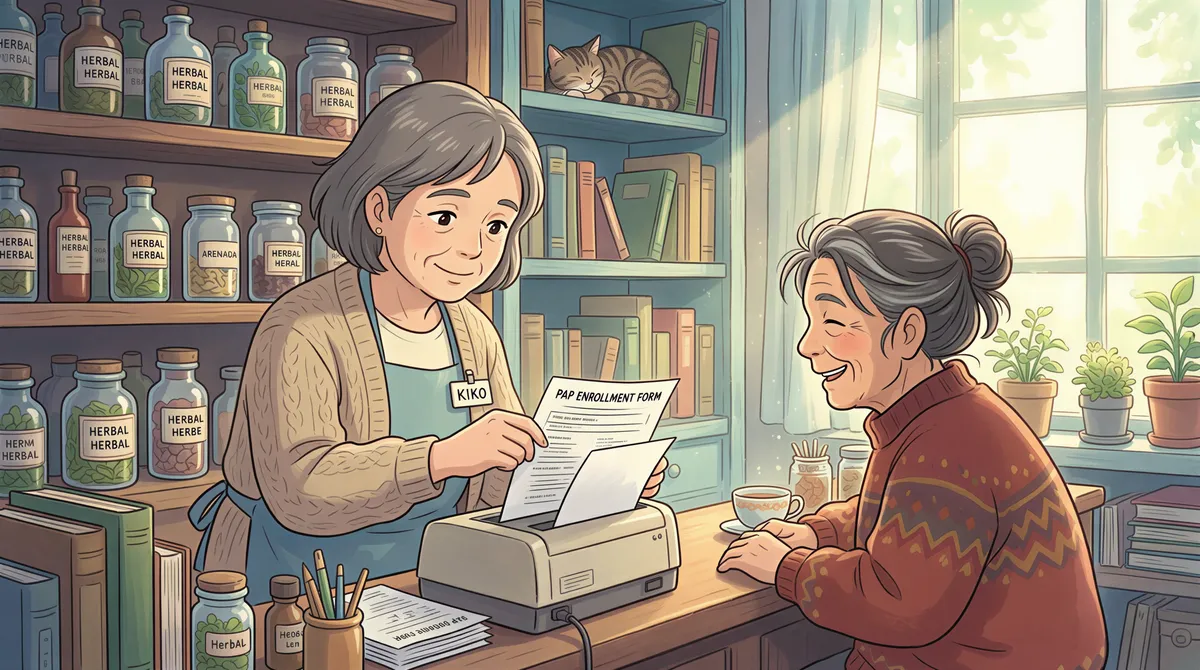
Pharmaceutical-company patient assistance programs (PAPs) email enrollment forms when patients are approved. These need to print for the patient to sign and return.
Filter rule:
- From contains: the relevant PAP email domains
- Subject contains:
enrollment,application,approval - Action: Print attachment
The ROI Math
A 6-FTE pharmacy averaging 120 print-this-email tasks per day, at 90 seconds per task manual = 3 hours/day across the whole staff just on Ctrl+P.
3 hours × 5 days × 50 weeks = 750 hours/year.
At a tech's loaded cost of $28/hour, that's **$21,000/year** of staff time spent printing email.
A 6-seat lifetime AutoPrintEmail deployment costs $2,994 once, all-in (no per-piece, no recurring fees).
The math is genuinely silly: 7× return year one, infinite return after that since lifetime licenses don't recur.
Even if auto-print only catches 60% of the volume (some emails will always need human attention before printing), it's still a 10× return.

The Workflow Reality at the Counter
Auto-print works in the background. The pharmacist behind the counter doesn't change anything they're doing — they just stop walking to the desk to "print this email" 60 times a day. The paper appears at the workstation printer the moment it's needed.
What gets recovered is continuous attention. A pharmacist who breaks workflow 60 times to print emails has 60 fewer continuous-attention windows for prescription verification, patient counseling, and DUR review. That's the actual cost of manual printing in a pharmacy — not just the time, the cognitive interruption.
Multi-Location Pharmacies
If you run 2-10 pharmacies under common ownership, the team plan is what you want. Centralized billing, admin dashboard with print analytics per pharmacy, license reassignment when staff rotate between stores, workspace-wide policy control (so you can enforce HIPAA-related settings once for the whole org instead of per-tech).
Setup
For a single pharmacy:
- Install AutoPrintEmail on the pharmacy's main computer.
- Connect the email account (Gmail Workspace or Microsoft 365 most common).
- Turn off Office conversion in workspace settings (compliance).
- Add filter rules for the categories above.
- Pick the printer.
5-15 minutes start to finish.
For a multi-location pharmacy:
- Same steps, but use the team plan for centralized control.
- Volume-discount pricing kicks in at 30+ seats — a 60-pharmacy chain (looking at you, AAP) gets meaningful per-seat discounts.
Pricing
- Single pharmacy: $499 lifetime per computer.
- Multi-location: team plan, volume discounts at 30+ seats. Email support@autoprint.email for a quote.
- Free 7-day team trial. No credit card. Up to 10 seats during the trial.
TL;DR
Pharmacy email-to-paper volume is enormous (80-300/day per location). Manual Ctrl-P is a $20K+/year drag on staff time at a 6-FTE store. AutoPrintEmail handles it locally — no PHI ever leaves the pharmacy. Turn off Office conversion for HIPAA. Set 6-7 filter rules, starting with the big one: faxed scripts and refill requests straight to the fill-station printer, then wholesalers, PBMs, regulators, and co-op contracts.
For multi-location pharmacies, the team plan makes it manageable across stores.
Print volume goes from a daily chore to invisible infrastructure.
Ready to get started?
Start printing your emails today.
Nearly 90,000 emails have printed themselves so far — no one opening an inbox, no one clicking print.