Dental Office Email Printing Software: Auto-Print Charts
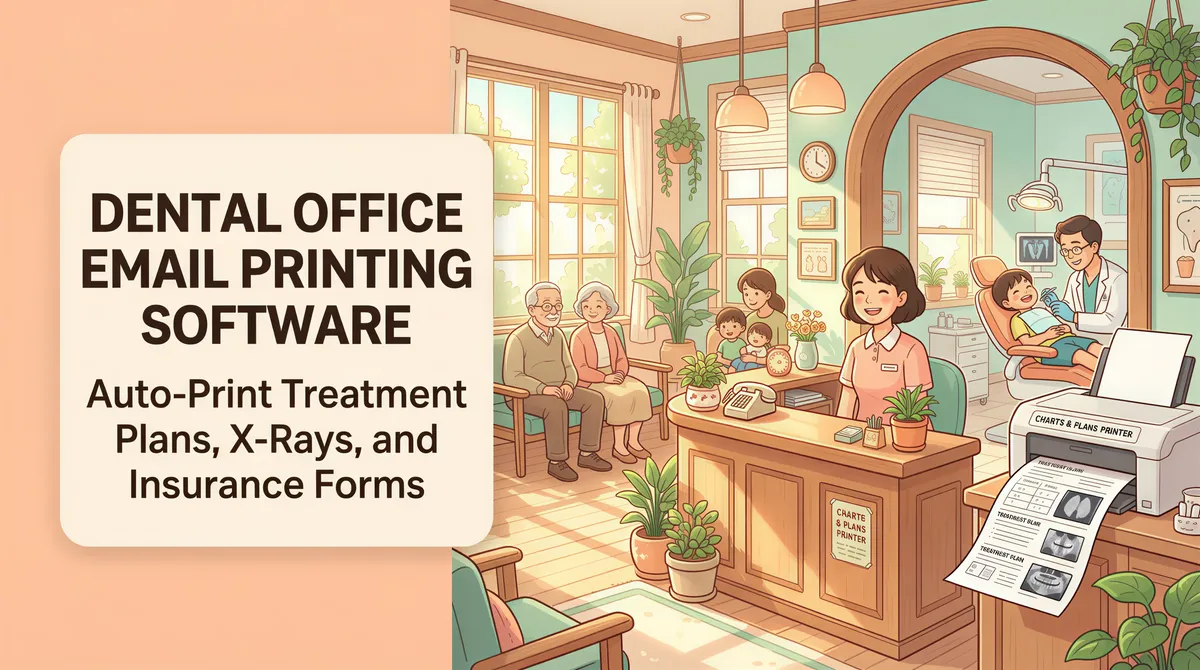
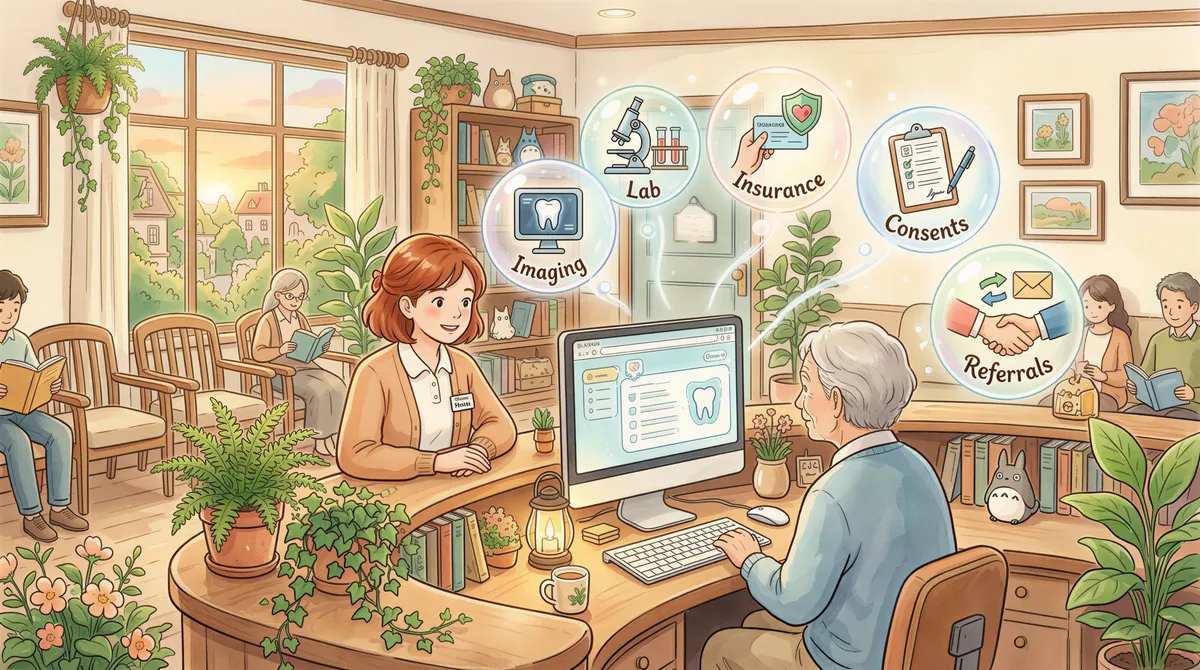
A two-dentist practice generates more printable email per chair-hour than a typical accounting firm. Treatment plans, signed consent forms, x-rays from the imaging system, insurance claim attachments, lab work confirmations from Glidewell or DDS Lab, patient referrals coming back from specialists.
Auto-print catches the email-driven slice without the practice having to think about it. Here's the setup, scoped for a dental office's actual workflow and HIPAA constraints.
Table of Contents
- The Email-to-Paper Categories at a Dental Practice
- The Compliance Story
- The ROI Math at a Two-Dentist Practice
- Multi-Location Dental Groups
- Setup at a Single Practice
- Pricing
- TL;DR
The Email-to-Paper Categories at a Dental Practice
Five categories drive most of the print volume:
1. Imaging system exports
Most digital x-ray systems (Dexis, Carestream, Schick) can email an exam packet to the front desk for filing. Auto-print catches that and routes it to the patient-chart printer.
Filter:
- From contains: the imaging system's email domain or address
- Has attachment: yes
- Action: Print attachment
2. Lab work confirmations
Glidewell, DDS Lab, Modern Dental Lab — they email order confirmations, ship notifications, and case updates. Some practices print everything (paper trail); others print only ship notifications (so the front desk knows when crowns are arriving).
Filter:
- From contains:
glidewell,ddslab,moderndentallab(or your lab) - Subject contains:
shipped,ready,tracking - Action: Print body
3. Insurance claim correspondence
When you submit claims via Open Dental, Dentrix, or eaglesoft, payers email back: claim received, request for additional info, EOB ready, payment processed. Each of those events generates email; the front desk wants printed copies for follow-up.
Filter:
- From contains:
delta-dental,metlife,cigna,aetna, etc. - Has attachment: yes
- Action: Print attachment
4. Signed consent and treatment plans
If your practice uses DocuSign / SignEasy / Modento for consents and treatment plans, signed copies email back. Auto-print catches the signed PDF for the patient chart.
Filter:
- From contains:
docusign.net/signeasy.com/modento - Subject contains:
signed/complete - Action: Print attachment
5. Referrals coming back from specialists
Endodontist sends back the post-op note. Oral surgeon sends an op report. Auto-print catches these via your specialist's preferred email format.
Filter is practice-specific — typically by sender domain of each referring specialist.
The Compliance Story
Dental practice management is HIPAA-bound the same way medical practice management is. Email content (treatment plans, x-rays, referrals) contains PHI. The print pipeline can't transmit any of that to non-BAA-covered cloud services.
AutoPrintEmail processes emails locally — bodies and attachments go from the practice's machine directly to the local printer. Nothing leaves the office. Structural metadata (timestamps, status, page count) is the only thing the admin dashboard sees, and only on the team plan — solo seats send nothing back.
Important toggle: turn off Office conversion in workspace settings. Office documents (.docx, .xlsx, .pptx) get uploaded to a server, converted, downloaded back, printed, deleted from the server. Most dental practices don't receive enough Office-format mail to justify the compliance overhead. Turning it off skips Office attachments at print time. PDFs (which is what 90%+ of dental-system email uses) are unaffected.
The ROI Math at a Two-Dentist Practice
Typical print volume: 60-120 print-this-email tasks per day across the front desk, two clinical assistants, and the office manager.
At 90 seconds per task manual = 1.5-3 hours/day of Ctrl+P time.
Across 5 days, 50 weeks = 375-750 hours/year.
At ~$22/hour loaded cost for a dental assistant, that's $8,000-$16,000/year of staff time on printing.
A 4-seat lifetime deployment is $1,996 one-time. ROI is silly.
The bigger win is patient-facing time — front desk staff who aren't constantly walking to the printer have more uninterrupted attention for the patients in front of them.
Multi-Location Dental Groups
If you're a DSO with 5-50 locations, the team plan is the right shape:
- Centralized billing. One invoice instead of 50.
- Admin dashboard with print analytics per location. Spot which offices are heavy print users vs. which haven't deployed properly.
- License reassignment when staff rotate between offices.
- Workspace-wide HIPAA settings. Set the Office-conversion opt-out once, applies across all locations. No relying on each office manager to flip their own toggle.
- Volume discounts at 30+ seats. A 50-office DSO gets meaningful per-seat reduction. Email support@autoprint.email for a quote.

Setup at a Single Practice
- Install AutoPrintEmail on the front desk computer (the one already connected to the patient-chart printer).
- Connect the practice email (most are on Microsoft 365 or Google Workspace).
- Turn off Office conversion in settings.
- Add 4-5 filter rules from the categories above.
- Pick the printers (one for charts, one for general).
- Test.
10-15 minutes total.

Pricing
- Single practice (1-10 computers): $499/computer lifetime on the team plan. Buy once, done.
- Multi-location DSO (5-50+ seats): team plan, volume discounts. 7-day team trial, no credit card.
TL;DR
Dental ops volume justifies auto-print at any practice size above 2 chairs. HIPAA-compliant if you turn off Office conversion. Six-figure ROI on the pure license cost across the lifetime of a small DSO. Start with the team trial if you're multi-location, individual lifetime if you're a single office.
The amount of time front-desk staff spends ctrl-printing email at a busy dental practice is one of those costs that hides until you make it visible.
Ready to get started?
Start printing your emails today.
Nearly 90,000 emails have printed themselves so far — no one opening an inbox, no one clicking print.