Vet Clinic Email Printing Software: Auto-Print Lab Results
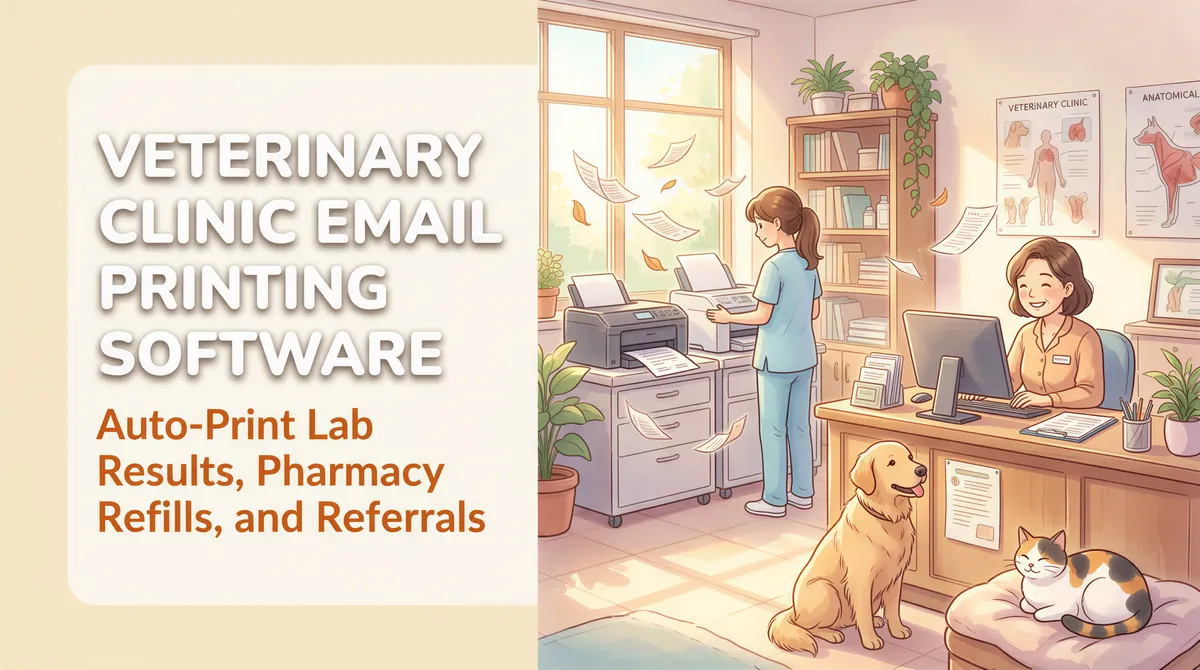
A typical small-animal vet clinic generates an enormous amount of email-driven paperwork: IDEXX lab results, Antech reports, prescription refill confirmations from online pharmacies (Chewy, 1-800-PetMeds, Vetsource), specialist referrals coming back, surgery consents from DocuSign, breeder paperwork, AKC registrations.
Most of it has to print. Some of it has to print to a specific printer (lab results to the technician station; consents to the front desk).
Here's the auto-print setup that handles vet-clinic volume cleanly.
Table of Contents
- The Email-to-Paper Categories at a Vet Clinic
- Why Vet Clinics Need Multi-Printer Routing
- The Setup
- The ROI Math
- Multi-Clinic Vet Groups
- Common Edge Cases
- Pricing
- TL;DR
The Email-to-Paper Categories at a Vet Clinic
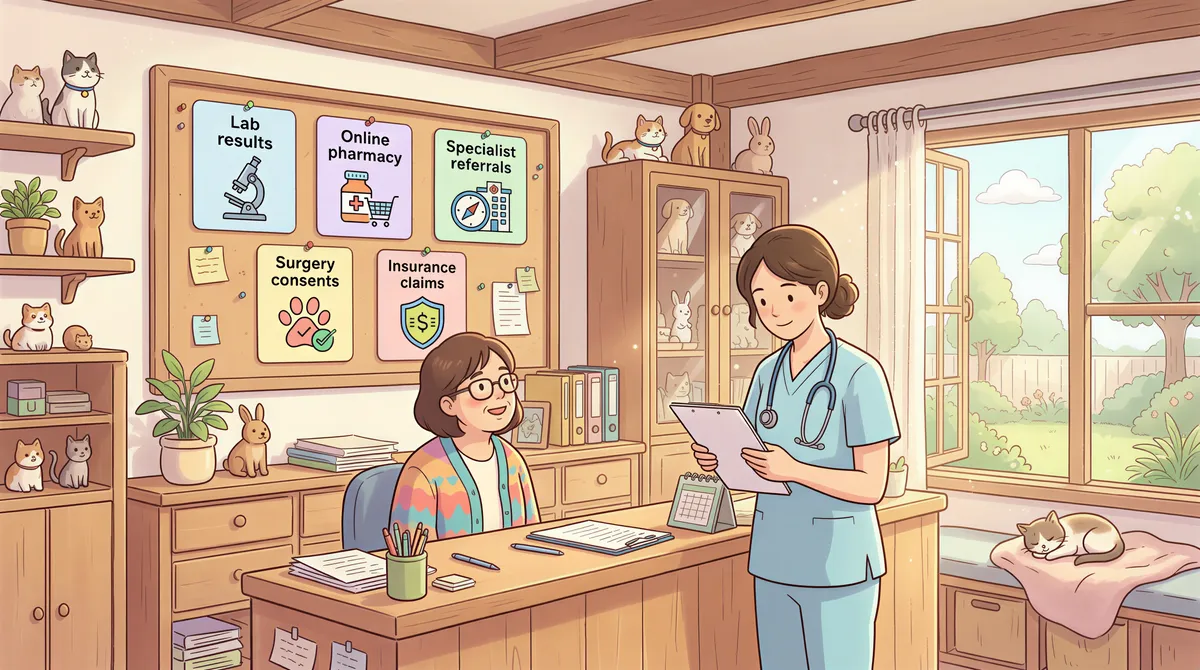
1. Lab results
IDEXX, Antech, ZNlabs, Marshfield — they all email PDF lab reports. The technician station prints them; the doctor reviews; the chart copy goes to the file.
Filter:
- From contains:
idexx.com,antechdiagnostics.com,znlabs, etc. - Has attachment: yes
- Action: Print attachment to [technician printer]
2. Online pharmacy refill confirmations
Chewy, 1-800-PetMeds, Vetsource, MWI Animal Health email confirmation when prescriptions ship. Some clinics print these for the chart to confirm the patient was actually shipped what was authorized.
Filter:
- From contains:
chewy.com(or1800petmeds,vetsource, etc.) - Subject contains:
prescription,refill,shipped - Action: Print body
3. Specialist referral correspondence
When you refer to a specialty hospital and the post-op or imaging report comes back via email — auto-print to the referring doctor's review tray.
Filter is per-specialist (their email domain).
4. Surgery consents and authorization forms
If you use DocuSign / Modento / Smiles for consents, the signed copies email back. Auto-print catches them for the chart.
Filter:
- From contains:
docusign.net/modento/smiles - Subject contains:
signed/complete - Action: Print attachment
5. Insurance / pet-insurance claim correspondence
Trupanion, Nationwide, Healthy Paws — they email claim updates. Some clinics auto-print these for the patient's billing file.
Filter:
- From contains:
trupanion.com,nationwide.com,healthypaws, etc. - Has attachment: yes
- Action: Print attachment
Why Vet Clinics Need Multi-Printer Routing
Dental and human-medical clinics often print everything to one front-desk printer. Vet clinics typically have at least three:
- Front desk for client-facing paperwork (intake forms, discharge instructions).
- Technician station for lab results so the tech can pull the chart and prep for the doctor.
- Treatment area / surgery for surgery checklists and consents.
AutoPrintEmail's filter rules can route each category to a specific printer. Set up once, the lab results go to the right printer automatically; consents go to the right printer automatically.
The Setup
- Install AutoPrintEmail on the front desk computer (the one with access to all three networked printers).
- Connect the clinic email (typically Google Workspace or Microsoft 365).
- Add filter rules for the 5 categories above.
- For each rule, pick the printer it should output to (front desk vs technician vs treatment).
- Test with one of each category.
15 minutes total for a single clinic.
The ROI Math
A 3-doctor vet clinic averages 40-100 print-this-email tasks per day, depending on lab and pharmacy volume.
At 90 seconds each manual = 1-2.5 hours/day of staff time on Ctrl+P.
Annual: 250-625 hours × ~$20/hour loaded vet tech cost = $5,000-$12,500/year of recovered time.
Lifetime license for 4 seats: $1,996 once. Pays back in roughly 2-5 months.
The unmeasured win: the technician station receives lab results the moment they arrive instead of when someone notices an email and clicks Print. Faster turnaround on patient care.

Multi-Clinic Vet Groups
If you're a 3-15 clinic group, the team plan gives you:
- One invoice for the whole group.
- Admin dashboard with print analytics per clinic.
- License reassignment when staff move between locations.
- Volume discount at 30+ seats.

Common Edge Cases
IDEXX VetLab routing
Some clinics use IDEXX VetLab Station (in-house analyzer) which emails reports to a specific clinic email. Connect that email account, filter by From contains idexx, route to the correct printer.
Encrypted PDFs from labs
A few labs send password-protected PDFs (mostly UK/EU). Disable encryption on the lab portal if possible; AutoPrintEmail can't unlock encrypted attachments.
Multiple veterinarian inboxes
If each vet has their own email and lab results route by vet, install AutoPrintEmail on each vet's machine and connect each one's account separately. Or route everything through a shared lab@yourclinic.com mailbox monitored from one machine.
Pricing
- Single clinic (1-4 computers): $499/computer lifetime on the team plan.
- Multi-clinic group: team plan, volume discounts at 30+ seats. 7-day trial, no credit card.
TL;DR
Vet clinic email volume is high enough to justify auto-print at any practice with more than one chair. Multi-printer routing (front desk vs tech vs treatment) is the killer feature for vet workflows. ~$5K-$12K/year of recovered staff time at a typical 3-doctor clinic, vs. a ~$2,000 lifetime license for four computers. Start the trial.
The faster lab results land on paper at the right printer, the faster the doctor sees them, the better the patient's day.
Ready to get started?
Start printing your emails today.
Nearly 90,000 emails have printed themselves so far — no one opening an inbox, no one clicking print.