Manufacturing Email Printing Software: Auto-Print Pick Lists
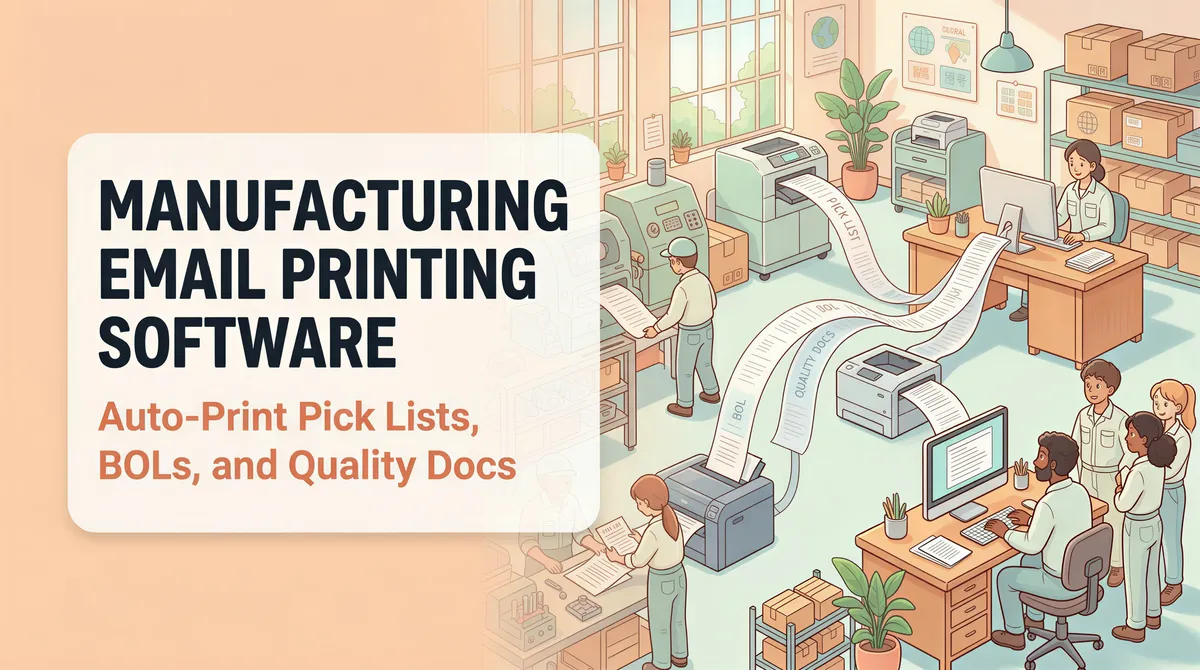
A small-to-mid manufacturer prints more email-driven paper per day than most office buildings: pick lists from the ERP, bills of lading from the shipping system, packing slips, supplier advance shipping notices (ASNs), certificates of analysis from raw-material vendors, work orders from the front office.
Plant-floor printing has different reliability requirements than office printing. Here's the auto-print setup that handles manufacturing volume without becoming a single point of failure.
Table of Contents
- The Email-to-Paper Categories at a Manufacturer
- Multi-Printer Routing Is the Killer Feature
- The No-ERP Job Shop Version
- Reliability on the Plant Floor
- The ROI Math
- Multi-Site Manufacturers
- Setup Checklist for a Single Plant
- Pricing
- TL;DR
The Email-to-Paper Categories at a Manufacturer
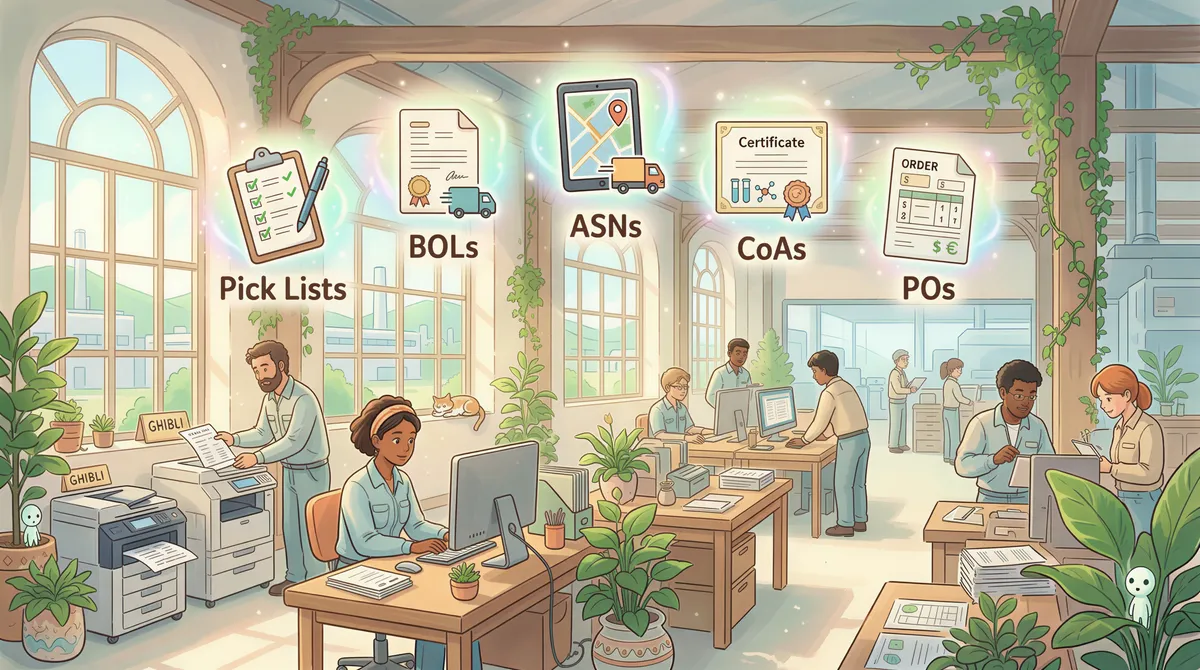
1. Pick lists from the ERP
When the warehouse needs to pull material for a production order, the ERP (NetSuite, SAP B1, Acumatica, Made2Manage, etc.) typically emails a PDF pick list to the warehouse address. Auto-print routes it to the warehouse station printer.
Filter:
- From contains: the ERP's notification address
- Subject contains:
pick list,material request - Action: Print attachment to [warehouse printer]
2. Bills of lading and shipping documents
When orders ship, BOLs and packing slips email out from the shipping system (Magaya, ShipStation, ShipBob, Easyship). Auto-print catches them at the loading dock printer.
Filter:
- From contains: the shipping system's domain
- Subject contains:
BOL,bill of lading,shipped,tracking - Action: Print attachment to [dock printer]
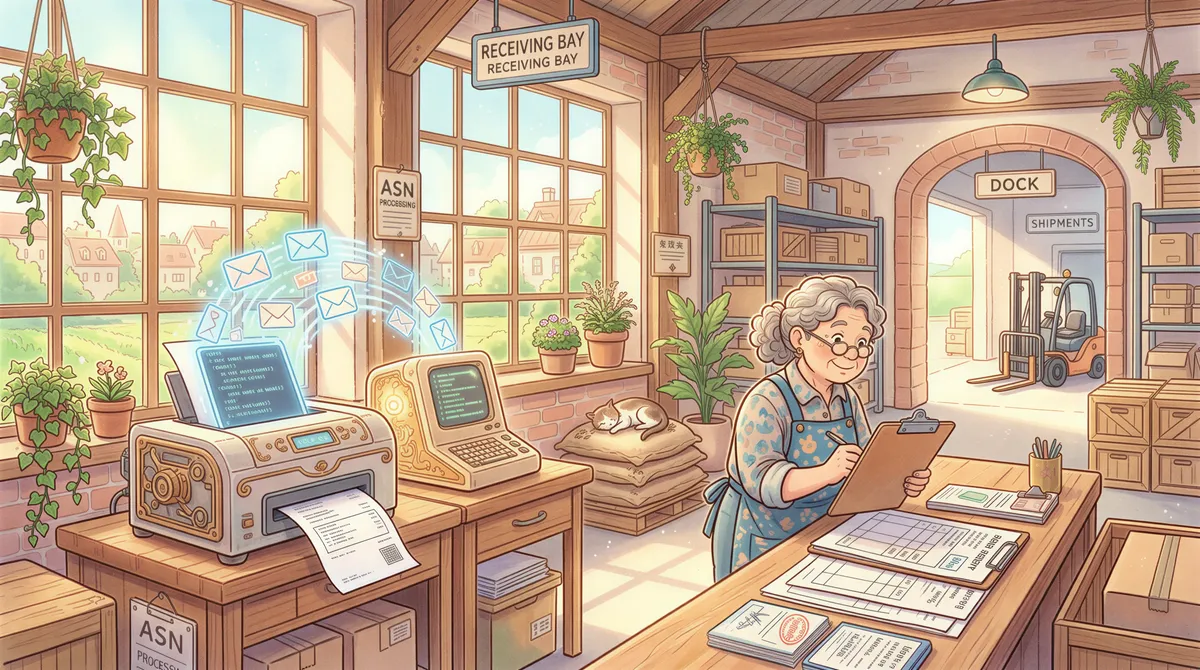
3. Supplier ASNs (Advance Shipping Notices)
When raw-material vendors ship inbound to your dock, they email ASNs. Receiving prints them so they know what's coming and can stage receiving paperwork.
Filter:
- From contains: [your supplier domains]
- Subject contains:
ASN,advance shipping,arrival,notification - Action: Print attachment to [receiving printer]
4. Quality and certificate documents
Certificates of analysis (CoAs), material data sheets (MSDSs), and inspection reports from raw-material suppliers email in for QC review.
Filter:
- From contains: supplier domains for regulated raw materials
- Subject contains:
CoA,certificate,MSDS,inspection - Action: Print attachment to [QC printer]
5. Customer purchase orders
When orders arrive via email (still common in B2B manufacturing — most customers email POs), the front office or customer-service desk wants printed copies for routing to scheduling.
Filter:
- From contains: customer domains, or just
subject contains "purchase order" - Has attachment: yes
- Action: Print attachment to [office printer]
Multi-Printer Routing Is the Killer Feature
A manufacturing facility typically has 4-8 printers in different physical locations (warehouse, dock, receiving, QC lab, front office, shipping desk). The right document at the right printer is half the value of auto-print.
AutoPrintEmail's per-rule printer assignment makes this easy: each filter rule specifies its own printer. Set up once; pick lists never end up on the QC printer; CoAs never end up at the dock.
The No-ERP Job Shop Version
Everything above assumes an ERP is generating the paperwork. Plenty of production shops don't have one, and they have the same problem in a simpler shape.
A record pressing plant, a heat-exchanger fabricator, a machine shop doing make-to-order work — the pattern is nearly always:
- Customer emails a PO, a drawing, or a spec sheet to a general shop address.
- The owner or an office manager opens it, prints it, and walks it to the floor.
- The floor works off that paper. There is no system of record beyond it.
If that's your shop, you don't need five rules. You need one:
- To contains: the shop's general intake address (
orders@,info@,sales@) - Has attachment: yes
- Action: Print attachment to [floor printer]
Two things worth knowing before you set it up:
Drawings and specs are usually PDFs, which print exactly as sent. Native CAD files (DWG, STEP) aren't printable documents and get skipped — customers who send those already expect a conversation, not a print.
A lot of these shops still list a fax number. If the fax line is really an e-fax service dropping PDFs into the same inbox, the identical rule catches those too, and the POTS line becomes cancellable. The fax-line math is here.
One rule, one printer, roughly five minutes. The multi-printer setup above is what you grow into, not what you start with.
Reliability on the Plant Floor
A few practical notes for plant-floor deployment:
The host machine matters
The computer running AutoPrintEmail has to stay on. For office workflows, the front-desk PC works fine. For plant-floor reliability, a dedicated thin client or mini-PC sitting in the IT closet is better — no one accidentally shuts it down at 5 PM.
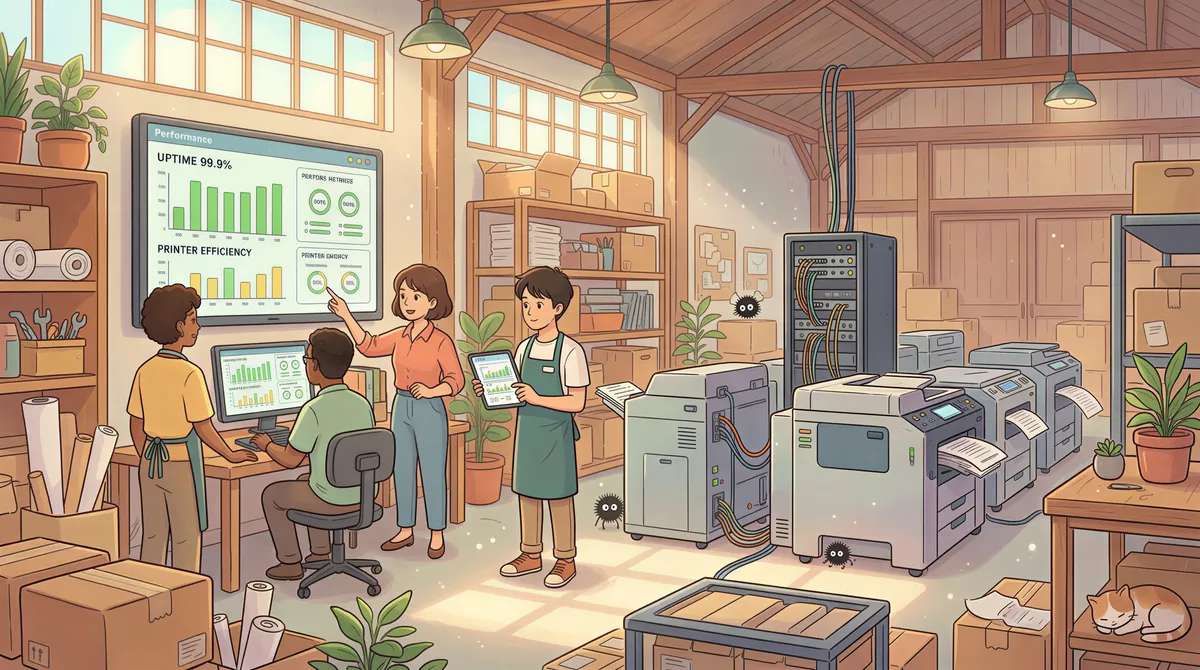
Network printer uptime
If your warehouse printer drops off the network occasionally (older networked printers, weak Wi-Fi at the dock), AutoPrintEmail's failed-print log will surface those events. The built-in retry queue picks up missed jobs once the printer is back. You can also set up a backup printer in the rules so a failed print to printer A automatically retries on printer B.
Polling cadence
Default is 60 seconds. For genuinely time-sensitive workflows (a shipper who needs to print BOLs the moment they're emailed to dispatch), this is fine — 60 seconds isn't a real bottleneck. If your manufacturing process needs sub-30-second print latency, the bottleneck is usually elsewhere (the ERP's email send timing, the shipper's process timing).
The ROI Math
A 50-FTE manufacturer typically generates 200-500 print-this-email tasks per day across the whole operation.
At 60-90 seconds each manual (which is generous — some require finding the email, opening the attachment, clicking print, walking, etc.) = 3-7 hours/day across the whole org.
Across 5 days, 50 weeks: 750-1,750 hours/year of recovered time.
At ~$25/hour loaded labor cost across warehouse / dock / front-office mix, that's $19,000-$44,000/year recovered.
A 10-computer lifetime deployment is $4,990 once. Even at the low end, that is nearly a 4× return year one.
Multi-Site Manufacturers
If you're operating across 3-20 plants under common ownership, the team plan gives you:
- One invoice for the whole company.
- Admin dashboard with print analytics per plant — spot which plant has the heaviest auto-print usage and which haven't deployed.
- License reassignment when production supervisors rotate between plants.
- Volume discounts at 30+ seats.
For a 200-seat enterprise deployment, the math gets aggressive. Email support@autoprint.email for a quote.
Setup Checklist for a Single Plant
- Identify the printers and what each prints (warehouse → pick lists; dock → BOLs; receiving → ASNs; QC → CoAs; office → POs).
- Pick the host machine — ideally a dedicated mini-PC or front-office PC that stays on 24/7.
- Install AutoPrintEmail on the host.
- Connect the corporate email (Microsoft 365 or Google Workspace).
- Add 5-7 filter rules covering the categories above, each routed to the correct printer.
- Test with one document per category.
30 minutes including network printer testing.
Pricing
- Single plant (5-10 computers): $499/computer lifetime on the team plan.
- Multi-plant manufacturers: team plan, volume discounts at 30+ seats.
- Free 7-day team trial.
TL;DR
Manufacturing email volume is high. Multi-printer routing makes auto-print especially valuable on the plant floor (right document, right printer, right physical location). $20K-$45K/year of recovered time at a 50-FTE plant, $5K once for the licenses. Start the trial.
The pick-list-arrives-at-the-warehouse-printer-the-moment-the-ERP-sends-it pattern alone justifies the rollout.










Ready to get started?
Start printing your emails today.
Nearly 90,000 emails have printed themselves so far — no one opening an inbox, no one clicking print.