AutoPrintEmail
    How It WorksTeamsPricingDownloadHelp
    Sign InGet Started Free
    1. Blog
    2. Auto-Print Stripe Receipts to Your Office Printer (5-Minute Setup)
    On this page
    What Receipts Stripe SendsStep 1: Configure Stripe to BCC Your Billing InboxStep 2: Install AutoPrintEmailStep 3: Connect the Billing InboxStep 4: Add the Filter RuleStep 5: TestCommon SetupsPrint only completed payments, not refundsFilter by amount (only print payments over $X)Multi-business: separate Stripe accountsPricingTL;DR

    Auto-Print Stripe Receipts to Your Office Printer (5-Minute Setup)

    MMitchel Kelonye
    •
    Aug 14
    •
    Stripe
    Receipts
    Tutorial

    Auto-print Stripe receipts to your office printer with a 5-Minute setup

    If your business charges customers via Stripe, every successful payment generates a receipt email. Some go to the customer; some come back to your billing inbox; many are forwarded to AP or filed against orders. The right place for those receipts is on a printer in your office, not in someone's inbox waiting to be remembered.

    Here's the setup.


    Table of Contents

    • What Receipts Stripe Sends
    • Step 1: Configure Stripe to BCC Your Billing Inbox
    • Step 2: Install AutoPrintEmail
    • Step 3: Connect the Billing Inbox
    • Step 4: Add the Filter Rule
    • Step 5: Test
    • Common Setups
      • Print only completed payments, not refunds
      • Filter by amount (only print payments over $X)
      • Multi-business: separate Stripe accounts
    • Pricing
    • TL;DR

    What Receipts Stripe Sends

    Two receipt streams matter here:

    1. Customer receipts — emailed to the customer's email after a successful payment. You can BCC yourself or your billing inbox.
    2. Internal payment notifications — Stripe sends these to your team when payments succeed/fail, when subscriptions renew, etc. Configure these under Stripe Dashboard → Settings → Email.

    For auto-printing, you want stream #1 routed to a billing inbox you control. Stripe lets you BCC any address on customer-facing receipts via the Dashboard → Settings → Email → "Successful payments" → "Send a copy to...".

    Once you have those receipts arriving at a controlled inbox, auto-print is the rest.
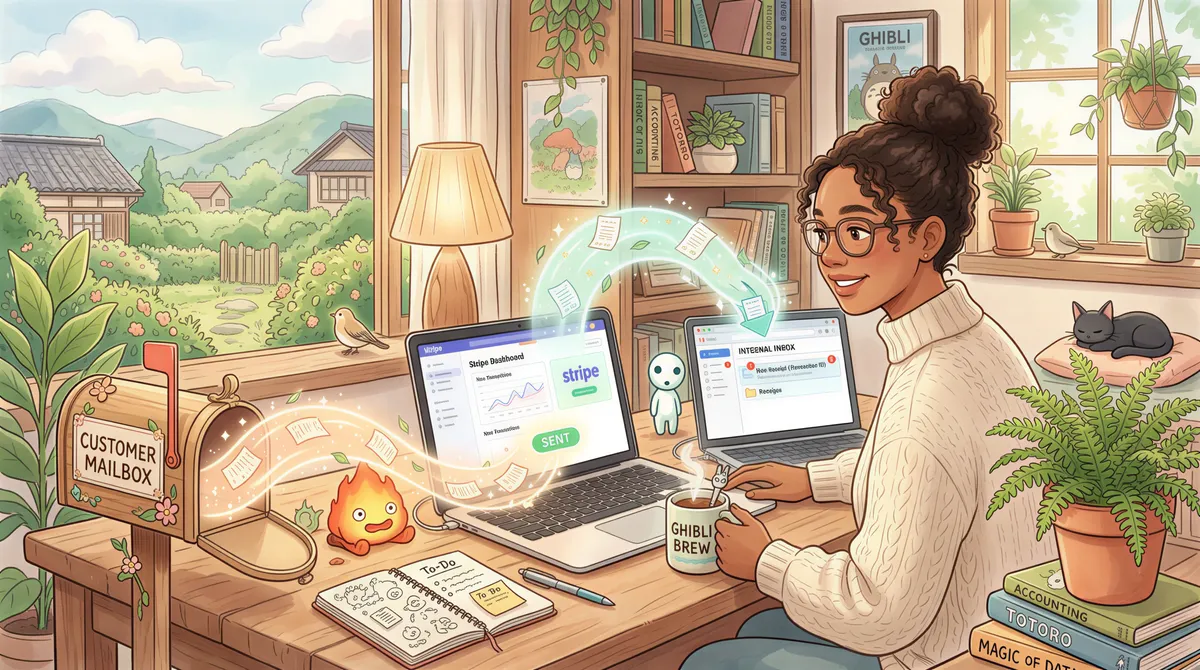
    Two receipt streams matter here:

    Step 1: Configure Stripe to BCC Your Billing Inbox

    1. Stripe Dashboard → Settings → Email customers (or Public details).
    2. Find "Successful payments" and "Refunds."
    3. Add your internal billing address to BCC (e.g., billing@yourcompany.com).
    4. Save.

    From now on, every customer payment receipt also lands in your billing inbox.

    Stripe settings screen showing BCC for billing inbox

    Step 2: Install AutoPrintEmail

    Download for your OS. Free 3-day trial.

    Installing AutoPrintEmail on a desktop

    Step 3: Connect the Billing Inbox

    Add Account → connect via Gmail/Outlook OAuth or IMAP for any other provider.

    Pick the Inbox folder (or a specific Stripe-receipts folder if you have a Gmail filter pre-routing them).
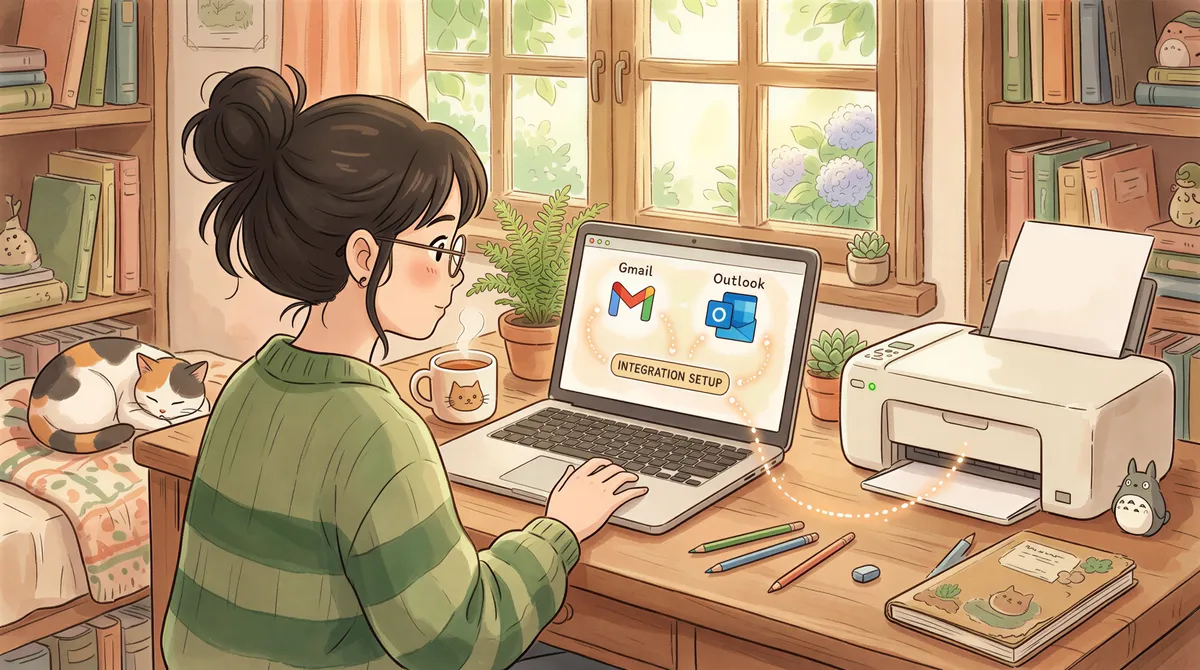
    Connecting billing inbox via Gmail/Outlook OAuth

    Step 4: Add the Filter Rule

    • From contains: stripe.com
    • Subject contains: receipt (or payment received)
    • Has attachment: no (Stripe receipts are usually inline HTML, not attached PDFs)
    • Action: Print email body to [your printer]

    If you'd rather print the PDF version of the receipt, change the Stripe receipt template to include a PDF attachment (Dashboard → Settings → Email → enable PDF receipts), then change the rule to "has attachment: yes" and "action: print attachment."

    Setting up filter rules for Stripe receipts

    Step 5: Test

    Make a real or test payment. The receipt will email to your billing inbox; AutoPrintEmail will print it within a minute.

    Testing Stripe receipt printing

    Common Setups

    Print only completed payments, not refunds

    Add a second filter rule for refunds with action = "log only" or with action = "print to a separate refunds tray." Default rule (above) handles successful payments.
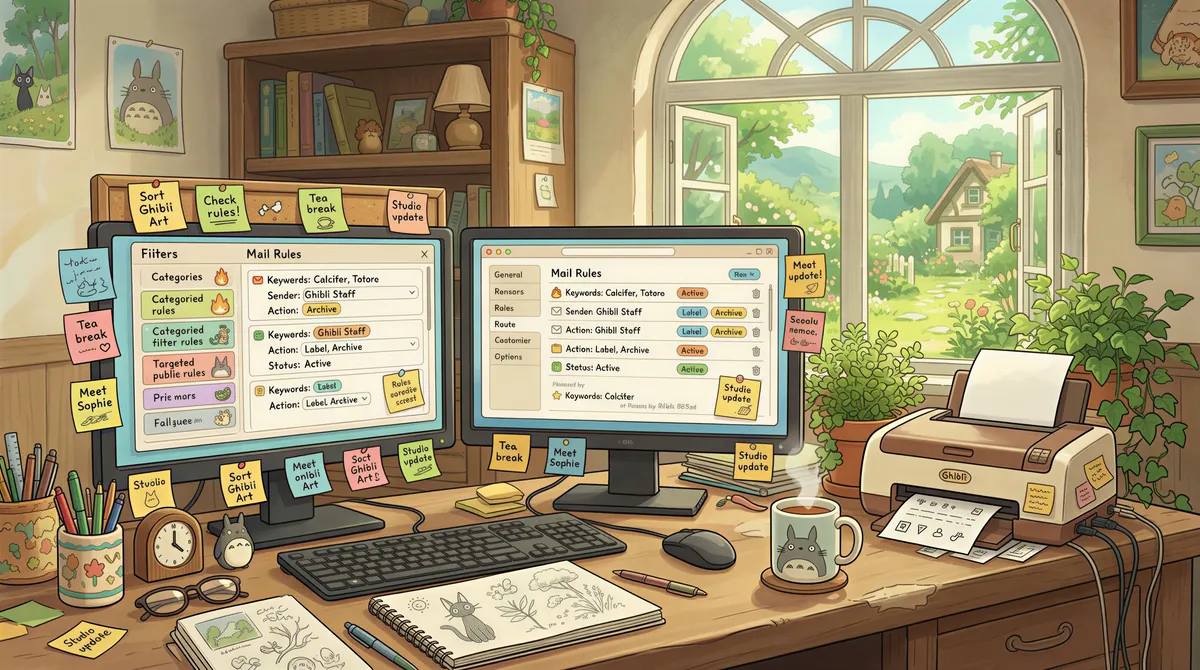
    Common setups for auto-print Stripe receipts on one billing inbox

    Filter by amount (only print payments over $X)

    Add a subject-contains filter for the dollar threshold (Stripe receipts include the amount in the subject). Useful if you only want printed copies of large transactions.

    Reasons to print Stripe receipts: AP matching, audit trail, and customer service

    Multi-business: separate Stripe accounts

    If you operate multiple businesses with separate Stripe accounts, all receipting to one billing inbox: create separate filter rules per business, route each to a different printer if needed. AutoPrintEmail's per-rule printer routing handles this cleanly.

    Team setup for Stripe receipts handling

    Pricing

    • Free 3-day trial. No credit card.
    • Monthly: $14.99/seat.
    • Lifetime: $199/seat.
    • Team plan: centralized billing for orgs with multiple AP users.
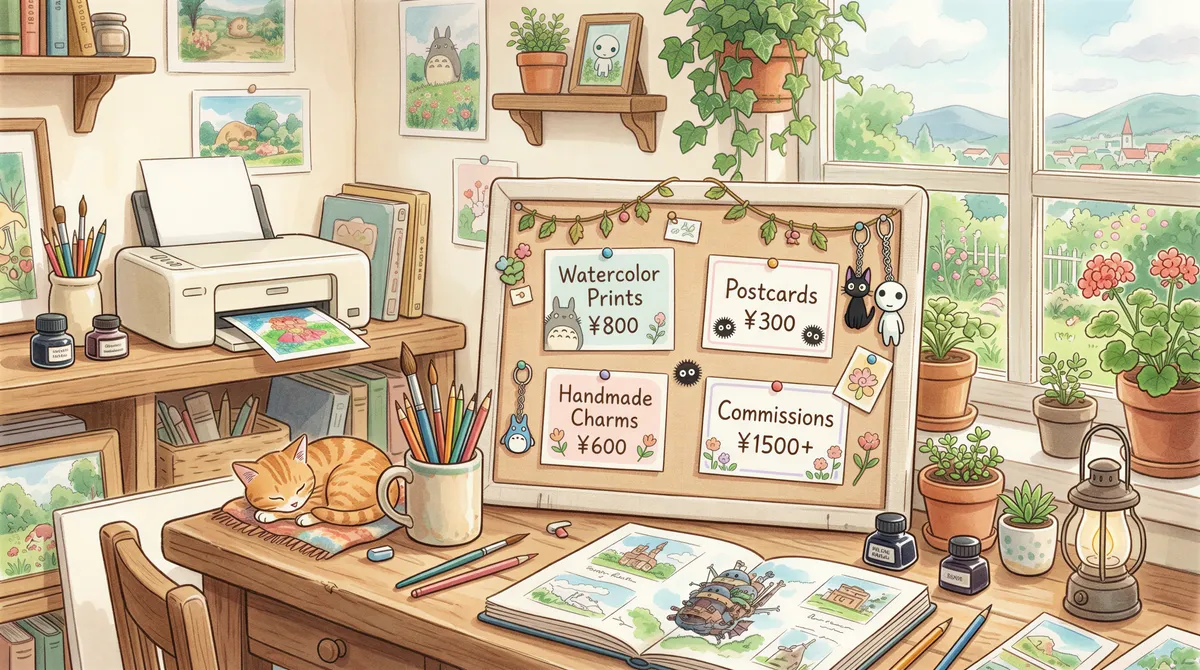
    AutoPrintEmail pricing options: Free trial, Monthly, Lifetime, Team plan

    TL;DR

    1. Stripe Dashboard → BCC billing@yourcompany.com on receipts.
    2. Install AutoPrintEmail.
    3. Connect the billing inbox.
    4. Filter: From contains stripe.com, Subject contains receipt, Action: Print body.
    5. Test with one payment.

    After this, every Stripe payment receipt prints automatically. Stop manually triaging Stripe email.

    Ready to get started?

    Start printing your emails today.

    Join thousands of users who have reduced their screen time while staying connected.

    Get Started Free

    3-day free trial — no credit card required

    Or download directly

    Thanks for reading! If you want to see future content, subscribe to our RSS feed.

    ← Older
    Manufacturing Email Printing Software: Auto-Print Pick Lists, BOLs, and Quality Docs
    Newer →
    Auto-Print PayPal Invoices and Payment Receipts (5-Minute Setup)
    AutoPrintEmail

    The desktop app that sends emails directly to your printer. Reduce screen time without missing important communications.

    Quick Links

    • Automated Email Printing Guide
    • Benefits
    • How It Works
    • For Teams
    • Testimonials
    • FAQ
    • Privacy Policy
    • Terms of Service
    • Blog
    • About

    Download

    Get started with AutoPrintEmail today and receive a 3-day free trial.

    Get Started Free

    Email Printing

    • Automatically Print Email Attachments (PDF, Word, Excel) — Free Trial
    • Auto-Print Email Invoices & Receipts | Automatic Business Printing
    • Auto-Print Gmail Emails (2026 Guide) | Automatic Gmail Printing
    • Auto-Print Outlook & Office 365 Emails — No Plugin, Works 24/7
    • Email Printing Automation for Business Operations | Secure & Reliable
    • Email to Print Software — Auto-Print Emails & Attachments to Any Printer

    Compare

    • AutoPrintEmail vs Automatic Email Manager - Simple Wins
    • AutoPrintEmail vs AutoPrintOrder - Why Limit Yourself?
    • AutoPrintEmail vs Black Ice Software - Business Owner vs Developer Tool
    • AutoPrintEmail vs FolderMill - Small Business vs Enterprise
    • AutoPrintEmail vs Fyxer AI - Automation vs Monthly Subscriptions
    • AutoPrintEmail vs MAPILab Print Tools - The Add-In Killer
    • AutoPrintEmail vs PrintNode - No-Code vs Developer Tool
    • AutoPrintEmail vs Sperry Software Auto Print - Standalone App vs Outlook Add-In

    Integrations

    • Auto-Print Gmail Attachments & Emails - Set It and Forget It
    • Auto-Print Outlook Emails Without a Plugin | Standalone Desktop App
    • Auto-Print Office 365 Emails — No Plugin, No Outlook Required
    • Auto-Print Shopify Orders & Packing Slips - Zero-Click Fulfillment
    • Auto-Print Etsy Orders & Packing Slips - Handmade Seller Automation
    • Auto-Print IMAP/POP3 Emails - Works with Any Email Provider
    • Auto-Print Square Orders - Kitchen Tickets & Receipts
    • Auto-Print Toast POS Orders - Kitchen Ticket Printing
    • Auto-Print ShipStation Orders - Packing Slips & Shipping Labels

    Solutions

    • Email to Print - Auto-Print Emails to Any Printer
    • Auto-Print Invoices from Email — Save 1 Hour/Day on AP & AR
    • Stop Manually Printing E-commerce Invoices - Automate in 2 Minutes
    • Restaurant Order Printing Automation - Auto-Print Delivery Orders
    • Legal & Real Estate Document Printing Automation
    • Logistics Waybill & Shipping Label Automation
    • Healthcare Document Printing Automation - HIPAA-Compliant Local Processing
    • Pharmacy Email Printing Software - Auto-Print Wholesaler Invoices, PBM Notices, and Compliance Docs
    • Accounting Firm Document Automation - Auto-Print Tax Docs & Client Files
    • Auto Shop Document Automation - Print Work Orders & Estimates Automatically
    • Insurance Agency Document Automation - Auto-Print Policies, COIs & Claims

    © 2026 AutoPrintEmail. All rights reserved.

    Privacy PolicyTerms of Service