Auto-Print PayPal Invoices and Payment Receipts (5-Minute Setup)
PayPal sends an email for every invoice you issue and every payment you receive. Most businesses end up with PayPal email scattered across their billing inbox, manually printed when someone remembers, sometimes lost.
Auto-print is the obvious fix.
Table of Contents
- What PayPal Sends
- Step 1: Configure PayPal Email Routing
- Step 2: Install AutoPrintEmail
- Step 3: Connect the Billing Inbox
- Step 4: Filter Rules
- Step 5: Test
- Why People Auto-Print PayPal
- Common Edge Cases
- Pricing
- TL;DR
What PayPal Sends
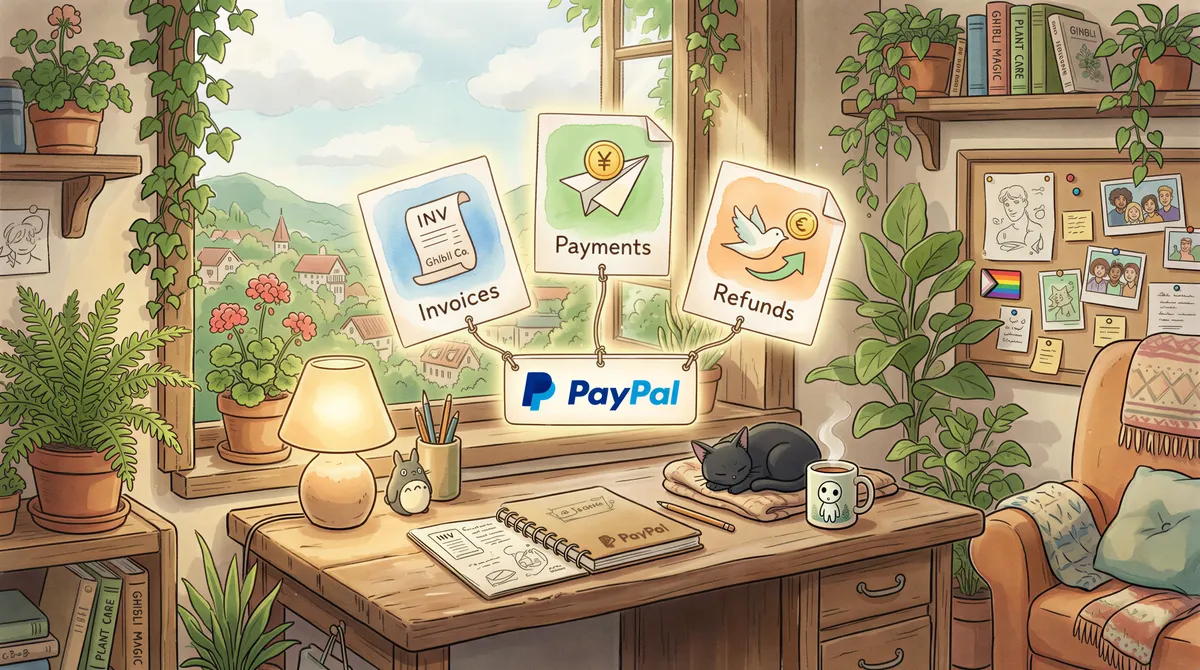
Three categories of email matter here:
- Invoices you sent to customers — copies BCC'd to your business email if you've set that up.
- Payment received notifications — automatic when a customer pays.
- Refund and dispute notifications — when something goes wrong.
Step 1: Configure PayPal Email Routing
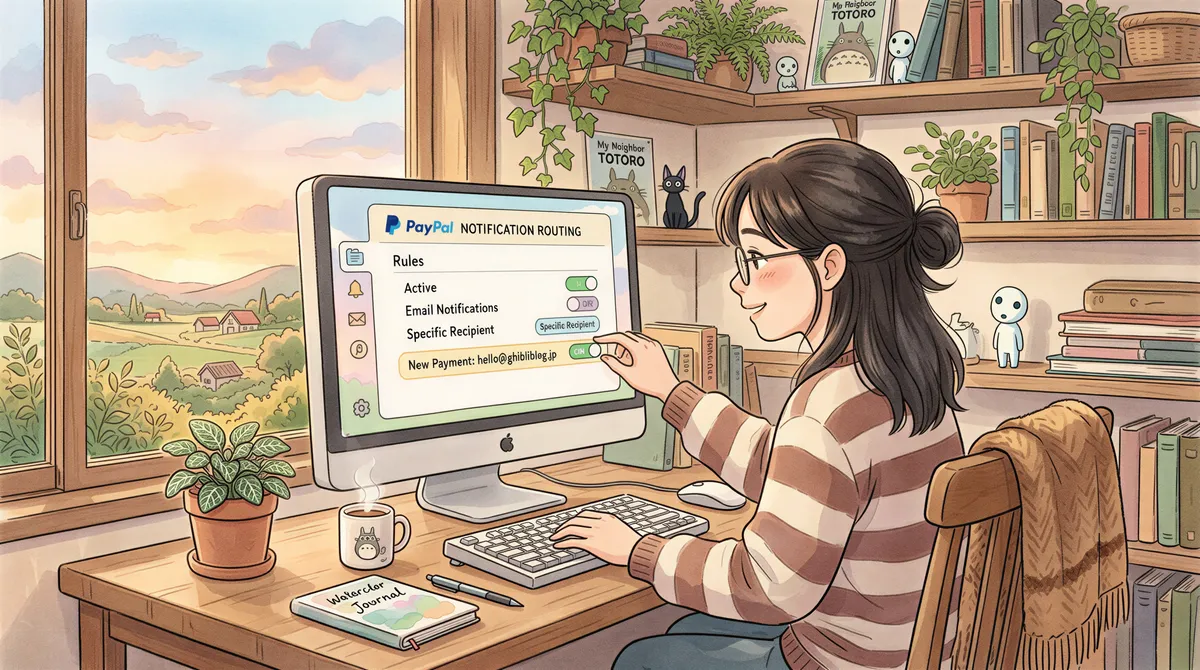
- PayPal Business → Settings → Notifications → Email.
- Confirm your business email is the primary contact for transaction notifications.
- If you want a separate billing inbox to receive copies, add it as a secondary email under Settings → Account → Email.
PayPal automatically emails the primary address on every transaction. The secondary address gets duplicate copies.
Step 2: Install AutoPrintEmail
Download for your OS. Free 3-day trial. Sign in.

Step 3: Connect the Billing Inbox
Add Account → connect Gmail/Outlook via OAuth or any IMAP provider.
Pick Inbox to monitor everything, or a PayPal-specific folder if your email provider auto-sorts.

Step 4: Filter Rules
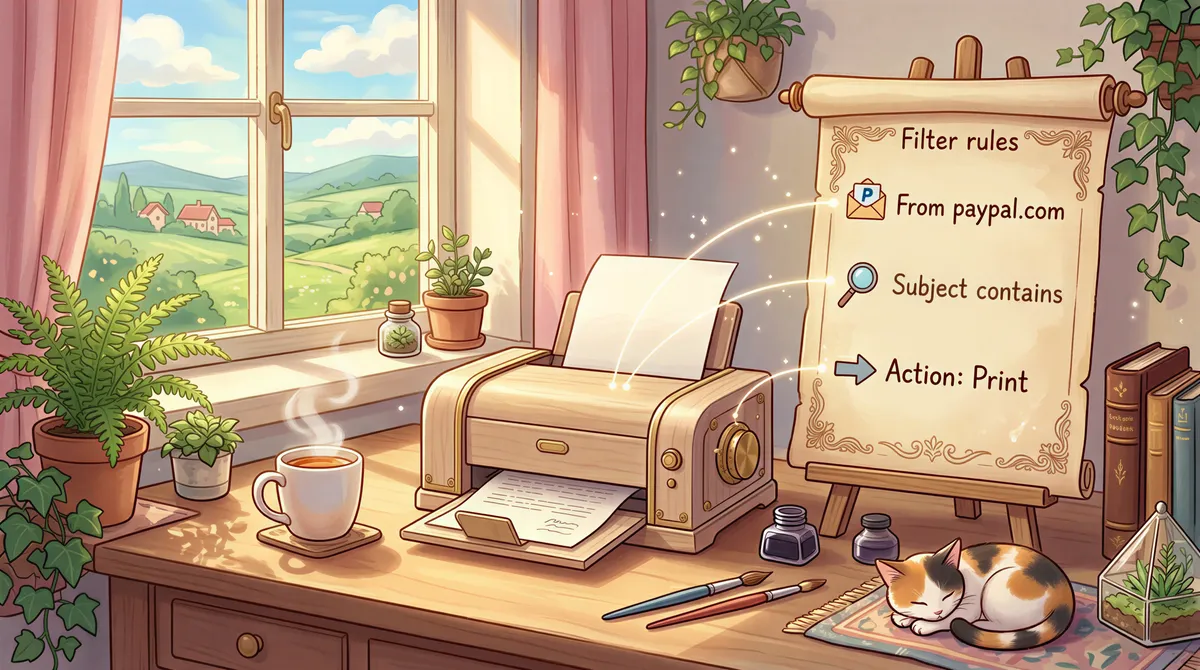
PayPal uses different sender addresses for different events. The reliable filter is by domain:
For invoices and payment receipts:
- From contains:
paypal.com - Subject contains:
Invoice,payment,received - Action: Print body to [your printer]
If you want PDF copies of invoices specifically, PayPal generates them — open the email in PayPal and click "View PDF." Or set up the rule to print attachments only:
- From contains:
paypal.com - Has attachment: yes
- Action: Print attachment
For refunds and disputes (if you want a separate paper trail):
- From contains:
paypal.com - Subject contains:
refund,dispute,chargeback - Action: Print body to [refunds tray]
Step 5: Test
Send yourself a test PayPal invoice (PayPal lets you create invoices to any email, including your own). Pay it, or just leave the invoice email — both will trigger an auto-print.
The dashboard logs every email PayPal sends and what AutoPrintEmail did with it.

Why People Auto-Print PayPal
- Solo professionals invoicing through PayPal: print copies for the client folder and tax-prep paperwork.
- Small e-commerce shops: print order receipts at the warehouse for shipping reference.
- Etsy / eBay sellers: print PayPal payment confirmations for inventory matching.
- Consultants doing project invoicing: print invoices for the project file and client mailing.
Manual workflow: every PayPal email arrives, you triage, you remember (or don't) to print, you walk to the printer, you grab the page, you file. Multiplied by 30-100 transactions/month, it's an hour or two of weekly distraction.

Common Edge Cases
Multiple PayPal accounts
If you run multiple businesses with separate PayPal accounts, route them to the same billing inbox. Filter rules can distinguish by transaction type or amount; route each business to a different printer if needed.
PayPal reports vs. transaction emails
PayPal sends monthly statements and end-of-year tax reports separately from transaction emails. If you want those auto-printed too, add a second filter:
- From contains:
paypal.com - Subject contains:
statement,report,1099-K - Has attachment: yes
- Action: Print attachment
Subject filter false positives
Some PayPal transaction emails include unrelated marketing copy in the subject. If you're getting false-positive prints, tighten the filter to require both "from contains paypal" AND "subject contains [specific phrase like 'sent you an invoice']."
Pricing
- Free 3-day trial. No credit card.
- Monthly: $29/month.
- Lifetime: $499 one-time.
- Team plan: centralized billing if multiple people handle PayPal.

TL;DR
- PayPal → confirm transaction notifications go to your billing inbox.
- Install AutoPrintEmail.
- Connect the inbox.
- Filter: From contains
paypal.com, action: Print body or attachment. - Test.
PayPal email volume is one of those things that hides in the inbox until you make it visible. Auto-print pulls it out and onto paper without you thinking about it.

Ready to get started?
Start printing your emails today.
Nearly 90,000 emails have printed themselves so far — no one opening an inbox, no one clicking print.