Auto-Print Retailer POs, Delivery Notes and GRNs
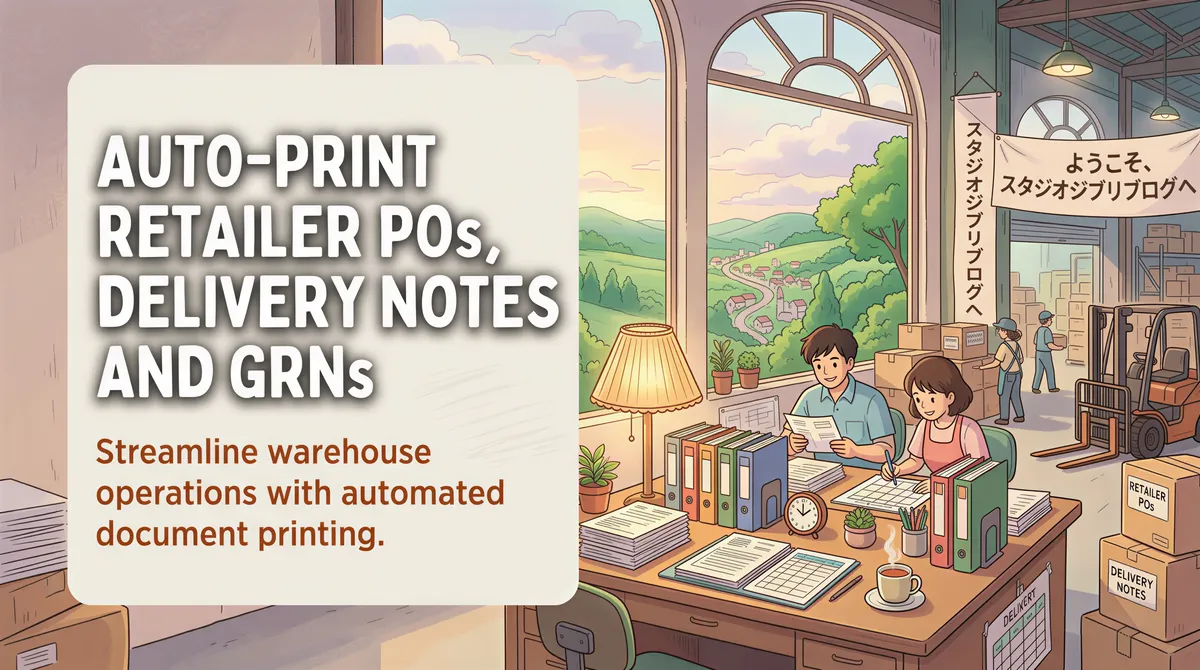
If you run a warehouse, your paperwork is your own. Your WMS releases a wave, it emails a pick list, you print it.
If you supply retailers, none of the paperwork is yours. The chains you sell into each send their own POs, in their own format, from their own portal, on their own schedule. Your logistics desk doesn't get to standardise any of it. It just prints it.
That's a different problem, and it needs a different setup.
Table of Contents
- Why Supplying Retailers Is Not a Warehouse Problem
- The Five Email Streams at a Distributor's Desk
- Two Printers, Not One
- The Revised-PO Trap
- Where the Time Actually Goes
- Setting It Up
- TL;DR
Why Supplying Retailers Is Not a Warehouse Problem
A distribution centre's paperwork comes from one system you control. A distributor's paperwork comes from eight systems you don't.
Every chain you supply has its own vendor portal, and every portal emails you something slightly different:
- One sends the PO as a PDF attachment.
- One sends a "you have a new PO" notification with a link, and the PDF only arrives after someone logs in.
- One sends the PO in the email body, no attachment at all.
- One sends a revised PO an hour later with the same subject line.
You cannot make them agree. What you can do is stop paying a person to sit in the inbox translating all of it into paper.

The Five Email Streams at a Distributor's Desk
1. Retailer purchase orders
The order that starts everything. It needs to be on paper at the order-entry desk before anyone keys it, because that printed copy is what gets checked against the pick.
Filter:
- From contains: the vendor-portal domains of the chains you supply
- Subject contains:
purchase order,PO,new order - Action: Print to the order-entry printer
One rule per chain is usually cleaner than one clever rule for all of them. The subject formats differ enough that a single regex becomes a liability the first time a portal changes its template.
2. Delivery notes
The document the receiving door actually cares about. It has to travel with the truck, and it usually has to be printed in multiples, because the store keeps one, the driver keeps one, and one comes back stamped.
This is the stream where auto-print pays for itself, because the cost of a missing delivery note isn't reprinting it. It's the truck waiting at the door.
3. GRN and receipt confirmations
The chain confirms what it actually received, which is not always what you sent. Short-shipments, damages, rejected pallets.
Print these to the office, not the dock. They're a finance and claims document, and they need to reach the person who reconciles them, not the person loading the next truck.
4. Returns and claims paperwork
Low volume, high annoyance. Every chain has a different form and a different deadline, and the deadline is usually short.
A rule that prints these the moment they arrive is the difference between filing a claim and eating the loss.
5. Customs and clearance documents (importers only)
If you import before you distribute, add a whole second category: commercial invoices, packing lists, certificates of origin, clearance approvals from your broker.
These are the documents most likely to need a stamped original rather than a scan on a phone, and they're the ones that hold a container at the port when they're not on the desk. Route them to the printer nearest whoever walks them to the broker.

Two Printers, Not One
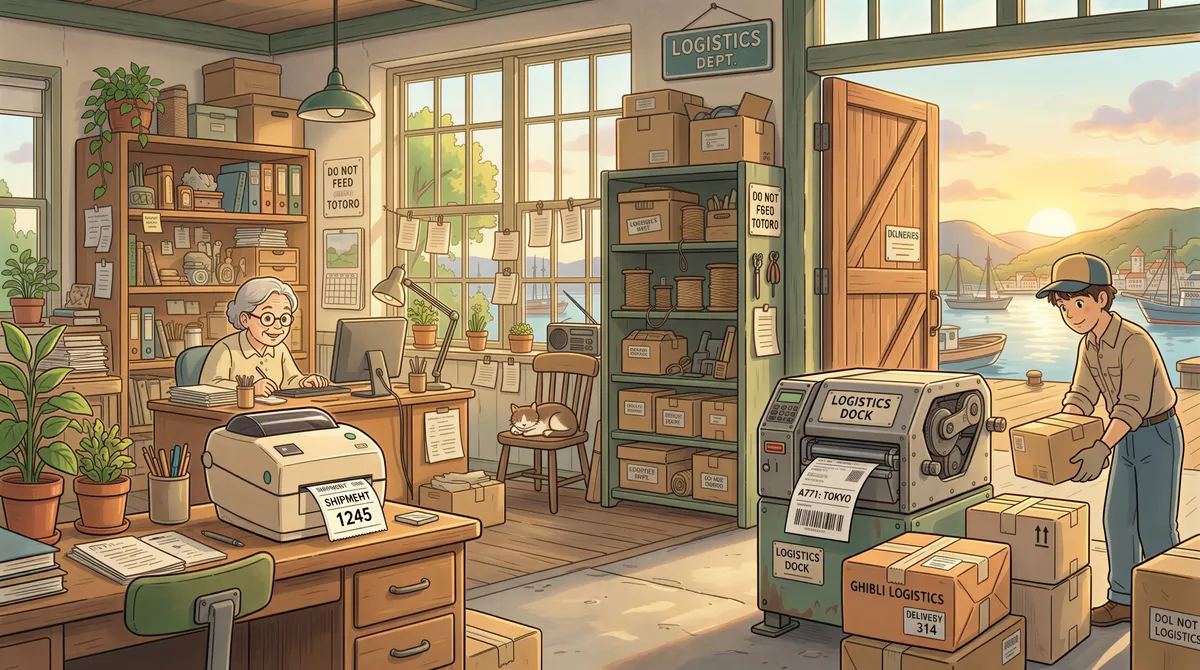
The single most useful thing a distributor's setup does is separate the door from the office.
- Door / dispatch printer: delivery notes, gate passes, anything that travels with a truck.
- Office printer: POs, GRNs, claims, invoices, customs paperwork.
Everything that goes out on a vehicle prints where the vehicles are. Everything that gets filed prints where the filing happens. Two rules, and nobody walks the length of the building holding a piece of paper.
If you run more than one warehouse, keep the rules per site rather than trying to run one machine for all of them. A delivery note printed at the wrong branch is worse than one printed late.
The Revised-PO Trap
Worth its own warning, because it's the failure mode specific to this workflow.
Chains revise POs. The revision usually arrives with the same subject line as the original, sometimes hours later, occasionally after you've already picked.
Auto-print prints both, which is correct. It's the desk that has to know the second one supersedes the first. Two things help:
- Print the timestamp. Most portals put the generated time on the document, so the newer sheet is identifiable at a glance.
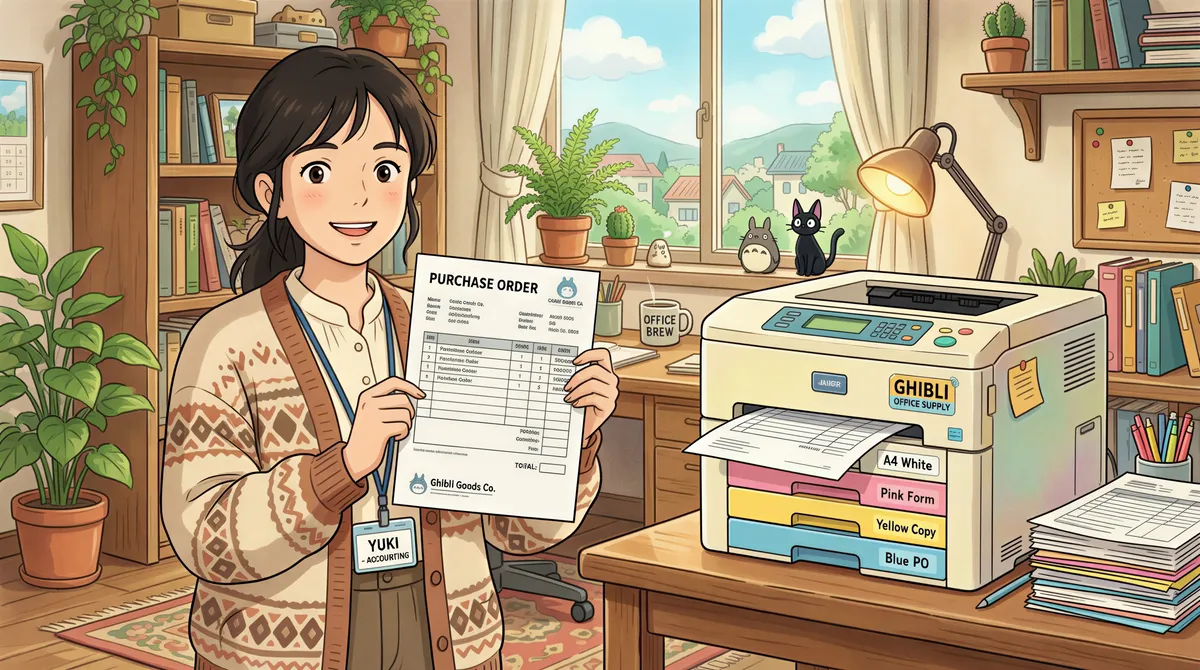
- Make the revision rule print to a separate tray or a coloured stock if your printer supports it. A revised PO that looks different from every other sheet on the desk stops the wrong one going to the picker.
No software fixes a process problem. It can make the process problem visible, which is most of the job.
Where the Time Actually Goes
The instinct is to count print jobs. That undercounts it.
The real cost at a distributor's desk is the interruption. Someone is keying an order, an email lands, they stop, open it, check whether it matters, print it, and go back. The keying takes twice as long as it should, and the error rate goes up, because keying orders is exactly the task that punishes being interrupted.
Take the printing out of the loop and the desk stops being an inbox. That's the win. The recovered minutes are real, but the recovered attention is bigger.

Setting It Up
- List the chains you supply and find the sending address of each one's vendor portal. This is the only part that takes real time, and it's a one-off.
- Decide which two printers you're routing to (door and office).
- Install AutoPrintEmail on a machine that stays on. Not the supervisor's laptop.
- Connect the logistics inbox, not someone's personal mailbox. If the desk is shared, the mailbox should be too.
- Add one rule per chain per document type. Start with POs and delivery notes only, get those right, then add GRNs and claims.
- Send yourself a test PO from each portal before you trust it.
Budget an afternoon if you supply a handful of chains. The rules are quick. Finding the eight different sending addresses is what takes the time.
It runs on your own machine, so the retailer paperwork and the pricing on it never passes through anyone else's cloud, which is usually the first question procurement asks.

TL;DR
Supplying retailers means printing other people's paperwork in other people's formats, all day, forever. One rule per chain, two printers (door and office), and a plan for revised POs. The team plan covers multi-site distributors on one invoice.
The desk stops being an inbox. That's the whole point.
Ready to get started?
Let the printer open the inbox.
90,000+ emails have printed themselves so far. Nobody opened an inbox. Nobody clicked print.