Distribution Email Printing Software: Bills of Lading
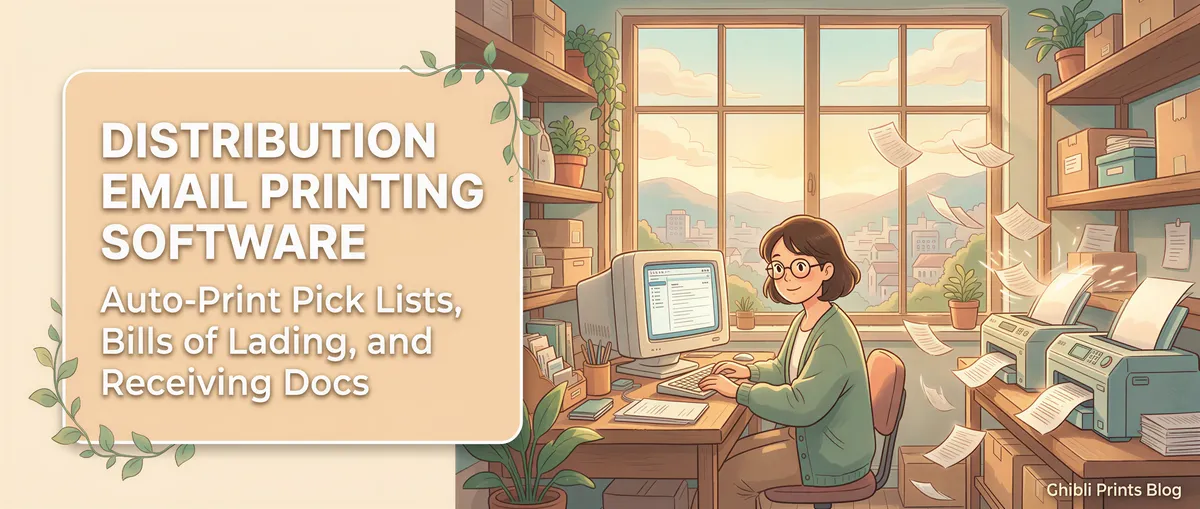
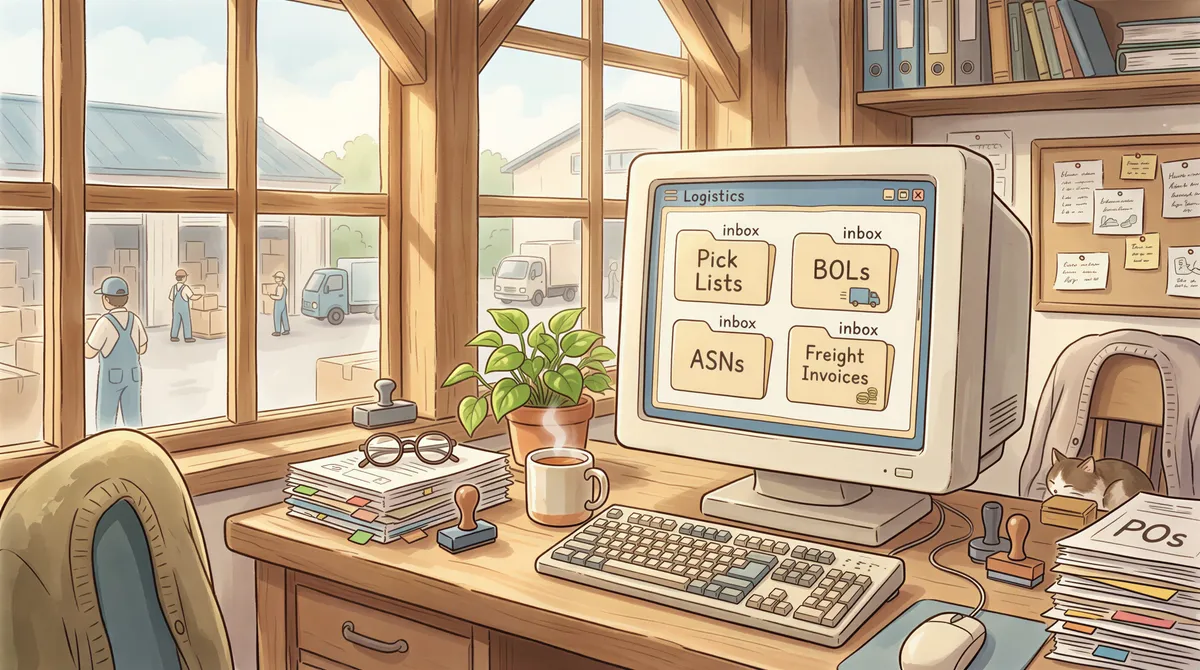
A 50-FTE distribution warehouse generates more email-driven paperwork in a single shift than most office buildings handle in a week. Pick lists from the WMS. BOLs from the shipping system. Customer purchase orders. Supplier ASNs (advance shipping notices). Freight invoices. Hot-list / shortage notifications.
Auto-print is the right tool for this volume. Here's the warehouse-floor setup.
Table of Contents
- The Email-to-Paper Categories at a Distribution Center
- Multi-Printer Routing Is the Killer Feature
- Reliability on the Warehouse Floor
- The ROI Math
- Perishable and Foodservice Distribution
- Multi-Site Distribution Networks
- Setup at a Single Distribution Center
- Pricing
- TL;DR
The Email-to-Paper Categories at a Distribution Center
1. Pick lists from the WMS
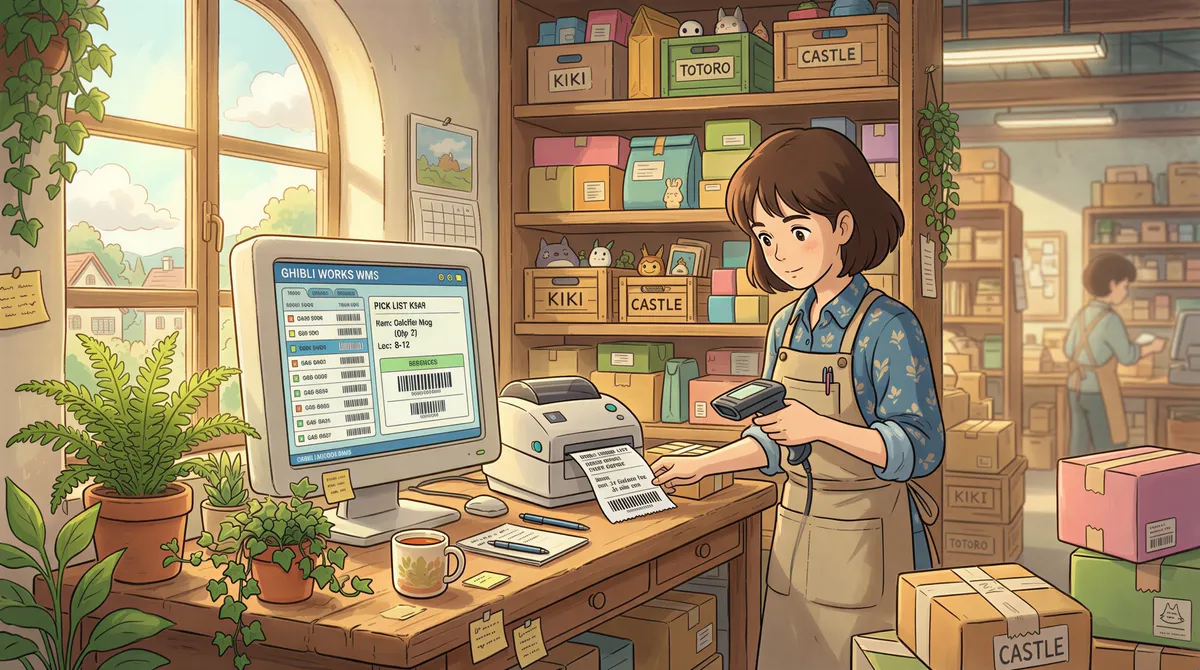
When a wave of orders releases for picking, your WMS (Manhattan, HighJump, Infor SCE, Acumatica WMS, etc.) emails pick lists to the warehouse. Auto-print routes them to the picking-station printer.
Filter:
- From contains: [your WMS notification address]
- Subject contains:
pick,wave,pull list - Action: Print attachment to [picking station printer]
2. Bills of lading and shipping documents
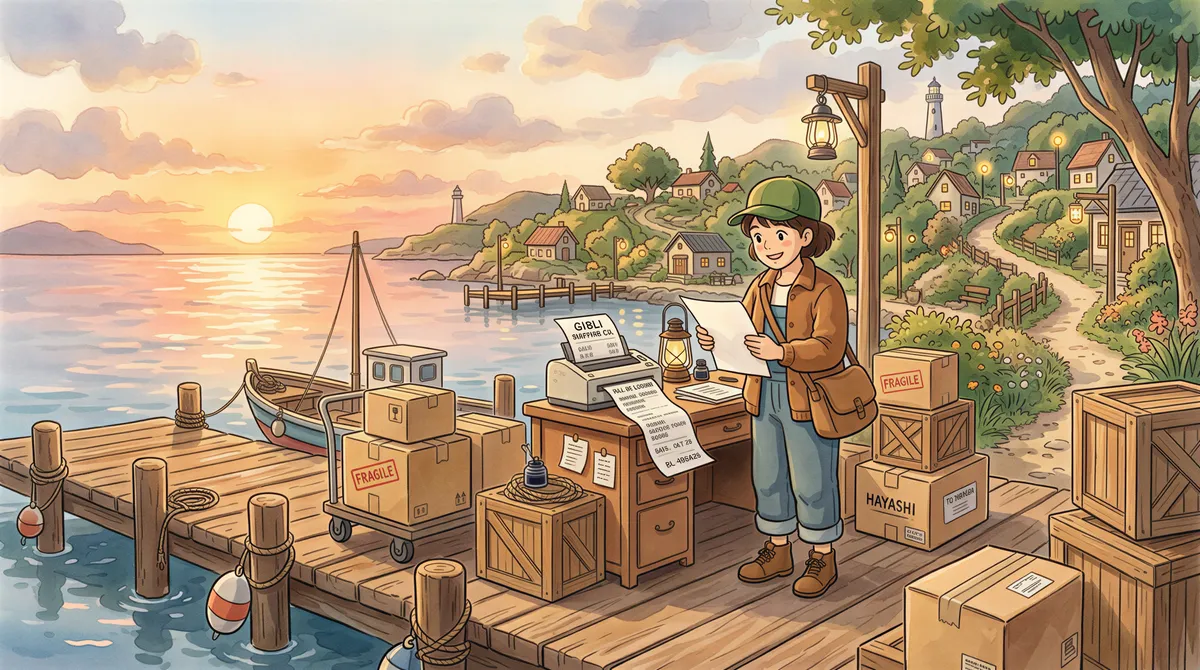
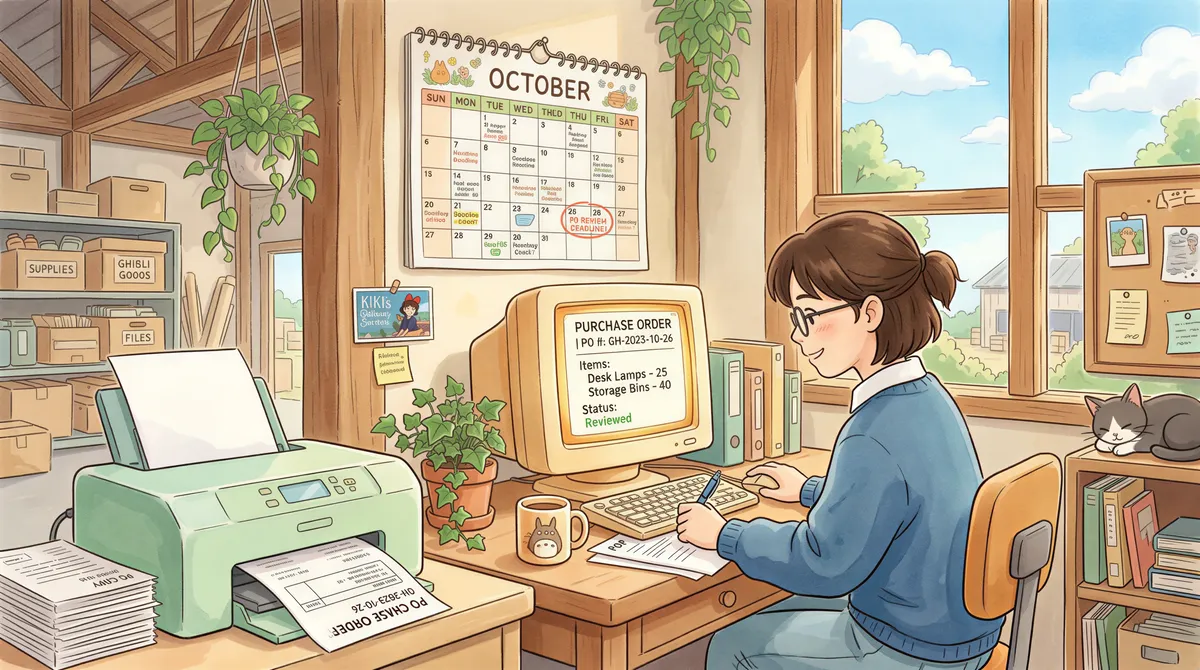
When trucks load out, BOLs email from the shipping system. The dock printer needs them immediately for the driver's paperwork.
Filter:
- From contains: [your TMS or ShipStation/Easyship/etc.]
- Subject contains:
BOL,bill of lading,shipped,tracking - Action: Print attachment to [dock printer]
3. Customer purchase orders
Many B2B customers still email POs as PDFs. Customer service or order entry needs printed copies for verification before keying.
Filter:
- Subject contains:
purchase order,PO # - Has attachment: yes
- Action: Print attachment to [order entry printer]
4. Supplier ASNs
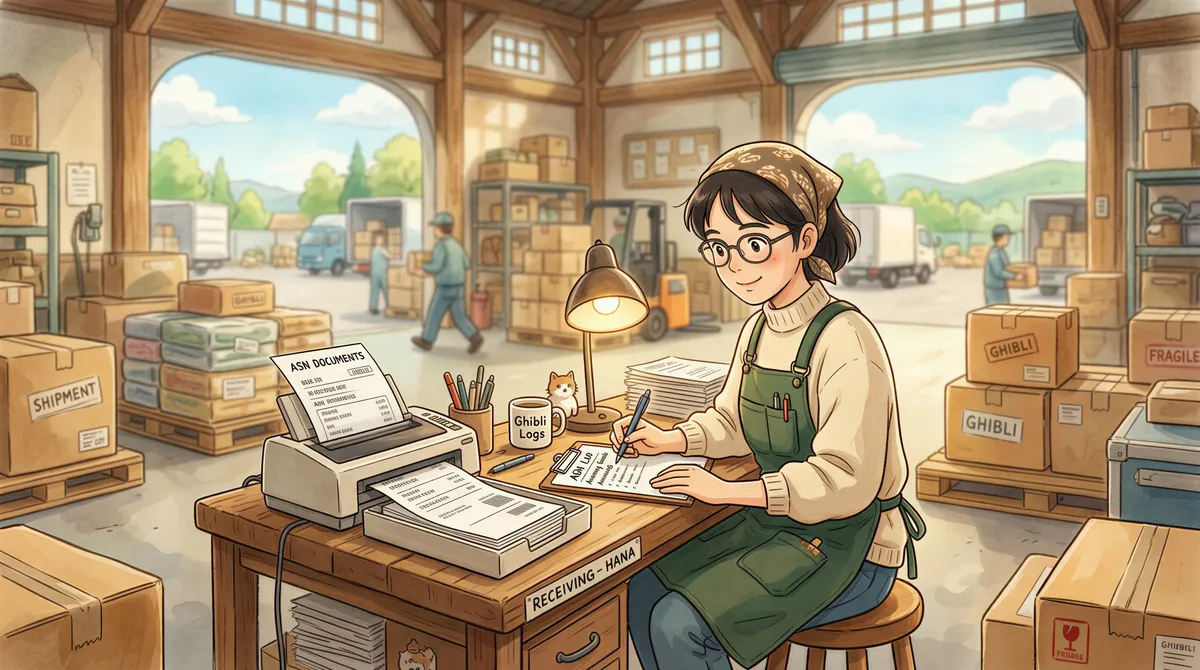
When suppliers email ASNs ahead of inbound shipments, the receiving dock wants printed copies to stage receiving paperwork. Faster receiving = faster putaway = faster orders out the door.
Filter:
- From contains: [your supplier domains]
- Subject contains:
ASN,advance shipping,arrival - Action: Print attachment to [receiving printer]
5. Freight invoices and proof-of-delivery (POD) confirmations
Carriers email freight bills and PODs. AP wants printed invoices for matching against shipments. Customer service wants PODs printed for customer disputes.
Filter:
- From contains: carrier domains (FedEx, UPS, DHL, your LTL carriers)
- Subject contains:
freight invoice,POD,proof of delivery - Action: Print attachment
Multi-Printer Routing Is the Killer Feature
Distribution centers typically have 5-10 printers in different physical locations:
- Picking station (pick lists)
- Packing station (packing slips, ship labels — though most ship labels print directly from a thermal printer driven by the shipping software, not from email)
- Dock (BOLs)
- Receiving (ASNs)
- Office / order entry (POs, freight invoices)
- QC (incoming material certs)
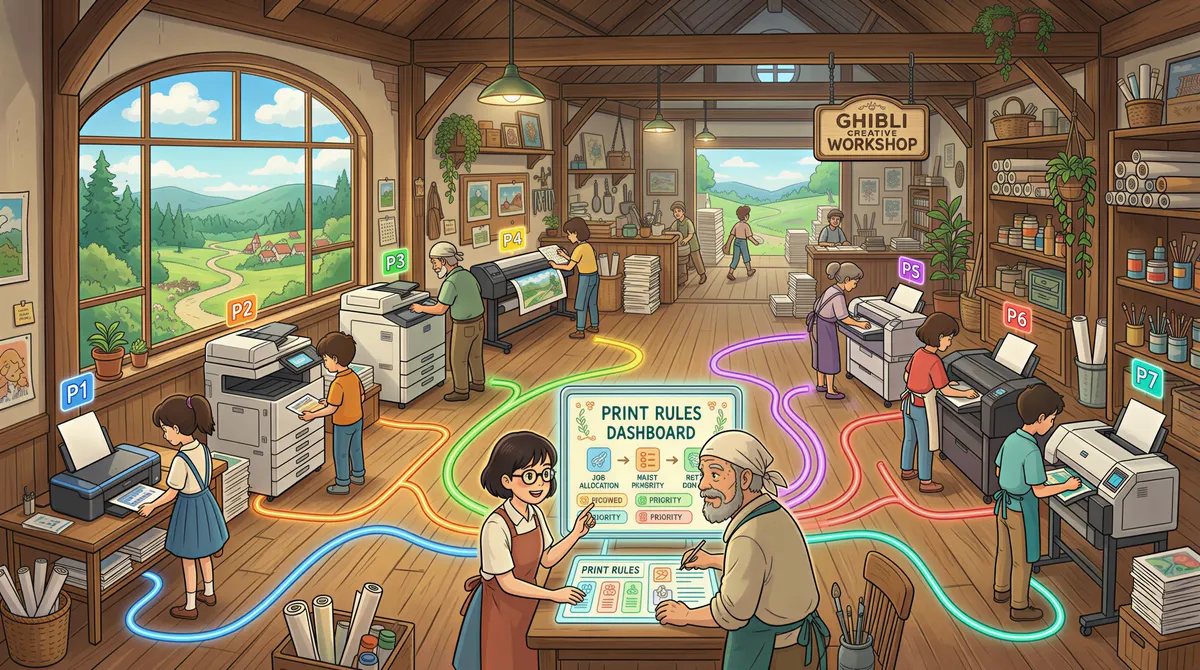
The right document at the right physical printer is half the value. AutoPrintEmail's per-rule printer routing makes this trivial — each filter rule specifies its printer; you set up once and forget.
Reliability on the Warehouse Floor
Dock and warehouse environments are harder on hardware than office environments. A few practical notes:
Run the host machine somewhere stable
Don't run AutoPrintEmail on the dock supervisor's laptop that goes to sleep when they leave. Run it on a dedicated mini-PC in the IT closet — it stays on, network printers stay reachable, no one accidentally shuts it down.
Network printer reliability
Older networked printers in a warehouse can drop off the network occasionally. AutoPrintEmail's failed-print log surfaces these events; the retry queue picks up missed jobs. You can also set up a backup printer in each rule (failed print to printer A → retry on printer B).
Polling cadence
Default 60-second polling. For most distribution workflows this is fine — order release → email → 30-60 seconds → print at picking station is faster than the picker can walk to grab the paper.
If you need sub-30-second print latency for rush orders, the bottleneck is usually the WMS's email send timing, not AutoPrintEmail.
The ROI Math
A 50-FTE distribution center typically handles 300-800 print-this-email tasks per day across all categories.
At 60-90 seconds each manual = 5-12 hours/day across the whole warehouse just on Ctrl+P.
Annual: 1,250-3,000 hours × ~$22/hour loaded labor cost = $27,000-$66,000/year of recovered time.
A 10-computer lifetime AutoPrintEmail deployment is $4,990 once. ROI year one: 5-13×.
The bigger operational win is continuous flow. A picker who never breaks off to walk to a shared printer stays in the pick path all shift. That recovered flow is worth more than the Ctrl+P seconds, and it never shows up on an invoice.
Perishable and Foodservice Distribution
Dry goods can slip a day. Produce cannot.
A fresh-produce house running a refrigerated fleet six days a week has a hard cutoff: every pick ticket has to be on paper before the trucks load that night. Miss it and the truck rolls short, or it doesn't roll. The restaurant that ordered gets nothing at 6am, and nobody re-runs that delivery.
That's a different failure mode from a slow warehouse. It isn't wasted minutes, it's a missed window. So the two settings that matter most here are the ones in the reliability section above: a dedicated host machine that nobody logs out of, and a polling cadence tight enough that a 4pm order amendment still lands on the picker's printer before the wave closes.
Same setup as any other DC. Much lower tolerance for the host being someone's laptop.
Multi-Site Distribution Networks
If you operate 3-30 distribution centers under common ownership, the team plan gives you:
- One invoice for the whole company (no AP nightmare across sites).
- Admin dashboard with print analytics per site.
- License reassignment when staff transfer between sites.
- Workspace-wide policy control (one place to enforce settings across the network).
- Volume discounts at 30+ seats.
For a 200-seat enterprise deployment across multiple DCs, talk to support@autoprint.email for a volume quote.
Setup at a Single Distribution Center
- Identify the printers and what each prints (picking, packing, dock, receiving, office, QC).
- Pick the host machine — dedicated mini-PC ideal.
- Install AutoPrintEmail on the host.
- Connect the corporate email account.
- Add 5-7 filter rules for the categories above, each routed to the correct printer.
- Test with one document per category.
30-45 minutes including network printer testing.
Pricing
- Single DC (5-10 computers): $499/computer lifetime on the team plan.
- Multi-site distribution networks: team plan, volume discounts at 30+ seats.
- Free 7-day team trial.

TL;DR
Distribution-center email volume is enormous. Multi-printer routing is the killer feature for the workflow. $25K-$65K/year of recovered time at a 50-FTE DC, vs. a $5K lifetime license cost. Start the trial.
The "pick list arrives at the picking-station printer the moment the WMS releases the wave" pattern alone justifies the rollout.
Ready to get started?
Start printing your emails today.
Nearly 90,000 emails have printed themselves so far — no one opening an inbox, no one clicking print.