Print-and-Mail vs Auto-Print: Which Do You Need?
A reader emailed last week: "We bought print-and-mail software for $400/month and it's overkill — we just want to print invoices in our office."
Different reader, same week: "We tried using a desktop print app for client billing — it just printed everything in our office. We needed it to actually mail to customers."
Both were right. Both bought the wrong category.
Here's the difference, plainly.
Table of Contents
- What Each Category Actually Does
- The Honest Decision Tree
- Concrete Examples for Each Category
- The Hybrid Confusion
- Why People Buy the Wrong One
- Pricing Models Are Telling
- Where AutoPrintEmail Fits
- The 2-Minute Self-Diagnostic
- TL;DR
What Each Category Actually Does
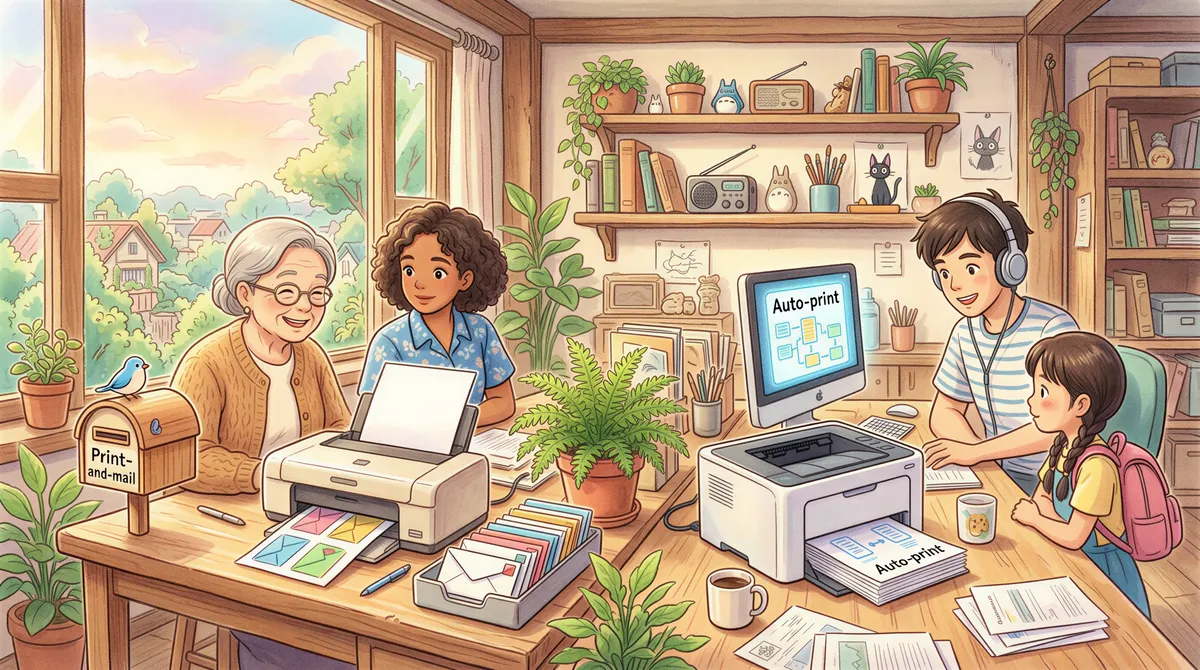
Print-and-mail services (Lob, Click2Mail, PostGrid, Mailform, etc.) are essentially "Stripe for postal mail." You upload a PDF or hit an API, they print it at a regional facility, fold it, stuff it in an envelope, stamp it, and drop it at the post office. The customer gets it 2-5 business days later.
Auto-print apps (AutoPrintEmail, Sperry AutoPrint, FolderMill) watch your inbox, intercept emails matching rules you set, and send the contents (body, attachments, or both) to a printer in your office. The paper sits on your desk in 30 seconds.
These solve different problems. Confusing them costs real money.
The Honest Decision Tree
You need print-and-mail if:
- The recipient is not in your office.
- They are a customer, vendor, or counterparty who expects physical mail.
- You want to skip buying paper, envelopes, postage, and the time of someone licking stamps.
- Volume is high enough that a postage meter feels insulting.
You need auto-print if:
- The paper stays in your building.
- The recipient is your bookkeeper, partner, kitchen, warehouse, or filing cabinet.
- The deadline is "now," not "by next Tuesday."
- You have a printer.

Concrete Examples for Each Category
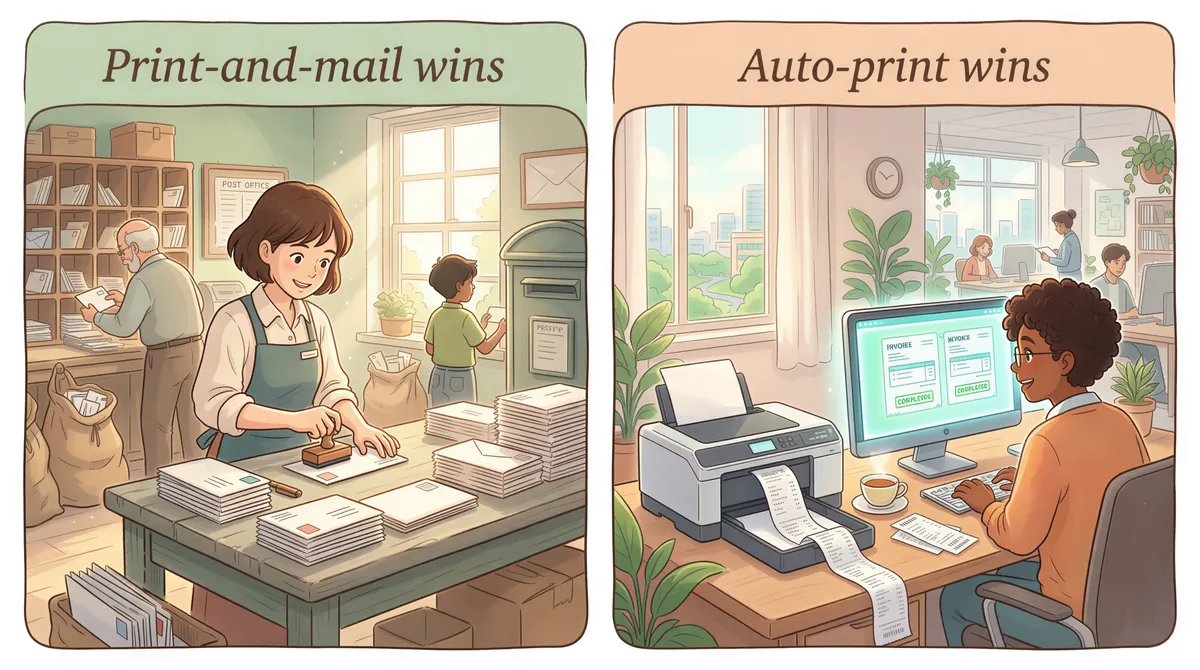
Print-and-mail wins
- Sending 1099s to all 200 contractors at year-end. They live everywhere; they need physical copies.
- Mailing invoices to customers who refuse to pay digitally (every B2B has a few).
- Court-required notices, IRS form 1098-T to students, healthcare benefit summaries — anything regulator-mandated to be physically delivered.
- Direct-mail marketing.
If you Google "print and mail invoices" or "print to mail solution for invoices," you probably want this.
Auto-print wins
- An invoice arrives from a vendor; it needs to print so the bookkeeper can match it against the GL today.
- DoorDash sends a kitchen ticket; it needs to print at the receipt printer next to the line cook.
- A signed contract returns from DocuSign; it needs to print for the partner's review folder.
- A K-1 arrives from a fund administrator; it needs to print so the senior associate can include it in the client packet by tomorrow.
- A waybill emails to dispatch; it needs to print at the loading dock.
If you Google "auto print emails," "automatically print attachments," or "email to print software" — that's auto-print.
The Hybrid Confusion
The reason these two categories get confused is that both sometimes show up in the same workflow.
Take an accounting firm sending invoices to clients:
- The invoice is generated in QuickBooks.
- QuickBooks emails the invoice to the client (auto).
- QuickBooks also emails a copy to the firm's billing@ inbox.
- Auto-print catches the copy in step 3 and prints it for the firm's records.
- If the client refuses to pay digitally and demands a paper copy, print-and-mail sends one out.
Both solve different parts of the same workflow. The firm needs both, but they buy them separately and they cost very different amounts.

Why People Buy the Wrong One
Two failure modes show up over and over:
Failure mode 1: Buying print-and-mail when you only need auto-print
A small e-commerce store needs to print packing slips at the warehouse. They google "print mail invoices" and end up on Lob's pricing page. Lob is great for what it does, but it costs ~$1.50 per piece sent. They print 200 packing slips a day. They're now spending $9,000/month to print paper that travels 30 feet.
The right tool was a $29/month auto-print app that prints them on the warehouse printer. Annual cost: $348.
Failure mode 2: Buying auto-print when you actually need print-and-mail
An accountant subscribes to AutoPrintEmail expecting it'll print and mail 1099s to all their contractors. It will print them — to whatever printer is connected to the accountant's computer. It does not stuff them in envelopes or buy postage. Three days into January, the accountant is licking stamps.
The right tool was a 1099-specific print-and-mail service. Cost ~$2-3 per recipient, all-in.

Pricing Models Are Telling
The fastest way to identify which category a tool is in: look at how it charges.
- Per-piece pricing ($0.50-$2 per item sent) → print-and-mail. They have a real cost per piece (paper, ink, postage, labor).
- Flat monthly or one-time licensing ($15-$500) → auto-print. They have no per-piece cost; they're a small piece of software running on your computer.
If a tool says "starting at $0.85 per piece," it does not belong on your desk. If it says "$499 lifetime, no per-piece fees," it does not mail anything.

Where AutoPrintEmail Fits
AutoPrintEmail is squarely in the auto-print category. It runs on a computer in your office. It prints emails and attachments to printers in your office. It doesn't send anything anywhere — bodies and attachments stay on your machine.
Pricing reflects that:
- $29/month or $499 lifetime per computer.
- Team plan for organizations with multiple AP users — centralized billing, admin dashboard with print analytics, 7-day free trial.
- Zero per-piece fees, ever.
If you also need to mail things (1099s to contractors, invoices to remote customers), pair it with a print-and-mail provider. Lob, PostGrid, Click2Mail are all good options depending on volume. They handle the post office side; AutoPrintEmail handles the in-office side.

The 2-Minute Self-Diagnostic
Print this checklist (ironically):
- Where does the printed paper need to end up?
- Inside our building → auto-print
- At someone else's address → print-and-mail
- What's the deadline?
- "Right now" → auto-print
- "By the end of the week" → print-and-mail
- Who handles the post office part today?
- We do (someone walks to the postbox / has a postage meter) → either
- Nobody (we don't mail anything) → auto-print
- What do we pay for printing today?
- Paper, ink, our own time → auto-print is the upgrade
- $0.50-$2 per piece via a service → print-and-mail; consider a different provider but stay in the category
TL;DR
| Question | Auto-print | Print-and-mail |
|---|---|---|
| Where does the paper end up? | Your office | Someone else's mailbox |
| Pricing model | Flat license | Per-piece |
| Typical cost (10 docs/day) | $29/month or $499 lifetime | $300-$500/month |
| Right for | AP, kitchens, dispatch, partner desks | Customer mailings, regulatory mail, year-end forms |
| Software examples | AutoPrintEmail, Sperry, FolderMill | Lob, PostGrid, Click2Mail |
If you're somewhere in the middle and not sure, the question is almost always "where does the paper need to end up" — start there.
If it's in your office, start a free 3-day trial of AutoPrintEmail. Or, for multi-user firms, the team plan with admin dashboard and centralized billing.
If it's somewhere else, you're on the wrong page — go pick a print-and-mail provider.
Ready to get started?
Start printing your emails today.
Nearly 90,000 emails have printed themselves so far — no one opening an inbox, no one clicking print.