FreshBooks Invoices: Auto-Print vs Print-and-Mail (And When Each Wins)
FreshBooks is great at generating invoices. It does not handle the physical paper at all.
Which means if your bookkeeping workflow needs printed copies — for office files, for clients who refuse digital, for compliance filing — you have to pick what to bolt on.
The two options people Google are "auto-print" and "print-and-mail." They sound similar. They're completely different things. Here's which one wins for which FreshBooks setup.
Table of Contents
- The Core Distinction
- How FreshBooks Emails Invoices
- Setup Path 1: Auto-Print for In-Office Filing (5 minutes)
- Setup Path 2: Print-and-Mail for Customer-Facing Mailings
- Setup Path 3: Both (The Common Case)
- The Trap to Avoid
- Common Edge Cases
- TL;DR Decision Tree
The Core Distinction
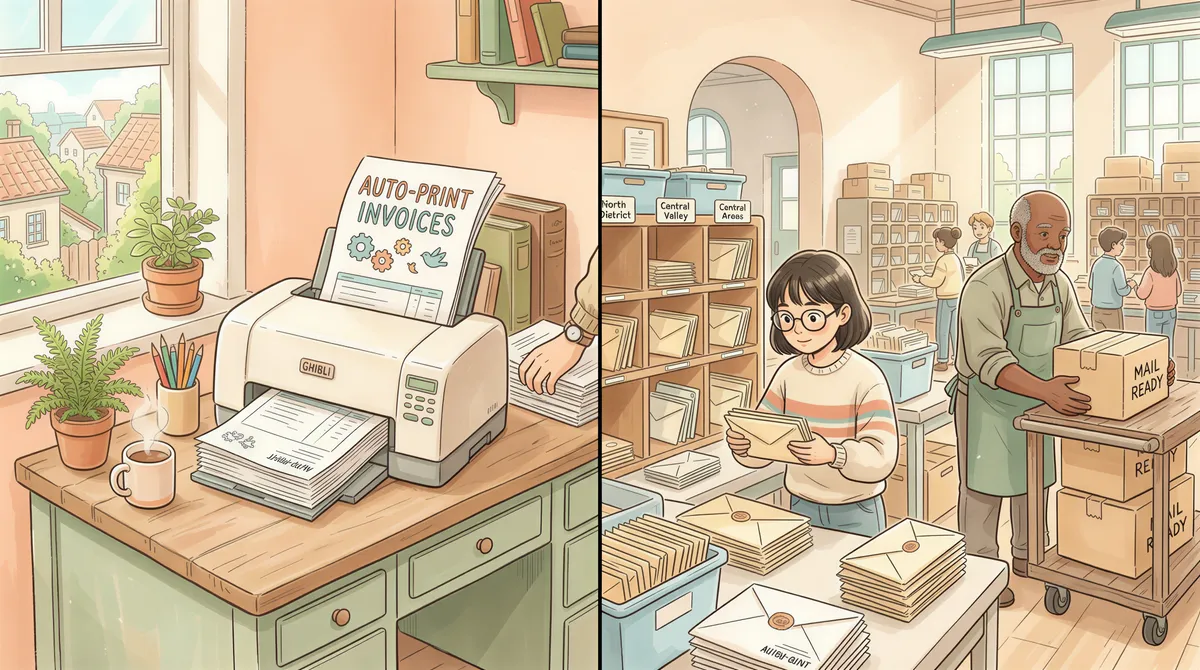
- Auto-print = paper appears on a printer in your office, automatically, the moment a FreshBooks invoice is sent.
- Print-and-mail = a third party prints it at a regional facility and mails it to your customer's address.
Auto-print is for in-office work (your own copy, AP filing, partner review). Print-and-mail is for the customer mailing job. You may need either, both, or neither depending on what your firm does.
How FreshBooks Emails Invoices
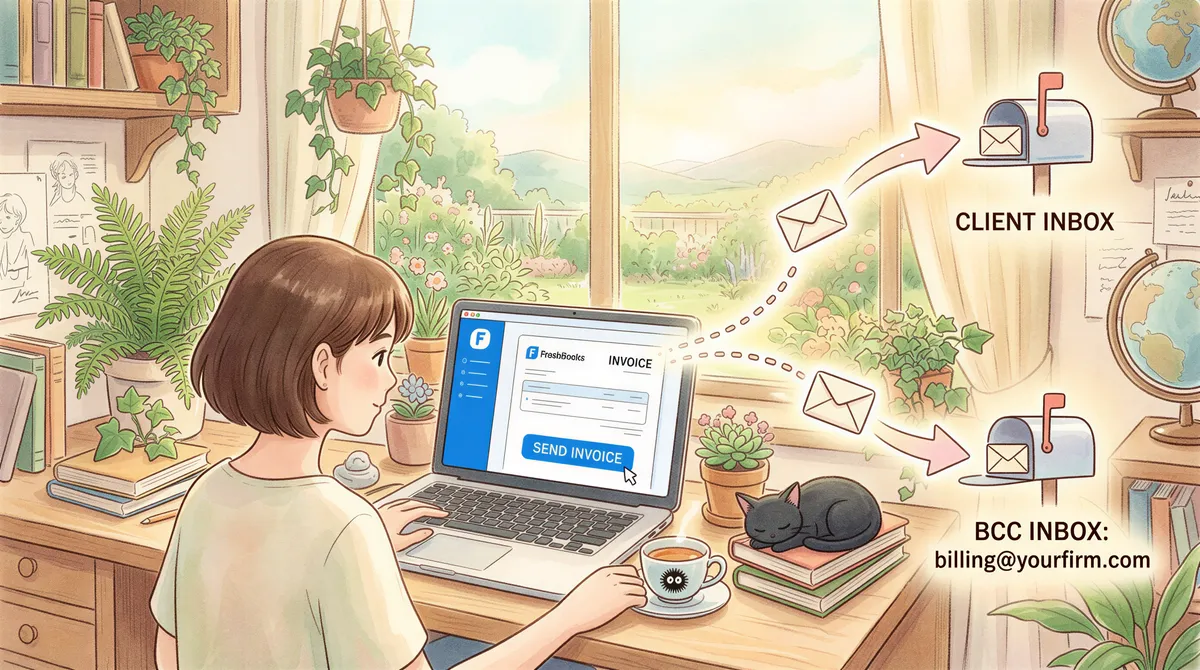
Every time you "Send" an invoice in FreshBooks, two emails go out:
- To your client (the visible copy with the PDF attachment).
- Optionally — and this is the magic — to your own billing/AR address if you BCC yourself or have a team member added as recipient.
That second copy is what auto-print captures. The first one goes wherever your client routes it; you can't auto-print it from their inbox.
So for in-office workflow, your setup is: tell FreshBooks to BCC billing@yourfirm.com (or wherever AP lives), have AutoPrintEmail watch that inbox, set a filter, done.
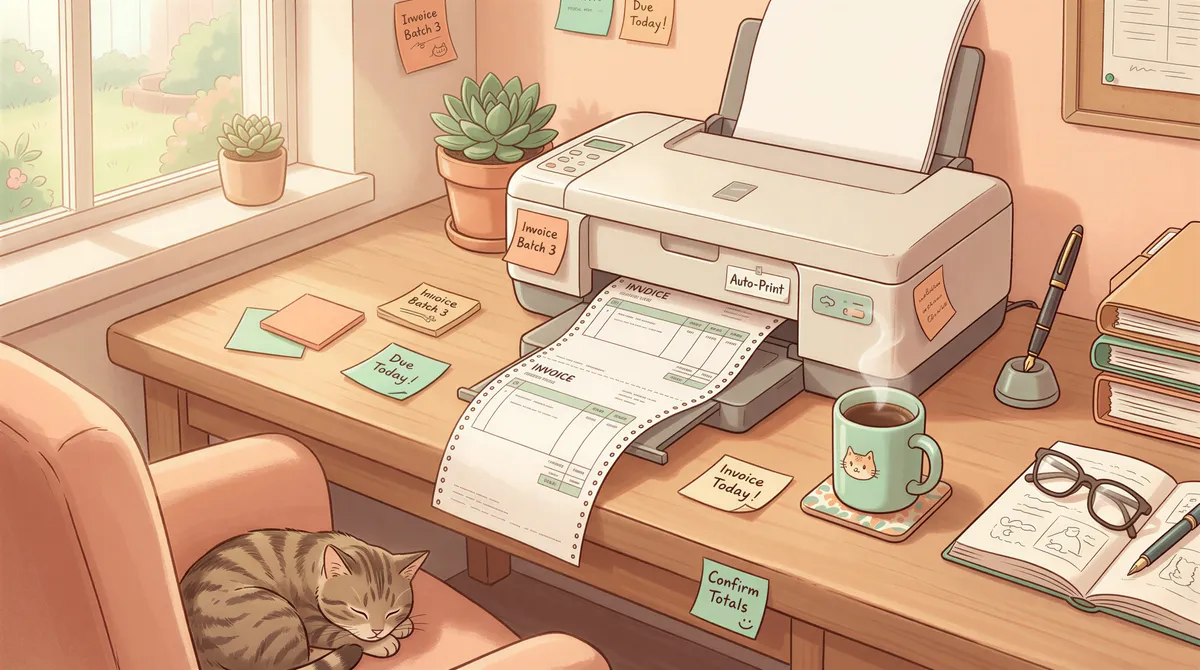
Setup Path 1: Auto-Print for In-Office Filing (5 minutes)
This is the right path if:
- You file printed copies of every invoice for your records.
- Your bookkeeper matches invoices against the GL on paper.
- You have a partner who reviews invoices in physical form before they go out.
- Your CPA wants paper copies for audit trail purposes.
Steps:
- In FreshBooks, go to Settings → Account Profile → Email Defaults. Add
billing@yourfirm.comas a CC or BCC on outgoing invoices. - Install AutoPrintEmail on the office computer connected to your network printer.
- Connect the inbox that receives those BCC'd copies. Gmail / Outlook / IMAP all work.
- Add a filter rule: From contains
freshbooks.comAND has attachment → Print attachment to [your invoice printer]. - Test: send yourself a test invoice from FreshBooks. The PDF should print within a minute.
Cost: $29/month flat or $499 lifetime. Zero per-invoice fee.
For multi-user accounting practices, the team plan adds centralized billing across all the AP folks plus an admin dashboard with print analytics per user.
Setup Path 2: Print-and-Mail for Customer-Facing Mailings
This is the right path if:
- Your clients have asked specifically for physical mailed copies.
- You're in a sector where physical mail is regulated or expected (legal, healthcare, certain professional services).
- You're sending hundreds of invoices/month and even semi-DIY mailing has become a chore.
For FreshBooks specifically, you have two integration options:
Option A: Native Lob integration via Zapier
Zap: New invoice in FreshBooks → Send PDF to Lob → Lob mails it.
Cost: Lob is ~$0.85-$1.50 per piece including postage. Zapier is $20+/month for the multi-step zap. Total per invoice: roughly $1.20-$1.80.
Works fine. Slightly fragile (Zaps occasionally lag); fine for non-urgent mail.
Option B: Manual upload to Click2Mail or PostGrid
Once a week, export the week's invoices as PDFs from FreshBooks, batch-upload to a print-and-mail provider, click "Send."
Cost: ~$0.85 per piece, no Zapier middleware. Adds 30 minutes/week of manual work.
Best for low volume (under 50 mailings/week) where the Zapier setup feels heavyweight.

Setup Path 3: Both (The Common Case)
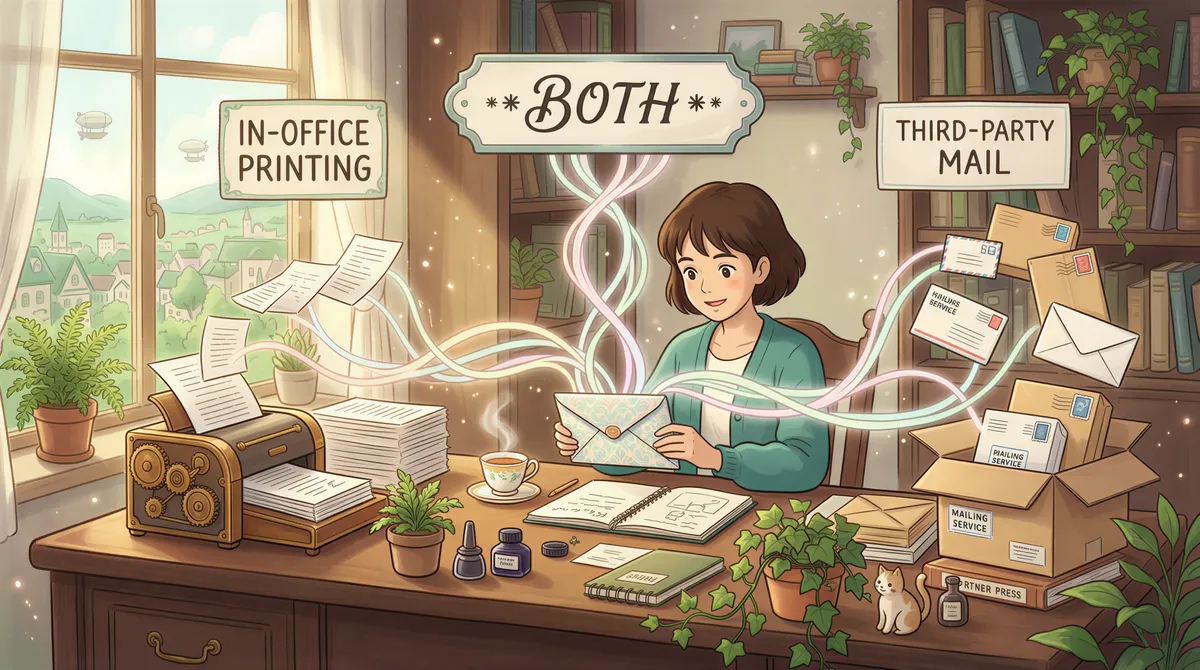
A lot of FreshBooks shops actually need both — file copies in the office AND occasional mailings to specific clients.
The combination that works:
- AutoPrintEmail running on the office computer, catching all FreshBooks BCC'd invoices and printing them for filing.
- Print-and-mail provider (Lob, etc.) for the subset of clients who want physical copies — handled separately, weekly batch.
This costs roughly:
- $0.25/invoice amortized for AutoPrintEmail (lifetime license).
- $1.50/invoice for the subset (5-10% typically) you actually mail externally.
Total: ~$0.30-$0.40/invoice for typical workflows where most invoices are digital and a few are physical.
The Trap to Avoid
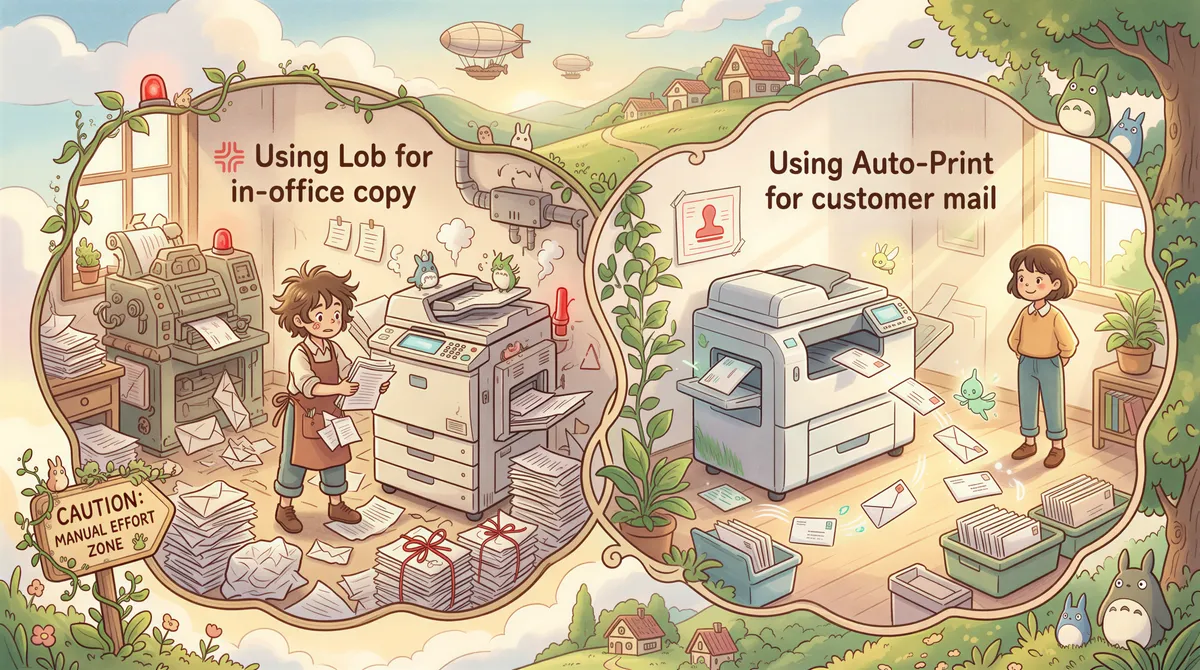
People sometimes try to use a print-and-mail service for the in-office copy. "We'll just have Lob print and mail one to ourselves."
Don't. You're paying $1.50 for a piece of paper that travels 30 feet via the post office over 3 days. AutoPrintEmail prints it in your office in 30 seconds for ~$0.25 amortized.
The reverse trap: using AutoPrintEmail for the customer-mailed copy. The app prints to a printer in your office. It does not mail anything. The physical envelope-stuffing-and-stamping step is yours to handle (or to outsource via print-and-mail).
Match the tool to the destination of the paper.
Common Edge Cases
Encrypted PDFs from FreshBooks
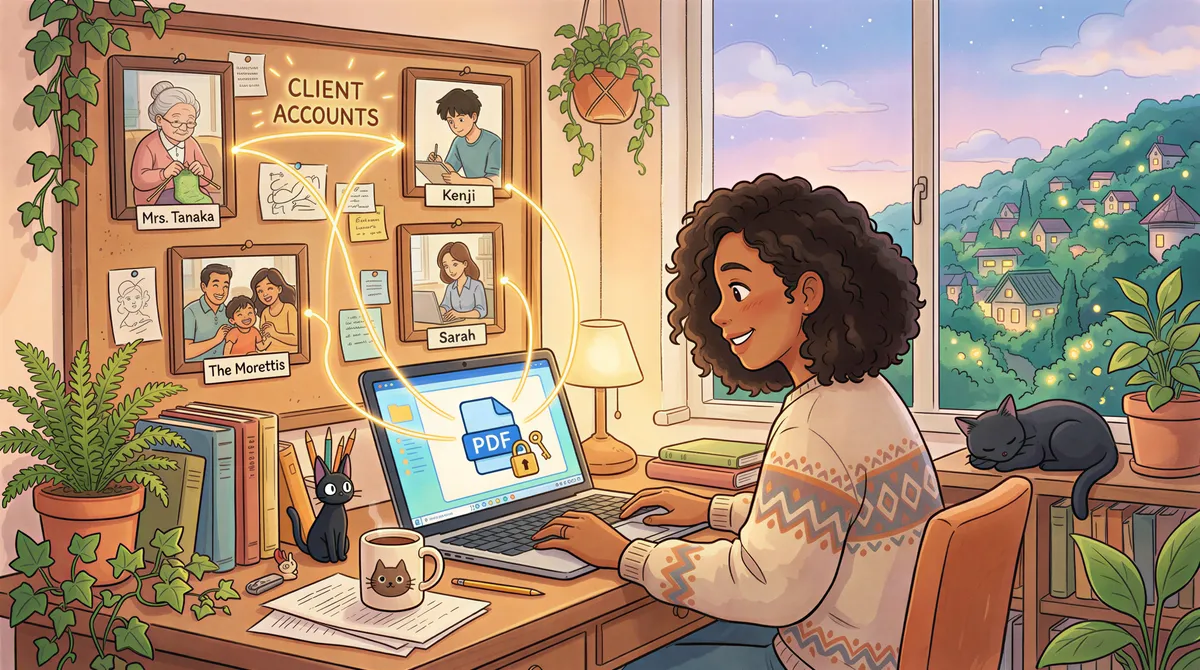
FreshBooks sometimes sends password-protected PDFs (especially in EU regions). AutoPrintEmail can't unlock them. Fix: turn off the password setting in FreshBooks (Settings → Invoice → Defaults → Encryption).
Multiple FreshBooks accounts (different clients of yours)
If you're a bookkeeping/accounting firm running multiple FreshBooks accounts on behalf of different clients, point AutoPrintEmail at the master billing inbox where invoices from all of them route. Filter by sender domain freshbooks.com to catch them all.
For per-client routing (e.g. client A's invoices print on printer A, client B's print on printer B), use multiple filter rules with subject contains the client name.
You want digital-first but with a printed audit trail
Tell FreshBooks to BCC your billing address. Have AutoPrintEmail print to a "PDF printer" instead of physical paper. PDFs land in a folder, organized by date. Free audit trail with no actual paper.
TL;DR Decision Tree
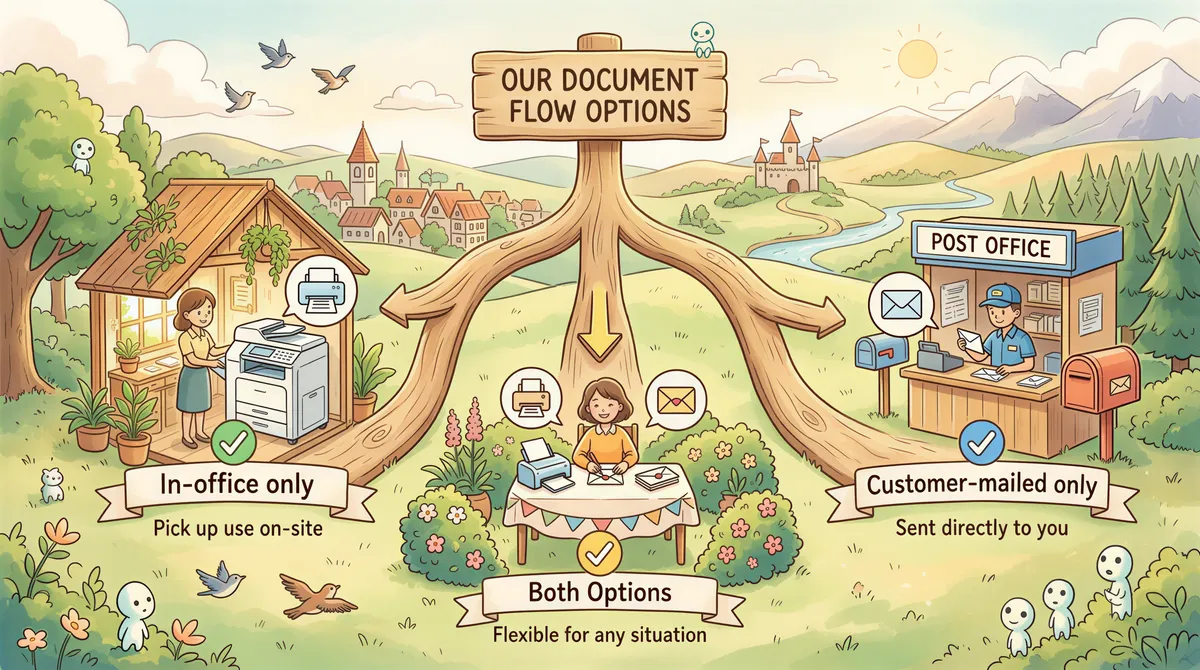
- In-office only: AutoPrintEmail. $29/mo or $499 lifetime. Start trial.
- Customer-mailed only: Lob, PostGrid, or Click2Mail. ~$0.85-$1.50/piece.
- Both: AutoPrintEmail for in-office + a print-and-mail provider for the mailed subset. Cheapest combination.
- Multi-user firm: Same answer + team plan on the auto-print side for centralized billing.
If you're a 1-3 person FreshBooks shop, the individual lifetime plan is the cheapest answer. If you're 5-50 people in an accounting practice with multiple AP users, the team plan is built for you.
The whole "FreshBooks doesn't print anything" problem disappears with about 5 minutes of setup either way.
Ready to get started?
Start printing your emails today.
Nearly 90,000 emails have printed themselves so far — no one opening an inbox, no one clicking print.