Print and Mail Invoices From Your Computer: 3 Workflows Compared
"Print and mail invoices from your computer" is one of those queries Google sees a lot. It looks like one workflow but it's actually three, and they cost wildly different amounts.
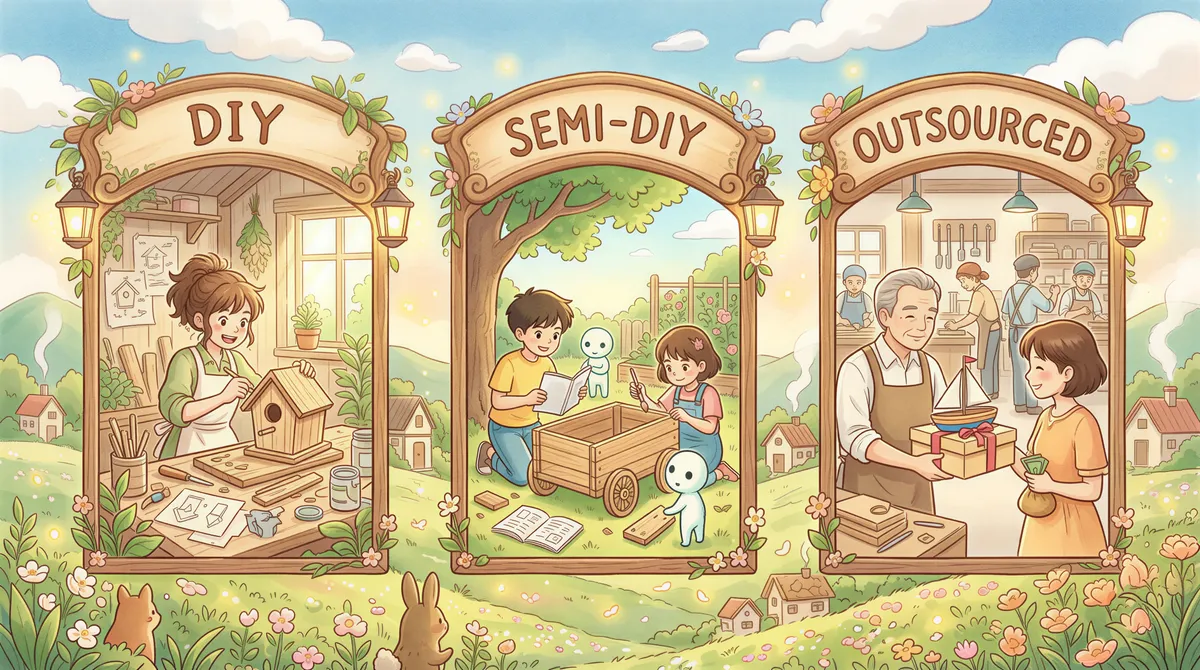
If you're searching this, you're doing one of these three things. Pick the right one.
Table of Contents
- Workflow 1: Pure DIY (Print, Stuff, Stamp)
- Workflow 2: Semi-DIY (Auto-Print Locally + Manual Mail)
- Workflow 3: Fully Outsourced (Print-and-Mail Service)
- The Honest Comparison Table
- The Edge Case Most People Miss
- Common Questions
- The 30-Second Decision
Workflow 1: Pure DIY (Print, Stuff, Stamp)
You print invoices on your office printer, stuff them into envelopes, address them, stamp them, drop them at the post office or in a postbox.
This is what most small businesses do for the first 50 invoices. Then it becomes unbearable.
Time per invoice: 4-7 minutes (print, fold, envelope, address, stamp, walk to mailbox).
Cost per invoice:
- Paper + ink: ~$0.05
- Envelope: ~$0.10
- Postage (US first class): $0.73 as of 2026
- Your time at $50/hour: $3.30-$5.85
- Total real cost: ~$4-$7 per invoice
The math says stop doing this once you cross 20-30 invoices a month. Your time is too valuable.
Where this fits: founders sending the first dozen invoices manually. Beyond that — automate one of the steps.

Workflow 2: Semi-DIY (Auto-Print Locally + Manual Mail)
You generate invoices in QuickBooks/Xero/FreshBooks, the tool emails them to you, AutoPrintEmail catches them and prints automatically, then you (or someone in the office) stuffs the envelopes and mails them in batches.
This is the right workflow when:
- You're mailing 30-200 invoices/month.
- They go to a mix of in-office filing and customer mailings (you need both).
- Someone in the office can do an envelope-stuffing batch once a week.
Time per invoice: 30 seconds for the human (envelope, address, stamp). Printing is automatic.
Cost per invoice:
- Software (AutoPrintEmail): $29/month flat or $499 lifetime. Spread the lifetime license over three years at ~100 invoices a month and it's about $0.15/invoice.
- Paper + ink: $0.05
- Envelope: $0.10
- Postage: $0.73
- Human time at $50/hour: $0.42
- Total: ~$1.45 per invoice
Compared to workflow 1, that's a 65-80% cost cut just from removing the print step.
The bigger win: invoices print as they're sent. Bookkeeper batches the mailing weekly without anyone manually printing each one.
Where this fits: small accounting practices, single-location businesses, anyone in the 30-200/month volume band.
Start a free 3-day trial of AutoPrintEmail.
For multi-user shops (multiple AP people each handling some slice), the team plan is the better fit — centralized billing and admin dashboard.

Workflow 3: Fully Outsourced (Print-and-Mail Service)
You upload PDFs (or hit an API) to a service like Lob, Click2Mail, PostGrid, or Mailform. They print at a regional facility, fold, stuff, stamp, and mail. You never see paper.
Time per invoice: 0 minutes for you, after initial integration.
Cost per invoice:
- Service fee: $0.85-$2.00 per piece, all-in including postage.
- Integration time: a few hours of dev work, one-time.
- Total: ~$1.50 per invoice
About the same per-piece as workflow 2, but with zero ongoing human time.
The catch: most print-and-mail services have minimums or per-API-call fees that punish low volume. They shine when you're sending 500+ pieces a month.
Where this fits: mid-market companies with a real mail program (1,000s/month), anyone who has to send physical statements as a regulatory thing, year-end 1099 batches.

The Honest Comparison Table
| Metric | Workflow 1 (Pure DIY) | Workflow 2 (Auto-Print + Manual Mail) | Workflow 3 (Outsourced) |
|---|---|---|---|
| Cost per invoice | $4-$7 | ~$1.45 | ~$1.50 |
| Human time per invoice | 4-7 min | 30 sec | 0 |
| Setup time | 0 (you're already doing it) | 5 minutes | A few hours of dev work |
| Best for volume | Under 30/month | 30-200/month | 500+/month |
| Filing copies for office? | Yes (you handle it) | Yes (printer handles it) | No (you'd need to also print locally) |
The Edge Case Most People Miss
Most accounting setups need both an in-office copy AND an external mailing for some invoices. Workflow 3 alone doesn't cover the in-office side; workflow 1 alone is too expensive at scale.
That's why workflow 2 wins for most small-to-mid businesses: it nails the in-office copy automatically and then a human stuffs envelopes for the small subset that needs to physically mail.
If you're in a sweet-spot where you mail 100/month and file 1000/month, workflow 2 + occasional Lob calls for the mailing subset is the cheapest combination.

Common Questions
What about virtual mail / digital mailboxes?
Different problem. Virtual mailboxes (iPostal1, Earth Class Mail) handle incoming physical mail — they receive it, scan it, and email you the scan. None of these workflows are about that.

Can I have AutoPrintEmail print to a PDF instead of paper?
Yes. Print to a "PDF Printer" (like Microsoft Print to PDF on Windows or PDF24 on either OS). The PDF lands in a folder you specify. Useful if you want to batch-upload to Lob via API later.
How do these workflows handle international invoices?
Workflow 2 doesn't care — it just prints. You handle the international postage at the post office.
Workflow 3 (Lob et al.) supports international mail at higher per-piece rates ($2-$5 per piece for international). Check pricing.

What if some clients want digital and some want paper?
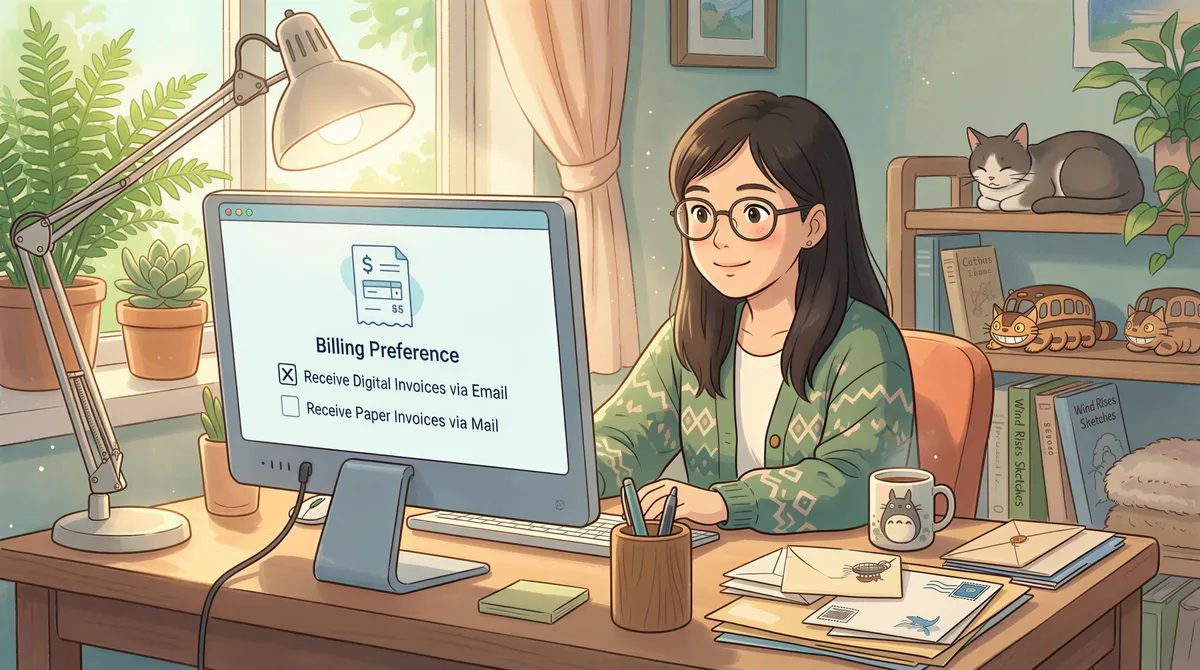
Most accounting tools (QuickBooks, Xero, FreshBooks) let you set per-customer mail preferences. Use that. Auto-print catches everything; the manual envelope step happens for the paper-preference subset only.
The 30-Second Decision
- Mailing under 30/month with regular volume: workflow 1 is fine. Don't buy software.
- Mailing 30-300/month: workflow 2. Auto-print locally, batch the mailing once a week. Cheapest combo.
- Mailing 300+/month: workflow 2 + a print-and-mail service for the higher-volume subset. Or pure workflow 3 if you don't need in-office copies.
If you're in workflow 2 territory, start AutoPrintEmail's free trial. It pays for itself within the first month. For multi-user accounting practices, the team plan gives you centralized billing and an admin dashboard.
If you're firmly in workflow 3, you don't need us. Go pick a print-and-mail provider.
If you're not sure where you fall — count last month's outgoing invoices, do the math above, you'll know in 30 seconds.

Ready to get started?
Start printing your emails today.
Nearly 90,000 emails have printed themselves so far — no one opening an inbox, no one clicking print.