Healthcare Compliance: Why Manual Email Printing Is a Risk
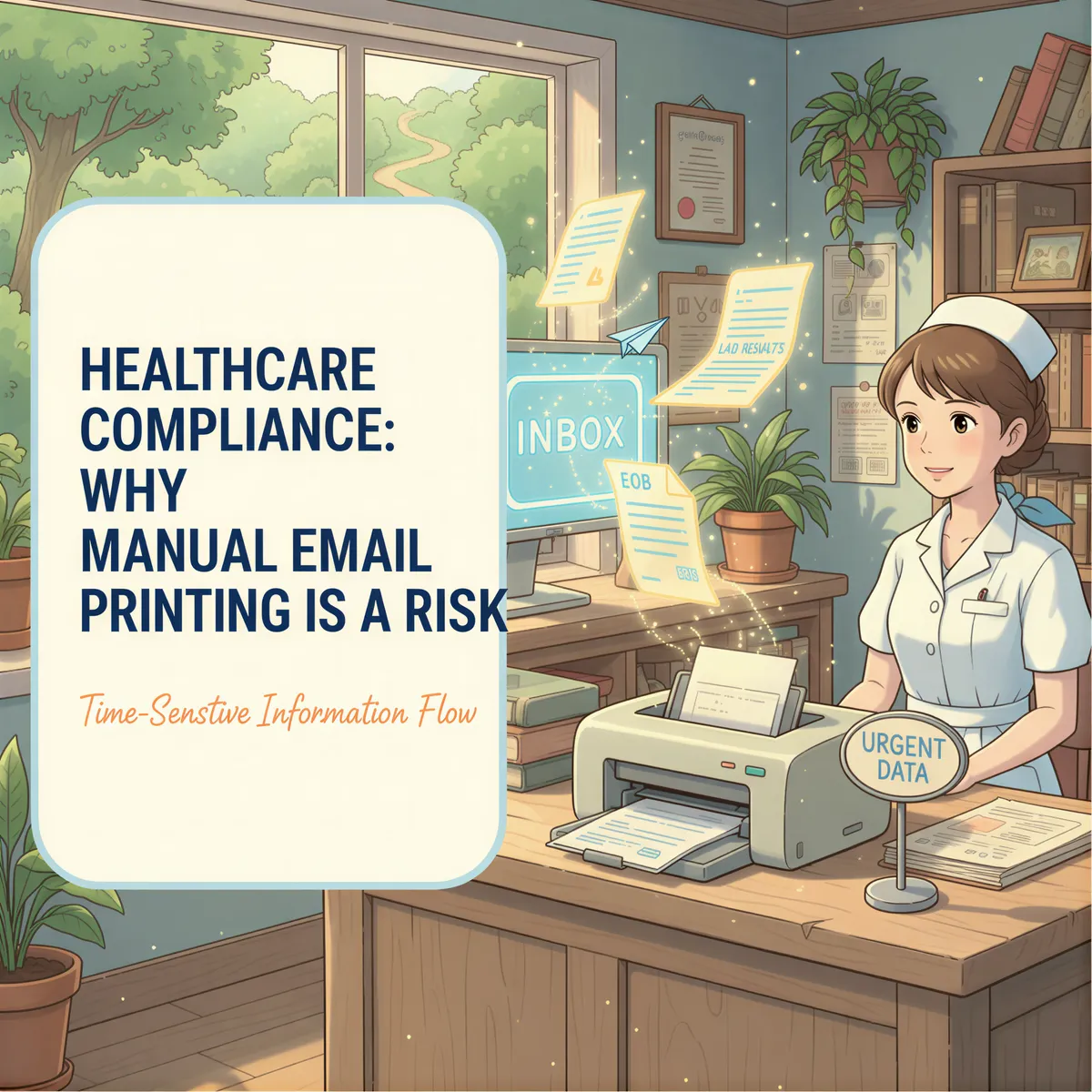
A lab result sits in your inbox for 3 hours.
The patient called twice. The front desk "meant to print it." And now you're explaining to an anxious patient why their results weren't ready.
In healthcare, delayed documents aren't just annoying.
They're a liability.
Table of Contents
- The Hidden Risk of Manual Email Printing
- What Healthcare Offices Actually Deal With
- Why "Someone Will Print It" Fails
- Auto-Print for Healthcare: How It Works
- HIPAA Compliance Considerations
- Example Medical Office Setups
- TL;DR
The Hidden Risk of Manual Email Printing
Medical offices receive dozens of critical documents via email every day:
- Lab results
- Insurance EOBs
- Referral letters
- Prior authorization responses
- Prescription confirmations
Every one of these needs to reach the right chart at the right time.
But here's what happens in reality:
- Email arrives
- Someone is "supposed to" print it
- They're with a patient
- The email gets buried
- The document is late — or worse, forgotten
Manual processes fail when people get busy. And healthcare is always busy.
What Healthcare Offices Actually Deal With
Let's be specific about the chaos:
- Lab results that need to be reviewed before the patient calls back
- Insurance EOBs that pile up until billing is a nightmare
- Referral letters that patients are waiting on
- Prior auths that expire if not acted on quickly
Each one arrives via email. Each one requires printing. Each one requires someone to remember.
Why "Someone Will Print It" Fails
Because your staff is doing actual healthcare work.
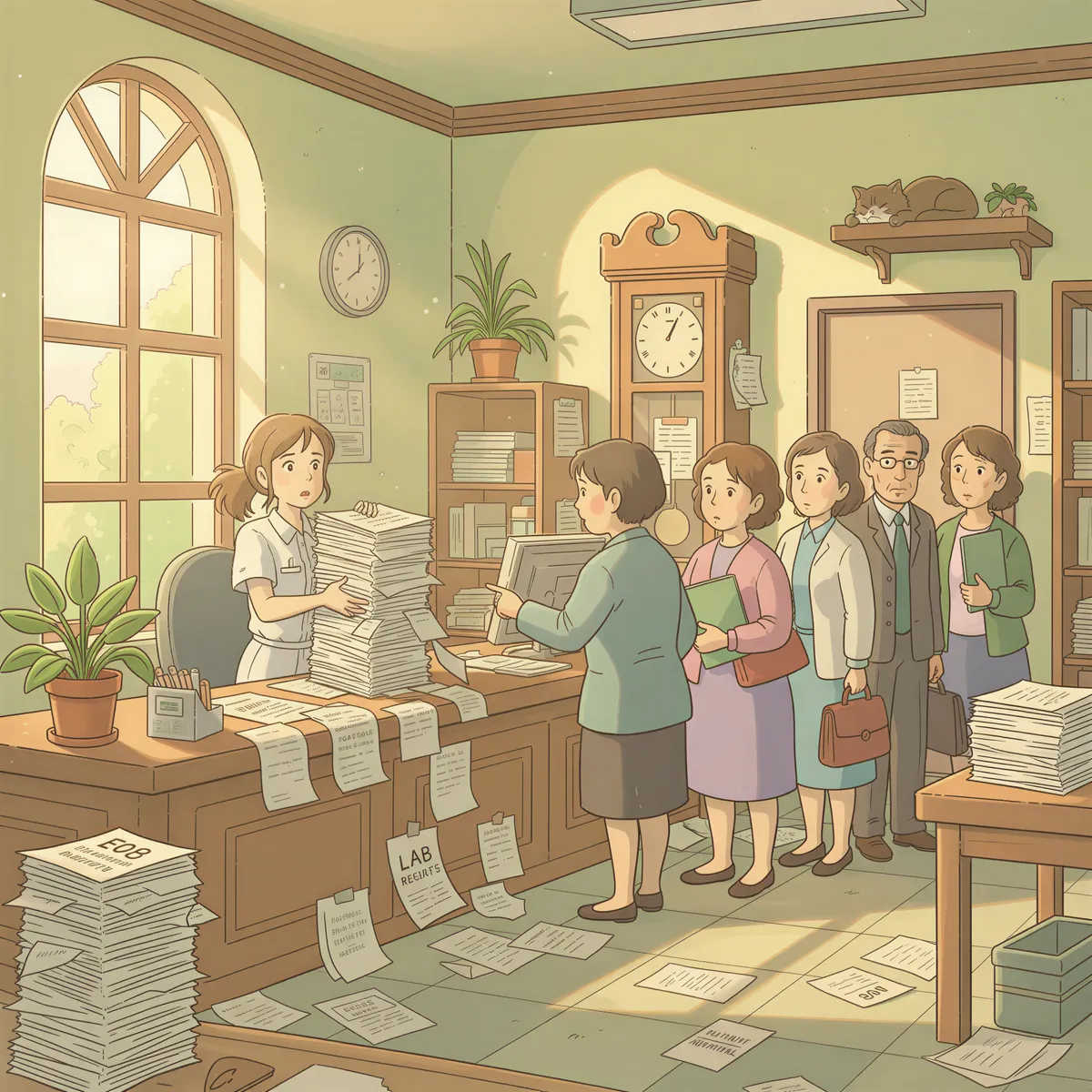
The medical assistant is rooming patients. The front desk is handling check-ins. The billing person is on hold with insurance.
Nobody's job is "check email every 5 minutes and print things."
So documents sit. And patients suffer.
Auto-Print for Healthcare: How It Works
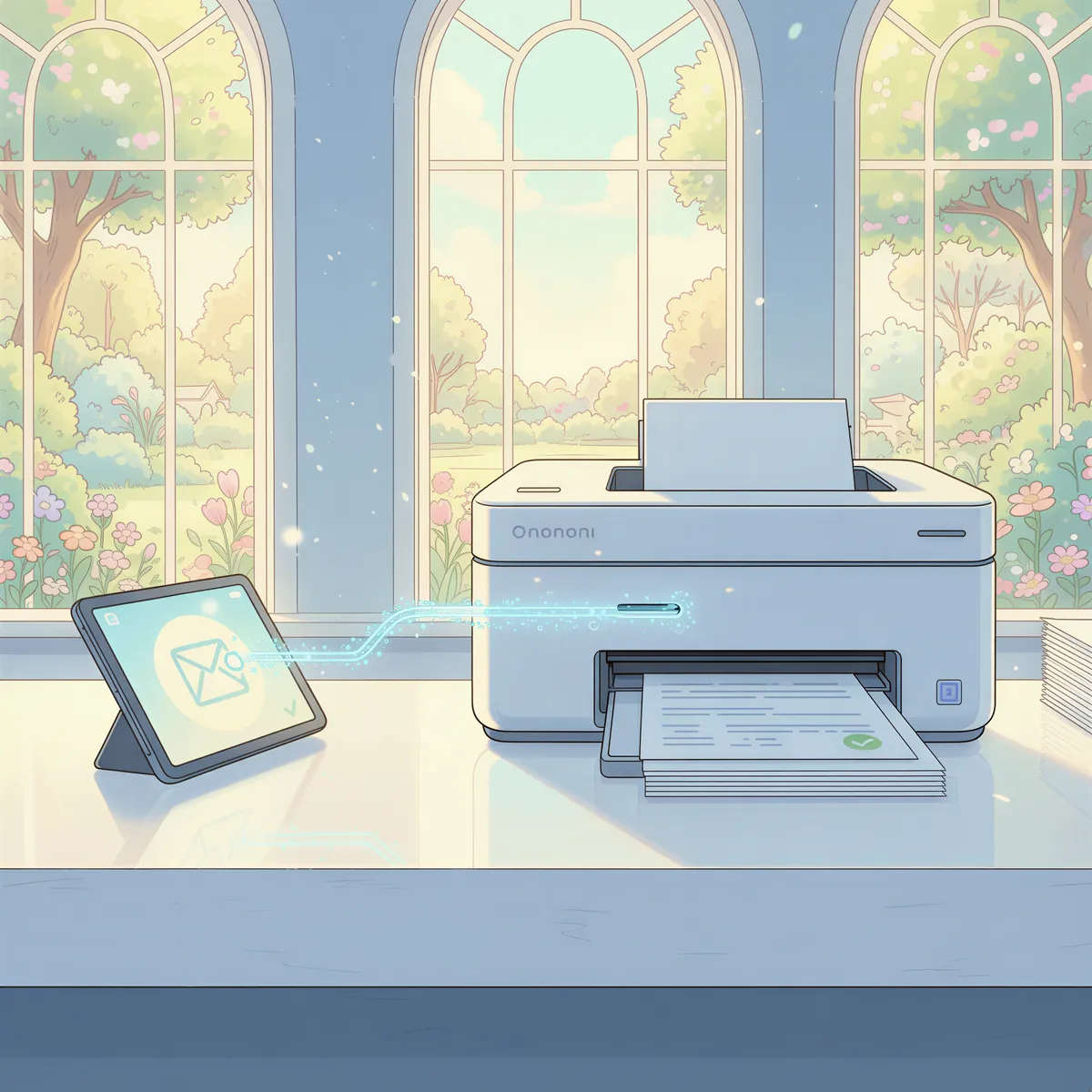
AutoPrintEmail is a desktop app that watches your inbox and prints matching emails automatically.
For a medical office, this means:
- Lab sends results to your secure email — works with Gmail, Outlook, or any IMAP provider
- AutoPrintEmail detects the email (by sender, subject, or label)
- The result prints immediately at the nurses' station
- Staff sees it without checking email
No clicking. No forgetting. No delays.
We've built a complete healthcare document printing solution around these exact workflows.
HIPAA Compliance Considerations
Let's address the elephant in the room: Is this HIPAA-compliant?
Here's why AutoPrintEmail works for healthcare:
- Local-first processing — PDFs and images never leave your computer or network
- Office document conversion — Word, Excel, and PowerPoint files are securely converted to PDF via our servers and deleted within 24 hours
- Same security as manual printing — if you can print it manually, you can auto-print it
- Printer access controls — use secure printers with the same controls you already have
AutoPrintEmail doesn't change what gets printed or where it goes. It just automates the when.
Your existing HIPAA-compliant printing practices stay exactly the same.
Example Medical Office Setups
🔬 Lab Results Station
Put a printer at the nurses' station and route every lab result there. The MA reviews the stack before calling patients. No email checking required.
📋 Insurance EOB Processing
Route insurance EOBs to the billing coordinator's printer. At the end of the day, they work through the pile in one batch instead of hunting through email.
📤 Referral Management
Set a rule for incoming referral letters so they print at the front desk. Staff see them as soon as they land and can call the patient to book.
💊 Prior Auth Tracking
Print prior auth responses the moment they arrive. A time-sensitive approval doesn't sit in an inbox while the patient waits.

TL;DR
Manual email printing in healthcare isn't just inefficient.
It's a compliance risk. A patient satisfaction issue. And a daily frustration for your staff.
AutoPrintEmail makes sure critical documents print the moment they arrive — without anyone remembering to check email.
- Local-first processing — Office documents securely converted via our servers and deleted within 24 hours
- Prints lab results, EOBs, referrals, and more
- Works with any printer you already trust
Just $499 for lifetime access. See our full healthcare document printing solution or read our complete automation guide.
Your patients are waiting.
Don't make documents wait too.
Ready to get started?
Let the printer open the inbox.
90,000+ emails have printed themselves so far. Nobody opened an inbox. Nobody clicked print.