1. Blog
    2. Stop Staring at Screens Before Bed. Let Your Emails Print Themselves Overnight
    Back

    Stop Staring at Screens Before Bed. Let Your Emails Print Themselves Overnight

    MMitchel Kelonye
    •
    Aug 1
    •
    Newsletters
    Morning Routine
    Digital Wellness
    Productivity

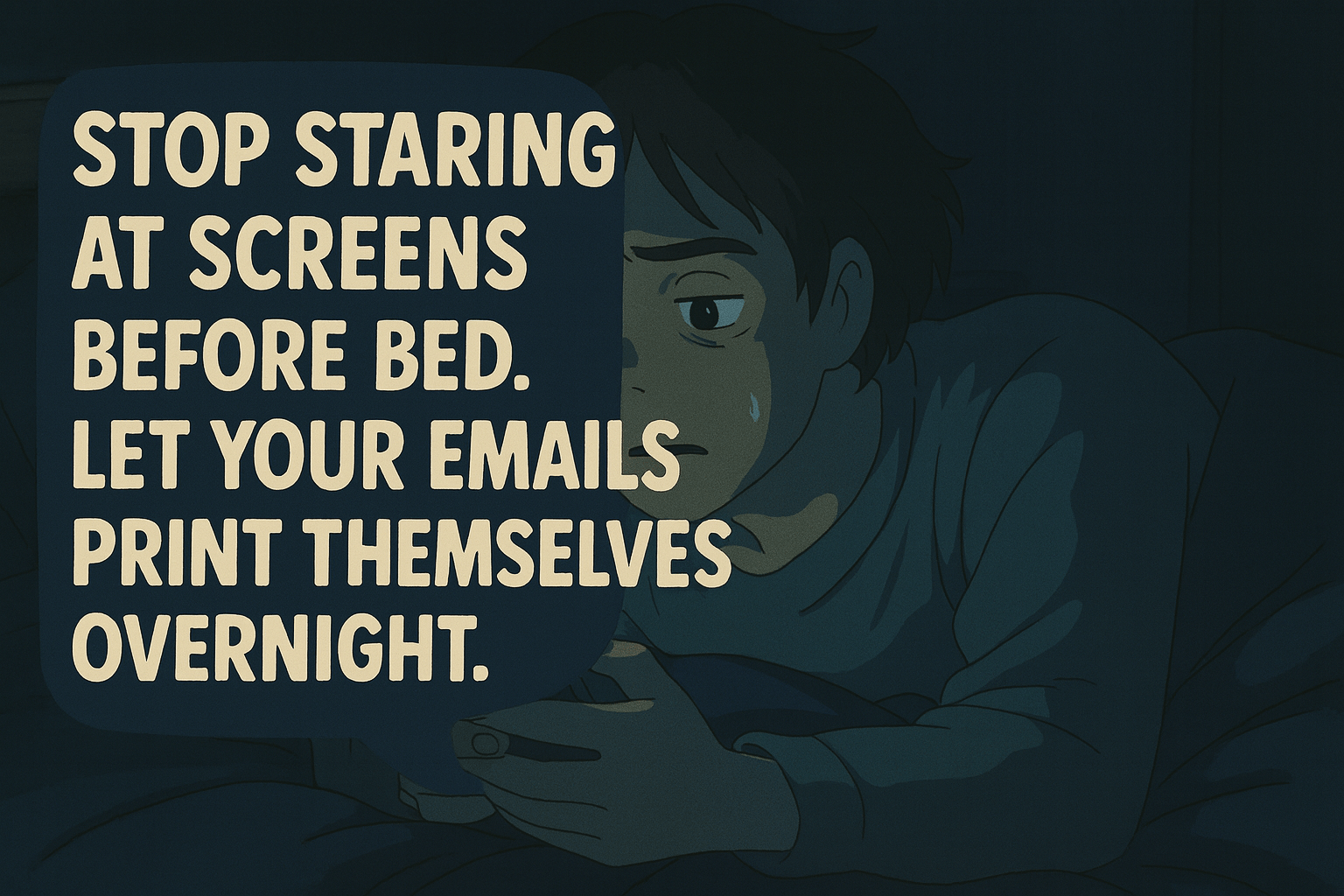
    Animated image of a young person in bed, looking concerned while holding a device, with text encouraging reducing screen time before bed and suggesting emails be printed overnight.

    You don’t need another productivity hack.
    You need fewer tabs in your brain.

    You subscribe to some of the smartest newsletters like tmaker.io on the internet.

    You know — the kind of stuff that’s supposed to make you wiser, sharper, 1% better.

    But here’s what actually happens:

    1. You open it at 9:48pm, promising “just 2 minutes.”
    2. You get sucked into a link rabbit hole.
    3. You end up doomscrolling Hacker News.
    4. You close your laptop at midnight with dried eyes and zero retention.

    Sound familiar?

    We built AutoPrintEmail for you.

    Table of Contents

    • Read With Your Eyes. Not Your Screen.
    • Why This Works
    • Let’s Talk Mornings
    • Built for Newsletter Nerds
    • Setup is Easy (And You Only Do It Once)
    • This Isn’t Just for Founders
    • What to Print
    • TL;DR

    Read With Your Eyes. Not Your Screen.

    AutoPrintEmail is a simple desktop app that automatically prints newsletters and other selected emails the moment they hit your inbox.

    • 🖨️ You set a rule
    • 🌙 Leave your laptop alone
    • 🍳 Wake up to fresh, printed pages next to your coffee mug

    No clicks. No tabs. No distractions. Just a stack of insight waiting to be read like it’s 2004.


    Why This Works

    Most people want to read newsletters. But email is the wrong place to do it.

    It’s full of context-switching traps:

    • A notification from Slack
    • A reminder about payroll
    • That promo from Amazon you didn’t ask for

    Email is for action. Newsletters are for reflection.

    Printing creates separation.

    You don’t skim a printed page. You don’t “mark as unread” in real life. You either read it — or recycle it. And that’s the clarity your brain craves.
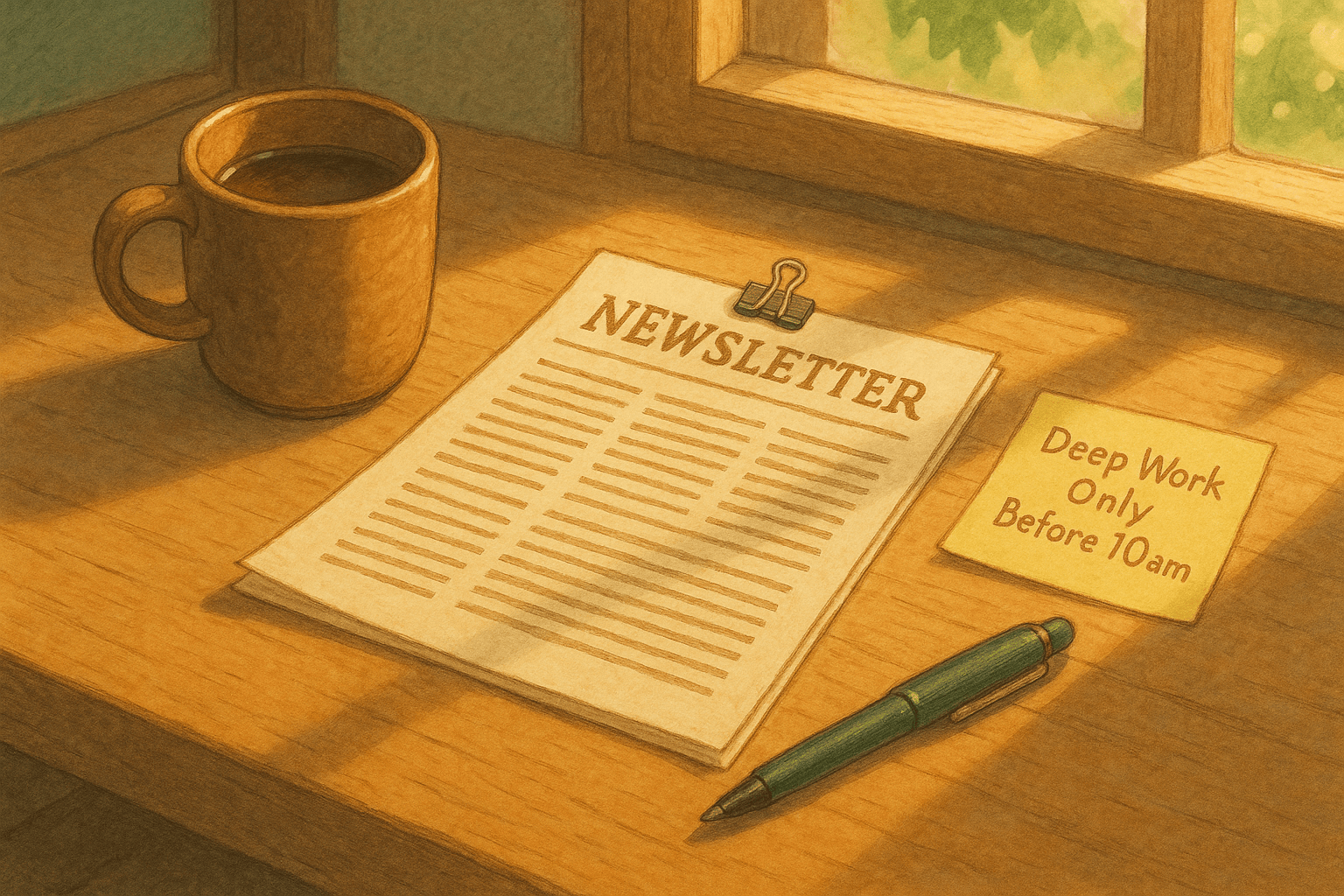

    Cozy workspace with a mug of coffee, a newsletter, and a reminder note for deep work before 10am.

    Let’s Talk Mornings

    There’s a version of your morning that feels like this:

    • You pour coffee
    • You sit outside, or by the window
    • You read a stack of yesterday’s best ideas
    • You highlight with a pen
    • You finish feeling grounded, focused, inspired

    Then — and only then — you open your laptop and go into “builder mode.”

    That’s what AutoPrintEmail unlocks.

    It’s not about printers. It’s about protecting your mental runway.


    Built for Newsletter Nerds

    You know who you are:

    • 📨 Subscribed to Lenny, Every, Dense Discovery
    • 📚 Saved “for later” 39 issues ago
    • 🤯 Feeling overwhelmed by the firehose of brilliance

    AutoPrintEmail gives you your time back. Literally.

    You no longer have to choose between reading or resting. You get to read offline, in peace, without blue light or dopamine loops.


    Setup is Easy (And You Only Do It Once)

    1. Install the app (macOS, Linux or Windows)
    2. Connect Gmail or Outlook (learn more about Gmail's native printing limitations)
    3. Set up a rule/filter in your email provider to automatically sort emails into new/existing folders/mailboxes (e.g. Substack)
    4. Set your preferred printer
    5. Forget it exists

    Whether you're using automatic Gmail printing or automatic Outlook printing, AutoPrintEmail works like a nocturnal librarian — curating your next day's insights without opening a single tab.


    This Isn’t Just for Founders

    We built this for:

    • Newsletter readers who care about their screen time
    • Indie hackers who crave deep work mornings
    • Writers who highlight by hand
    • Product people who think better away from keyboards
    • Humans who want better sleep and better mornings

    If you've ever said, "I really should read more of the newsletters I subscribe to," this is your fix. And if you're curious about other use cases, check out how freelancers are automatically printing invoices and contracts.


    What to Print

    • 🧠 Lenny’s Newsletter
    • 💸 Divinations by Every
    • ✍️ Dense Discovery
    • 📬 IndieHackers Digest
    • 💰 Tibo’s Weekly MicroSaas Tips
    • 💡 Your own weekly brain dump
    • 📈 Substack essays from niche creators

    TL;DR

    Your laptop is not your friend after 10pm. Your inbox is not your reading space. Your newsletters deserve more than a "later" you'll never keep.

    AutoPrintEmail:

    • Automatically prints newsletters at night
    • Protects your screentime and your sleep
    • Delivers morning reading — paper, not pixels

    Wake up. Pour coffee. Read smarter.

    🖨️ → Get AutoPrintEmail

    Just $99 for a lifetime license — no monthly fees, no per-print charges. Your morning reading habit shouldn't come with a subscription.

    Because ideas are better in your hands than lost in your inbox.


    Ready to get started?

    Start Printing Your Emails Today

    Join thousands of users who have reduced their screen time while staying connected.

    Get Started Free
    Or download directly:
    Secure

    Local printing. Your emails are never sent to our servers.

    Cross-Platform

    Works on Windows, Mac, and web browsers

    Fully Automated

    No need to open your browser or email client to manually print your emails.


    Thanks for reading! If you want to see future content, subscribe to our RSS feed.

    ← Older
    AutoPrintEmail: The Smart Way to Automatically Print and Organize Your Emails
    Newer →
    How Freelancers Print Contracts, Invoices & Approvals — Without Clicking Anything
    Latest posts
    The Hidden Cost of Manual Email Printing
    Why $99 Lifetime Instead of Monthly Subscriptions
    From Email to Paper in 3 Seconds: How AutoPrintEmail Works
    Auto-Print Invoices from QuickBooks, Xero, and FreshBooks
    FolderMill vs AutoPrintEmail: Folder Watching vs Email Watching
    Auto Shops: Print Work Orders Automatically from Email
    PrintNode vs AutoPrintEmail: Cloud API vs Desktop Simplicity
    IMAP vs OAuth: Which Email Connection Is Right for You?
    Insurance Agencies: Auto-Print COIs the Moment They're Issued
    Gmail Filters Aren't Enough: When You Need Real Automation
    Real Estate Agents: Auto-Print Contracts the Moment They're Signed
    Shopify Order Printing: Native vs AutoPrintEmail
    Healthcare Compliance: Why Manual Email Printing Is a Risk
    The Freelancer's Paper Trail Problem (And How to Fix It)
    The 5-Minute Setup That Saves Logistics Companies Hours
    Etsy Sellers: Stop Manually Printing Packing Slips
    Why Your Small Restaurant Still Needs Auto-Print for Online Orders
    Outlook vs AutoPrintEmail: Which Is Better for Auto Printing?
    Gmail’s Native Printing Limitations – And How to Fix Them
    How Freelancers Print Contracts, Invoices & Approvals — Without Clicking Anything
    AutoPrintEmail: The Smart Way to Automatically Print and Organize Your Emails
    AutoPrintEmail

    The desktop app that sends emails directly to your printer. Reduce screen time without missing important communications.

    Quick Links

    • Automated Email Printing Guide
    • Benefits
    • How It Works
    • Testimonials
    • FAQ
    • Privacy Policy
    • Terms of Service

    Download

    Get started with AutoPrintEmail today and receive a 3-day free trial.

    Get Started Free

    Email Printing

    • Auto-Print Email Attachments (PDF, Photos, Docs) - 2 Minute Setup
    • Auto-Print Email Invoices & Receipts | Automatic Business Printing
    • Auto-Print Gmail Emails (2026 Guide) | Automatic Gmail Printing
    • Auto-Print Outlook Emails (2026 Fix) | Reliable Office 365 Printing
    • Email Printing Automation for Business Operations | Secure & Reliable

    Compare

    • AutoPrintEmail vs Automatic Email Manager - Simple Wins
    • AutoPrintEmail vs AutoPrintOrder - Why Limit Yourself?
    • AutoPrintEmail vs Black Ice Software - Business Owner vs Developer Tool
    • AutoPrintEmail vs FolderMill - Small Business vs Enterprise
    • AutoPrintEmail vs Fyxer AI - Automation vs Monthly Subscriptions
    • AutoPrintEmail vs MAPILab Print Tools - The Add-In Killer
    • AutoPrintEmail vs PrintNode - No-Code vs Developer Tool
    • AutoPrintEmail vs Sperry Software Auto Print - Standalone App vs Outlook Add-In

    Integrations

    • Auto-Print Gmail Attachments & Emails - Set It and Forget It
    • Auto-Print Outlook Emails & Attachments - Works with Office 365
    • Auto-Print Shopify Orders & Packing Slips - Zero-Click Fulfillment
    • Auto-Print Etsy Orders & Packing Slips - Handmade Seller Automation
    • Auto-Print IMAP/POP3 Emails - Works with Any Email Provider

    Solutions

    • Invoice Printing Automation - Stop Manual Invoice Processing
    • Stop Manually Printing E-commerce Invoices - Automate in 2 Minutes
    • Restaurant Order Printing Automation - Auto-Print Delivery Orders
    • Legal & Real Estate Document Printing Automation
    • Logistics Waybill & Shipping Label Automation
    • Healthcare Document Printing Automation - HIPAA-Compliant Local Processing
    • Accounting Firm Document Automation - Auto-Print Tax Docs & Client Files
    • Auto Shop Document Automation - Print Work Orders & Estimates Automatically
    • Insurance Agency Document Automation - Auto-Print Policies, COIs & Claims

    © 2026 AutoPrintEmail. All rights reserved.

    Privacy PolicyTerms of Service

    AutoPrintEmail
    GuidePricingDownloadBlog
    Sign InGet Started Free