1. Blog
    2. Real Estate Agents: Auto-Print Contracts the Moment They're Signed

    Back

    Real Estate Agents: Auto-Print Contracts the Moment They're Signed

    MMitchel Kelonye
    •
    Feb 3
    •
    Real Estate
    Contracts
    Automation

    Studio Ghibli style banner showing a cozy home office at night where a printer is happily spitting out a signed contract while an agent smiles, featuring the text overlay.

    It's 9:47 PM. Your client just signed.

    The DocuSign email hit your inbox. The deal is done. But you're at your kid's soccer game, and you won't be at your desk until tomorrow.

    By then, you'll have 47 other emails. That signed contract? Buried.

    What if it was already printed and waiting for you?

    Table of Contents

    • The Real Estate Document Chaos
    • Why Email Is the Worst Filing System
    • Auto-Print Changes Everything
    • How It Works for Real Estate
    • Real Agent Use Cases
    • The Compliance Bonus
    • TL;DR

    The Real Estate Document Chaos

    As a real estate agent, your inbox is a document warehouse:

    • Signed purchase agreements
    • Disclosure forms
    • Counter-offers
    • Inspection reports
    • Title documents
    • Closing statements

    Every single one arrives via email. Usually from DocuSign, HelloSign, or DotLoop.

    And every single one needs to eventually become paper. For your records. For your broker. For the file.

    Studio Ghibli illustration of an overwhelming email inbox overflowing with paper documents stacked like chaotic towers around a desk.


    Why Email Is the Worst Filing System

    You tell yourself you'll organize later.

    Then a hot lead calls. Another showing request. A bidding war starts.

    And suddenly it's 3 weeks later and you're searching "signed" in Gmail trying to find that one document your broker asked for.

    Email wasn't designed to be an archive. It's where documents go to get lost.

    A digital representation of an email screen where documents are dissolving into thin air, illustrating poor archiving.


    Auto-Print Changes Everything

    With AutoPrintEmail, here's what happens:

    1. Client signs in DocuSign
    2. Completed document emails to you
    3. Your home office printer immediately spits out the signed contract
    4. It's in your file before you even see the email

    No clicking. No remembering. No hunting.

    We built a complete legal and real estate solution around exactly this workflow.
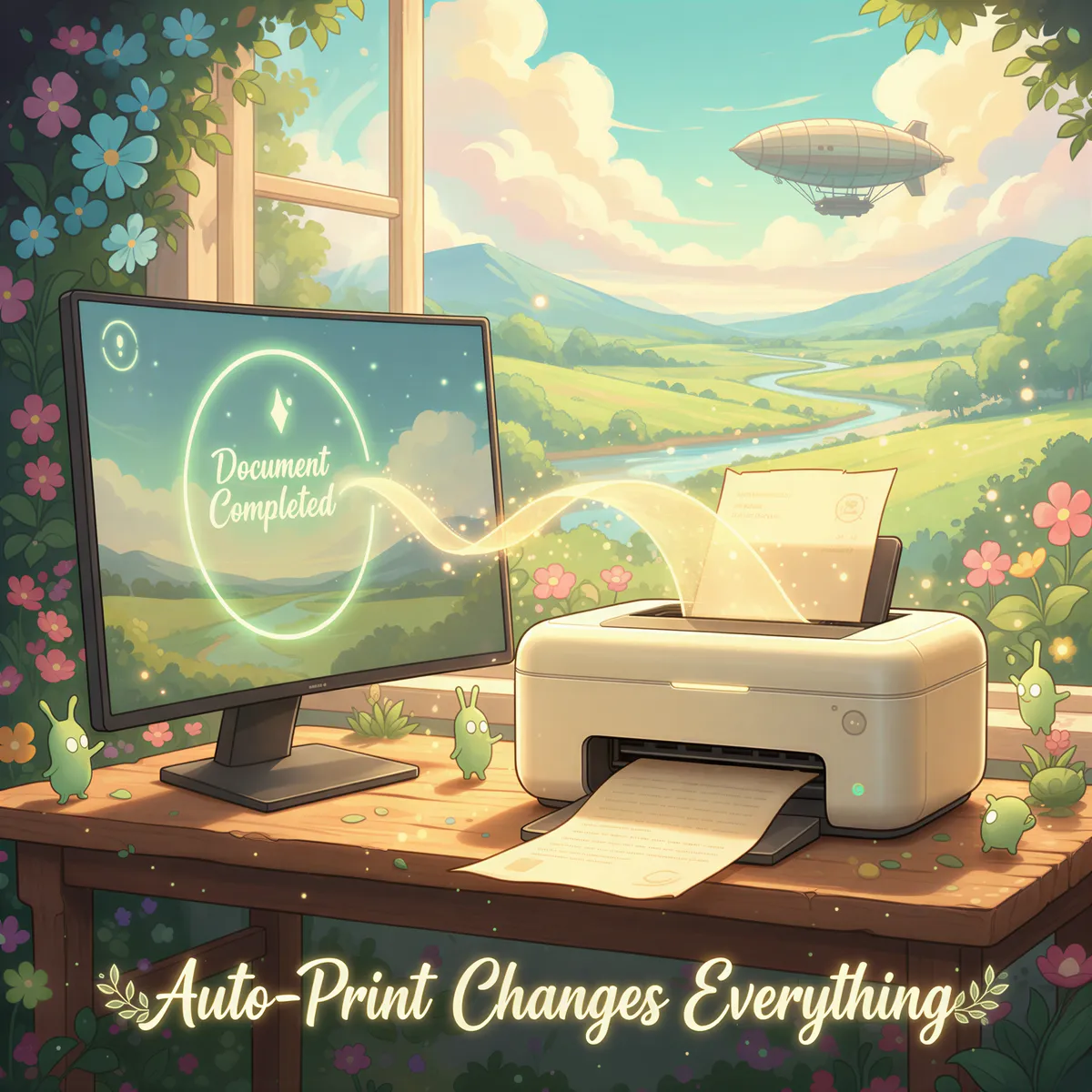
    A magical moment where a printed document emerges directly from a stylized email notification icon near a printer.


    How It Works for Real Estate

    1. Download AutoPrintEmail — runs on Mac, Windows, or Linux
    2. Connect your email — Gmail, Outlook, or any provider
    3. Create filters for signed documents:
      • from:docusign.com + subject:completed
      • from:hellosign.com + subject:signed
      • from:dotloop.com
    4. Point to your office printer
    5. Let it run 24/7

    Every signed document prints automatically. Walk into your office, and there's a stack of completed deals waiting to be filed.

    A friendly agent setting up clear digital filters on a screen leading directly to a neatly organized stack of printed documents.


    Real Agent Use Cases

    🏠 The Transaction File

    One agent has a folder for each active transaction. Signed docs auto-print, and she drops them in the right folder immediately. Closing day? The file is already complete.

    📋 Broker Compliance

    Another agent's brokerage requires paper copies of everything. AutoPrintEmail ensures every document is printed without her having to remember. Compliance audits? No problem.

    🗂️ The Home Office System

    A top producer works from home. His printer sits next to his desk. Signed contracts print throughout the day — he never opens DocuSign just to download and print.

    ⚡ The Speed Advantage

    In a hot market, speed matters. One agent gets counter-offers printed the moment they're signed, so she can immediately present to sellers without fumbling through email.


    The Compliance Bonus

    Many brokerages require paper files. Many states require document retention.

    When documents auto-print, you're automatically building your compliance archive. No extra effort.

    And if there's ever a dispute? You've got the paper trail.

    A Ghibli-style scene showing an agent easily presenting a perfectly organized paper file during a compliance review with a pleased broker.


    TL;DR

    Your inbox is full of signed contracts.

    Your file cabinet should be too.

    AutoPrintEmail prints DocuSign, HelloSign, and DotLoop documents the moment they're completed — no clicking, no downloading, no forgetting.

    • Works with any e-signature platform
    • Prints to any home office or brokerage printer
    • Builds your paper trail automatically

    🖨️ → Try AutoPrintEmail Free

    Just $99 for lifetime access. See our legal and real estate solution for more details, or check out our complete automation guide.


    Deals close at all hours.

    Your printer can keep up.

    Ready to get started?

    Start Printing Your Emails Today

    Join thousands of users who have reduced their screen time while staying connected.

    Get Started Free
    Or download directly:
    Secure

    Local printing. Your emails are never sent to our servers.

    Cross-Platform

    Works on Windows, Mac, and web browsers

    Fully Automated

    No need to open your browser or email client to manually print your emails.


    Thanks for reading! If you want to see future content, subscribe to our RSS feed.

    ← Older
    Shopify Order Printing: Native vs AutoPrintEmail
    Newer →
    Gmail Filters Aren't Enough: When You Need Real Automation
    Latest posts
    The Hidden Cost of Manual Email Printing
    Why $99 Lifetime Instead of Monthly Subscriptions
    From Email to Paper in 3 Seconds: How AutoPrintEmail Works
    Auto-Print Invoices from QuickBooks, Xero, and FreshBooks
    FolderMill vs AutoPrintEmail: Folder Watching vs Email Watching
    Auto Shops: Print Work Orders Automatically from Email
    PrintNode vs AutoPrintEmail: Cloud API vs Desktop Simplicity
    IMAP vs OAuth: Which Email Connection Is Right for You?
    Insurance Agencies: Auto-Print COIs the Moment They're Issued
    Gmail Filters Aren't Enough: When You Need Real Automation
    Shopify Order Printing: Native vs AutoPrintEmail
    Healthcare Compliance: Why Manual Email Printing Is a Risk
    The Freelancer's Paper Trail Problem (And How to Fix It)
    The 5-Minute Setup That Saves Logistics Companies Hours
    Etsy Sellers: Stop Manually Printing Packing Slips
    Why Your Small Restaurant Still Needs Auto-Print for Online Orders
    Outlook vs AutoPrintEmail: Which Is Better for Auto Printing?
    Gmail’s Native Printing Limitations – And How to Fix Them
    How Freelancers Print Contracts, Invoices & Approvals — Without Clicking Anything
    Stop Staring at Screens Before Bed. Let Your Emails Print Themselves Overnight
    AutoPrintEmail: The Smart Way to Automatically Print and Organize Your Emails
    AutoPrintEmail

    The desktop app that sends emails directly to your printer. Reduce screen time without missing important communications.

    Quick Links

    • Automated Email Printing Guide
    • Benefits
    • How It Works
    • Testimonials
    • FAQ
    • Privacy Policy
    • Terms of Service

    Download

    Get started with AutoPrintEmail today and receive a 3-day free trial.

    Get Started Free

    Email Printing

    • Auto-Print Email Attachments (PDF, Photos, Docs) - 2 Minute Setup
    • Auto-Print Email Invoices & Receipts | Automatic Business Printing
    • Auto-Print Gmail Emails (2026 Guide) | Automatic Gmail Printing
    • Auto-Print Outlook Emails (2026 Fix) | Reliable Office 365 Printing
    • Email Printing Automation for Business Operations | Secure & Reliable

    Compare

    • AutoPrintEmail vs Automatic Email Manager - Simple Wins
    • AutoPrintEmail vs AutoPrintOrder - Why Limit Yourself?
    • AutoPrintEmail vs Black Ice Software - Business Owner vs Developer Tool
    • AutoPrintEmail vs FolderMill - Small Business vs Enterprise
    • AutoPrintEmail vs Fyxer AI - Automation vs Monthly Subscriptions
    • AutoPrintEmail vs MAPILab Print Tools - The Add-In Killer
    • AutoPrintEmail vs PrintNode - No-Code vs Developer Tool
    • AutoPrintEmail vs Sperry Software Auto Print - Standalone App vs Outlook Add-In

    Integrations

    • Auto-Print Gmail Attachments & Emails - Set It and Forget It
    • Auto-Print Outlook Emails & Attachments - Works with Office 365
    • Auto-Print Shopify Orders & Packing Slips - Zero-Click Fulfillment
    • Auto-Print Etsy Orders & Packing Slips - Handmade Seller Automation
    • Auto-Print IMAP/POP3 Emails - Works with Any Email Provider

    Solutions

    • Invoice Printing Automation - Stop Manual Invoice Processing
    • Stop Manually Printing E-commerce Invoices - Automate in 2 Minutes
    • Restaurant Order Printing Automation - Auto-Print Delivery Orders
    • Legal & Real Estate Document Printing Automation
    • Logistics Waybill & Shipping Label Automation
    • Healthcare Document Printing Automation - HIPAA-Compliant Local Processing
    • Accounting Firm Document Automation - Auto-Print Tax Docs & Client Files
    • Auto Shop Document Automation - Print Work Orders & Estimates Automatically
    • Insurance Agency Document Automation - Auto-Print Policies, COIs & Claims

    © 2026 AutoPrintEmail. All rights reserved.

    Privacy PolicyTerms of Service

    AutoPrintEmail
    GuidePricingDownloadBlog
    Sign InGet Started Free