1. Blog
    2. Insurance Agencies: Auto-Print COIs the Moment They're Issued
    Back

    Insurance Agencies: Auto-Print COIs the Moment They're Issued

    MMitchel Kelonye
    •
    Feb 10
    •
    Insurance
    Certificates
    Automation

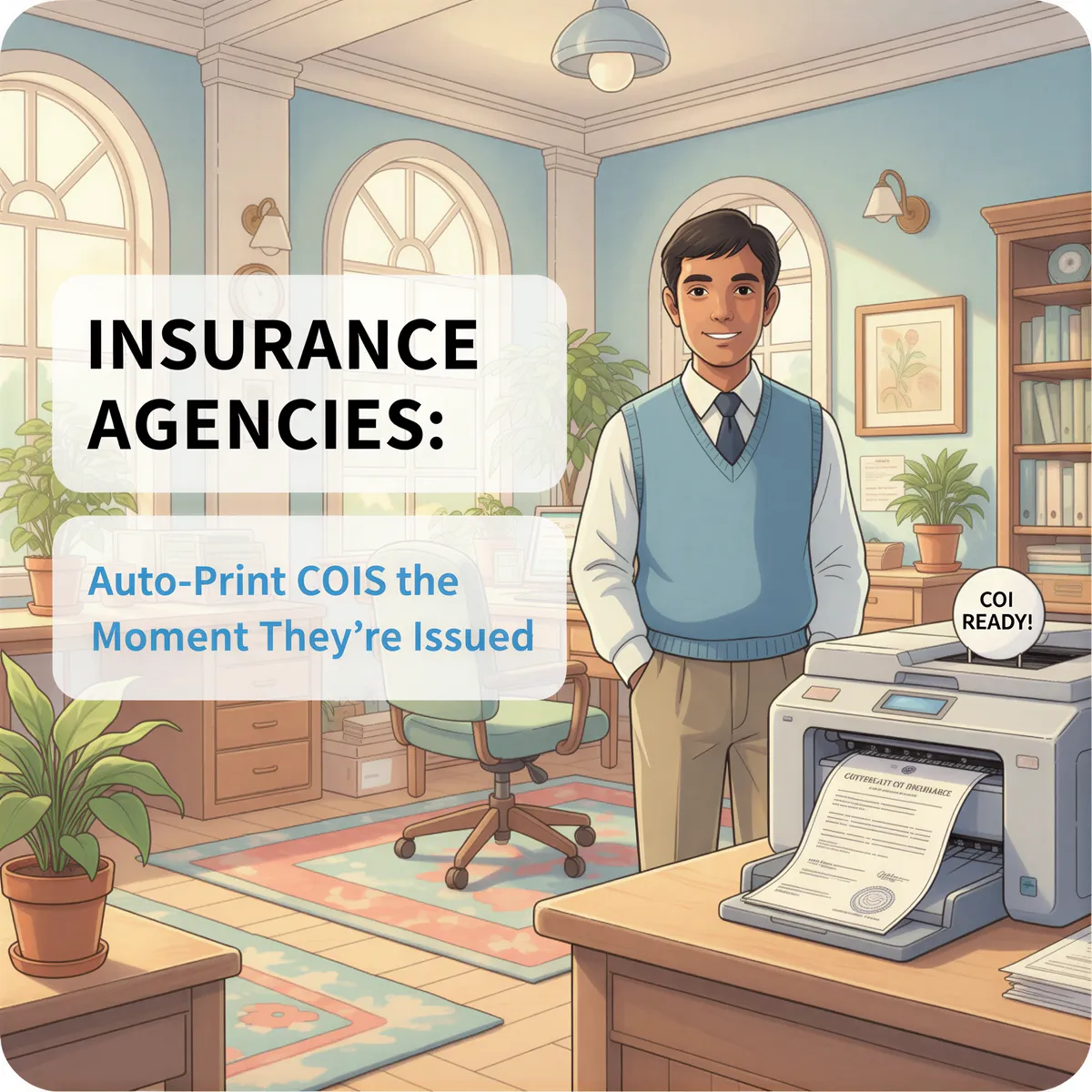
    Studio Ghibli style banner showing a busy but calm insurance office where a printed Certificate of Insurance (COI) automatically appears on a desk.

    A contractor calls. They need a COI for a job starting tomorrow.

    You pull up the policy. Generate the certificate. Email it to yourself.

    Then you print it, scan it, and email it to the contractor.

    That's 8 steps for a 30-second document.

    Table of Contents

    • The COI Bottleneck
    • Why Email Is Part of the Problem
    • Auto-Print Solves the Paper Step
    • How It Works for Insurance Agencies
    • Real Agency Use Cases
    • The Speed Advantage
    • TL;DR

    The COI Bottleneck

    Certificates of Insurance are simple documents. But they create constant interruptions.

    Every COI request means:

    • Stop what you're doing
    • Log into the carrier system
    • Generate the certificate
    • Email it to yourself
    • Open the email
    • Download and print
    • Walk to the printer
    • Scan and send

    Multiply that by 20 COI requests a day. That's your entire morning.

    Ghibli illustration of an insurance agent overwhelmed by ringing phones and stacks of papers representing constant COI requests.


    Why Email Is Part of the Problem

    Most agency management systems email COIs to a shared inbox when they're generated.

    That's supposed to be convenient. Instead, it creates a pile-up.

    • Certificates sit in email until someone notices
    • Multiple people check the same inbox
    • Things get printed twice — or not at all
    • Rush requests get buried under routine ones

    Email isn't a workflow. It's a holding pen.

    Ghibli illustration showing a digital illustration of a crowded email inbox filled with unread COI notifications stacked like physical mail.


    Auto-Print Solves the Paper Step

    With AutoPrintEmail, here's what happens:

    1. COI is generated in your agency system
    2. System emails the certificate
    3. AutoPrintEmail detects the email instantly
    4. Certificate prints at your front desk

    No clicking. No downloading. No walking to the printer.

    The certificate is printed before you even see the email notification.
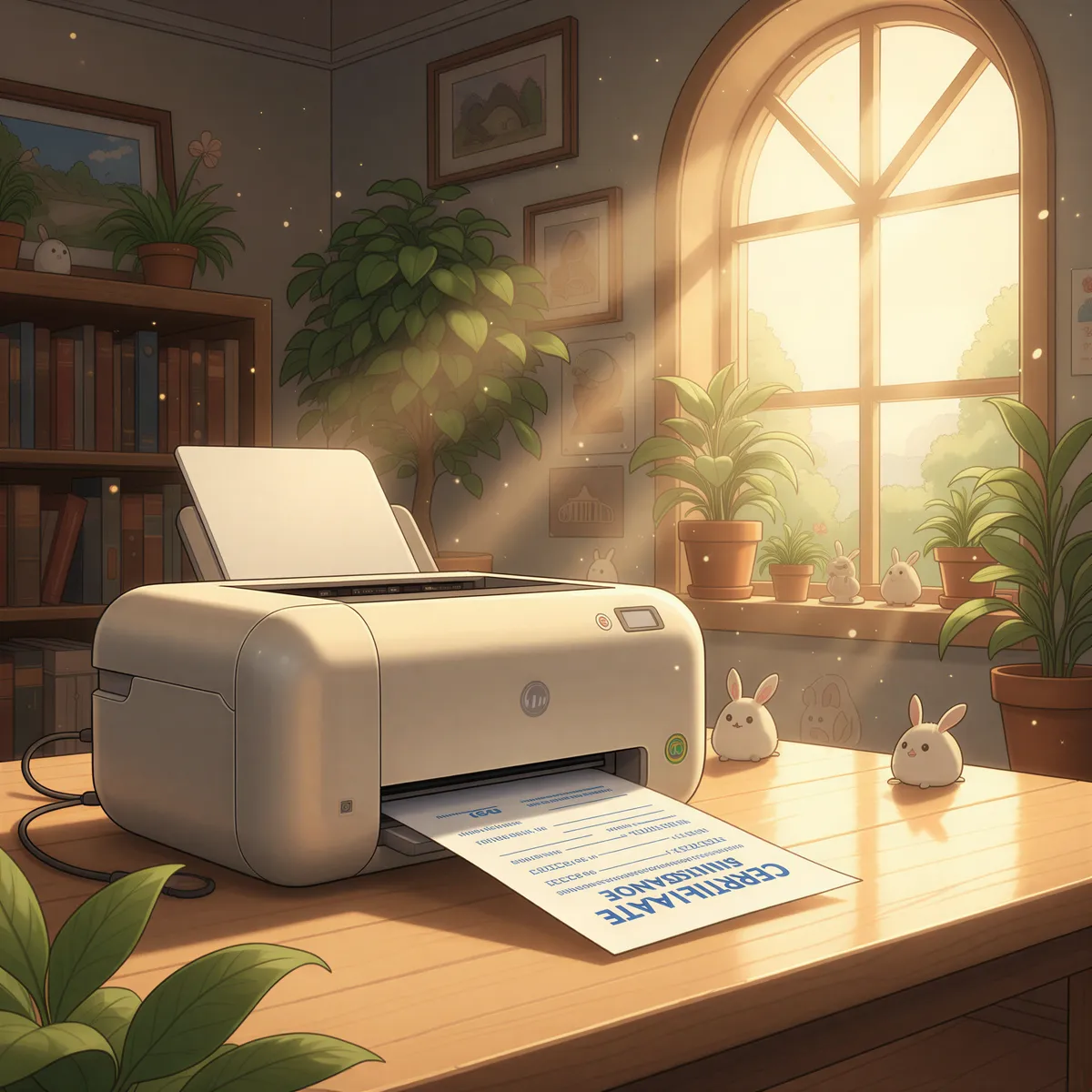
    Ghibli illustration showing a COI seamlessly emerging from a printer directly onto a clean desk surface without human interaction.


    How It Works for Insurance Agencies

    1. Download AutoPrintEmail — runs on Mac, Windows, or Linux
    2. Connect your agency email — Gmail, Outlook, or any IMAP provider
    3. Create filters for COI emails:
      • from:notifications@applied.com (Applied Epic)
      • from:noreply@vertafore.com (AMS360)
      • from:*@hawksoft.com (HawkSoft)
      • Or your carrier's notification address
    4. Point to your front desk printer
    5. Let it run 24/7

    Every COI prints automatically. Walk-in clients? Hand them the certificate before they finish saying hello.
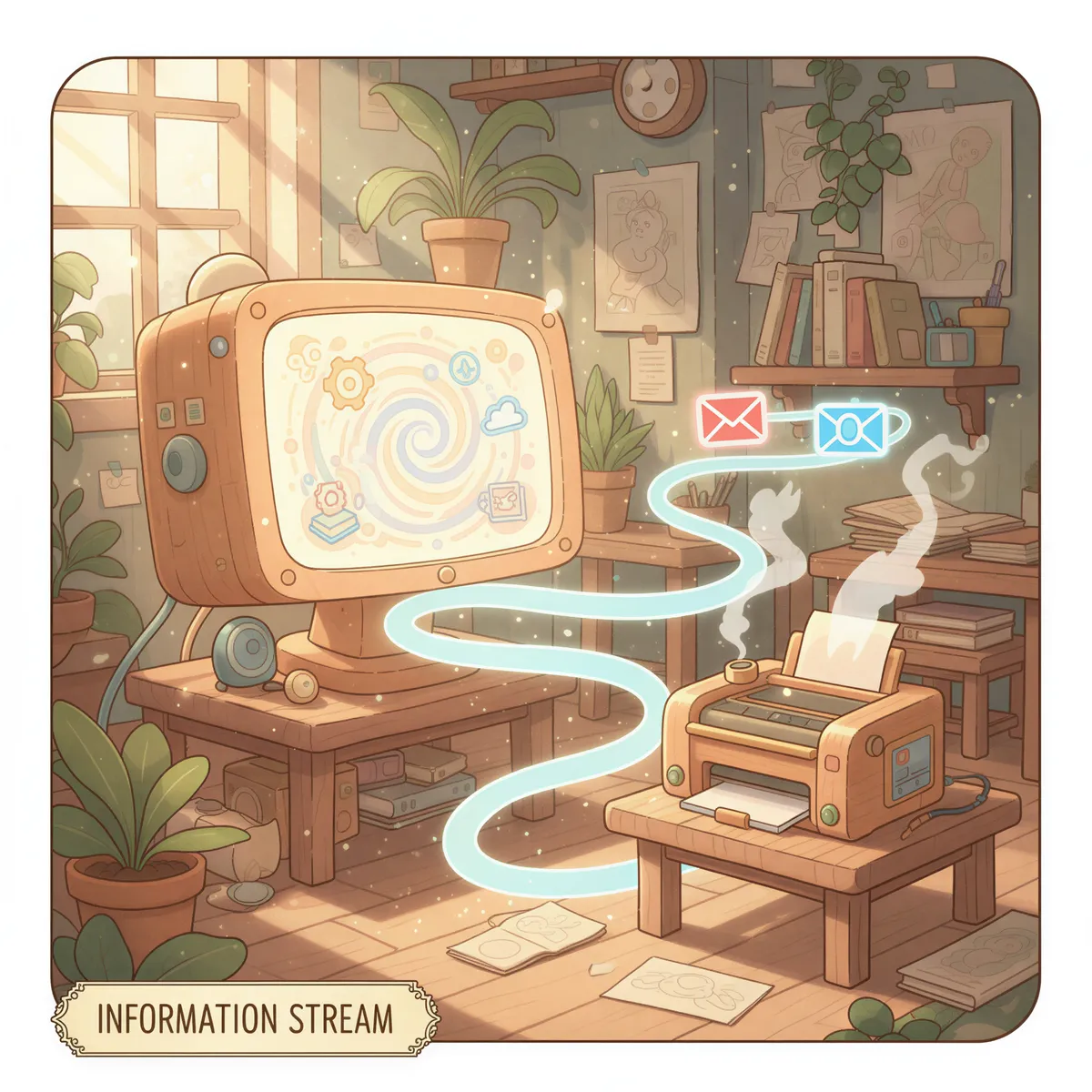
    Ghibli illustration showing a stylized visualization of software connections—a digital line flowing from an agency management system icon to a printer icon.


    Real Agency Use Cases

    📋 The Front Desk System

    One agency prints all COIs to the front desk. When a contractor walks in, the certificate is already in the tray. No waiting. No "let me print that for you."

    📧 The Multi-Location Setup

    A regional agency with 4 offices routes certificates to the right printer based on CSR email. Client in the Dallas office? Prints in Dallas.

    ⚡ The Same-Day Promise

    One agency promises same-day COIs. With auto-print, certificates are ready within seconds of generation. They upgraded to same-minute.

    🗂️ The Compliance File

    Another agency prints every COI to a back-office printer for filing. Audit time? Every certificate is already in paper form.


    The Speed Advantage

    Insurance is competitive. When a contractor needs coverage proof NOW, the agency that delivers fastest wins.

    With manual printing:

    • Client calls → 5-10 minutes to print and send

    With AutoPrintEmail:

    • Client calls → Certificate already printed → 30 seconds to scan and send

    That speed difference wins accounts.

    Ghibli illustration showing a smiling contractor receiving a pre-printed COI instantly from a calm insurance agent.


    TL;DR

    COI requests are constant. Printing them manually is slow.

    AutoPrintEmail prints certificates the moment your agency system generates them — no clicking, no downloading, no interruptions.

    • Works with Applied, Vertafore, HawkSoft, and any system that emails
    • Prints to any office printer
    • Handles rush requests automatically

    🖨️ → Try AutoPrintEmail Free

    Just $99 for lifetime access. Compare that to the time you spend printing COIs manually. Check out our solutions for more industry-specific workflows.


    Certificates of Insurance are urgent.

    Your printing should be instant.

    Ready to get started?

    Start Printing Your Emails Today

    Join thousands of users who have reduced their screen time while staying connected.

    Get Started Free
    Or download directly:
    Secure

    Local printing. Your emails are never sent to our servers.

    Cross-Platform

    Works on Windows, Mac, and web browsers

    Fully Automated

    No need to open your browser or email client to manually print your emails.


    Thanks for reading! If you want to see future content, subscribe to our RSS feed.

    ← Older
    Gmail Filters Aren't Enough: When You Need Real Automation
    Newer →
    IMAP vs OAuth: Which Email Connection Is Right for You?
    Latest posts
    The Hidden Cost of Manual Email Printing
    Why $99 Lifetime Instead of Monthly Subscriptions
    From Email to Paper in 3 Seconds: How AutoPrintEmail Works
    Auto-Print Invoices from QuickBooks, Xero, and FreshBooks
    FolderMill vs AutoPrintEmail: Folder Watching vs Email Watching
    Auto Shops: Print Work Orders Automatically from Email
    PrintNode vs AutoPrintEmail: Cloud API vs Desktop Simplicity
    IMAP vs OAuth: Which Email Connection Is Right for You?
    Gmail Filters Aren't Enough: When You Need Real Automation
    Real Estate Agents: Auto-Print Contracts the Moment They're Signed
    Shopify Order Printing: Native vs AutoPrintEmail
    Healthcare Compliance: Why Manual Email Printing Is a Risk
    The Freelancer's Paper Trail Problem (And How to Fix It)
    The 5-Minute Setup That Saves Logistics Companies Hours
    Etsy Sellers: Stop Manually Printing Packing Slips
    Why Your Small Restaurant Still Needs Auto-Print for Online Orders
    Outlook vs AutoPrintEmail: Which Is Better for Auto Printing?
    Gmail’s Native Printing Limitations – And How to Fix Them
    How Freelancers Print Contracts, Invoices & Approvals — Without Clicking Anything
    Stop Staring at Screens Before Bed. Let Your Emails Print Themselves Overnight
    AutoPrintEmail: The Smart Way to Automatically Print and Organize Your Emails
    AutoPrintEmail

    The desktop app that sends emails directly to your printer. Reduce screen time without missing important communications.

    Quick Links

    • Automated Email Printing Guide
    • Benefits
    • How It Works
    • Testimonials
    • FAQ
    • Privacy Policy
    • Terms of Service

    Download

    Get started with AutoPrintEmail today and receive a 3-day free trial.

    Get Started Free

    Email Printing

    • Auto-Print Email Attachments (PDF, Photos, Docs) - 2 Minute Setup
    • Auto-Print Email Invoices & Receipts | Automatic Business Printing
    • Auto-Print Gmail Emails (2026 Guide) | Automatic Gmail Printing
    • Auto-Print Outlook Emails (2026 Fix) | Reliable Office 365 Printing
    • Email Printing Automation for Business Operations | Secure & Reliable

    Compare

    • AutoPrintEmail vs Automatic Email Manager - Simple Wins
    • AutoPrintEmail vs AutoPrintOrder - Why Limit Yourself?
    • AutoPrintEmail vs Black Ice Software - Business Owner vs Developer Tool
    • AutoPrintEmail vs FolderMill - Small Business vs Enterprise
    • AutoPrintEmail vs Fyxer AI - Automation vs Monthly Subscriptions
    • AutoPrintEmail vs MAPILab Print Tools - The Add-In Killer
    • AutoPrintEmail vs PrintNode - No-Code vs Developer Tool
    • AutoPrintEmail vs Sperry Software Auto Print - Standalone App vs Outlook Add-In

    Integrations

    • Auto-Print Gmail Attachments & Emails - Set It and Forget It
    • Auto-Print Outlook Emails & Attachments - Works with Office 365
    • Auto-Print Shopify Orders & Packing Slips - Zero-Click Fulfillment
    • Auto-Print Etsy Orders & Packing Slips - Handmade Seller Automation
    • Auto-Print IMAP/POP3 Emails - Works with Any Email Provider

    Solutions

    • Invoice Printing Automation - Stop Manual Invoice Processing
    • Stop Manually Printing E-commerce Invoices - Automate in 2 Minutes
    • Restaurant Order Printing Automation - Auto-Print Delivery Orders
    • Legal & Real Estate Document Printing Automation
    • Logistics Waybill & Shipping Label Automation
    • Healthcare Document Printing Automation - HIPAA-Compliant Local Processing
    • Accounting Firm Document Automation - Auto-Print Tax Docs & Client Files
    • Auto Shop Document Automation - Print Work Orders & Estimates Automatically
    • Insurance Agency Document Automation - Auto-Print Policies, COIs & Claims

    © 2026 AutoPrintEmail. All rights reserved.

    Privacy PolicyTerms of Service

    AutoPrintEmail
    GuidePricingDownloadBlog
    Sign InGet Started Free